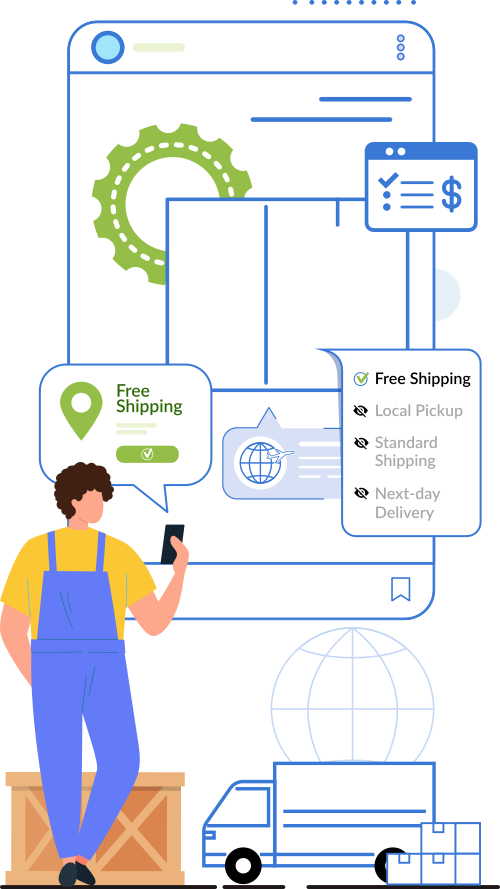
What does “hide shipping methods” mean in WooCommerce?
Hiding shipping methods in WooCommerce means controlling which delivery options appear at checkout based on specific business rules. By default, WooCommerce shows all available shipping methods within a zone. With PluginHive’s Hide Shipping Methods & Rate Adjustment for WooCommerce, you can create rule-based conditions so that only relevant shipping methods are displayed. The plugin evaluates cart data in real time and hides methods that don’t meet your defined criteria.
How can I hide other shipping methods when free shipping is available?
WooCommerce includes a basic setting to hide other shipping methods when free shipping is available, but it applies globally and offers limited flexibility. For more controlled logic, a plugin such as Hide Shipping Methods & Rate Adjustment for WooCommerce by PluginHive allows you to define conditional rules. It evaluates the configured conditions first and then hides unnecessary shipping methods at checkout, giving you more precise visibility control.
3. Can I hide shipping methods based on customer location?
Yes. The plugin allows you to create location-based rules using country, state, or postal code conditions. When a customer enters their shipping address, the plugin evaluates that information and hides shipping methods that are not applicable in that region. This is useful for stores with delivery restrictions or carrier-specific service areas.
4. Is it possible to hide shipping methods for specific products or categories?
Yes. PluginHive’s Hide Shipping solution supports product-level and category-level conditions. If certain products require special handling (e.g., heavy furniture or fragile goods), you can configure rules so only appropriate shipping methods appear when those items are in the cart. The plugin reads the cart contents and dynamically adjusts shipping visibility.
5. Can I hide shipping methods for certain user roles (e.g., wholesalers)?
Yes. The PH Hide Shipping Methods & Rate Adjustment for WooCommerce includes role-based shipping visibility. When a user logs in, the system detects their role (e.g., wholesale, retail, subscriber) and applies the relevant shipping rules. This allows you to show negotiated shipping methods to wholesalers while hiding them from retail customers.
6. Can shipping methods be hidden based on order subtotal or cart weight?
Yes. You can define subtotal or weight thresholds directly in the plugin’s rule settings. For example, hide express shipping when the cart weight exceeds 10kg, or hide standard shipping when the subtotal exceeds ₹3000. The plugin continuously evaluates these conditions at checkout and updates the visible shipping methods accordingly.
7. How do I hide third-party shipping methods like FedEx or UPS?
If you’re using carrier integrations (such as UPS or FedEx plugins), PluginHive’s hide shipping plugin can target those specific shipping method IDs. You can create rules that hide certain carrier services based on cart value, destination, or product type. This gives you granular control over which third-party services appear to customers.
8. Can I combine multiple conditions to hide shipping methods?
Yes. One of the strengths of PluginHive’s plugin is multi-condition rule support. You can combine parameters like cart total + product category + location within a single rule. The plugin processes all defined conditions before deciding whether a shipping method should be shown or hidden.
9. Can hiding shipping methods improve WooCommerce conversion rates?
Yes, indirectly. When customers see too many shipping options, it can create confusion. By using conditional hide shipping rules, you streamline the WooCommerce checkout process. Showing only relevant delivery options improves clarity and reduces decision fatigue, which can positively impact conversions.
10. Is it possible to adjust shipping rates based on conditions while hiding other methods?
Yes. A plugin such as Hide Shipping Methods & Rate Adjustment for WooCommerce by PluginHive allows you to both hide shipping methods and adjust shipping rates based on defined conditions. You can apply fixed or percentage-based rate changes tied to cart, product, or location rules, enabling control over both shipping visibility and pricing within the same setup.