


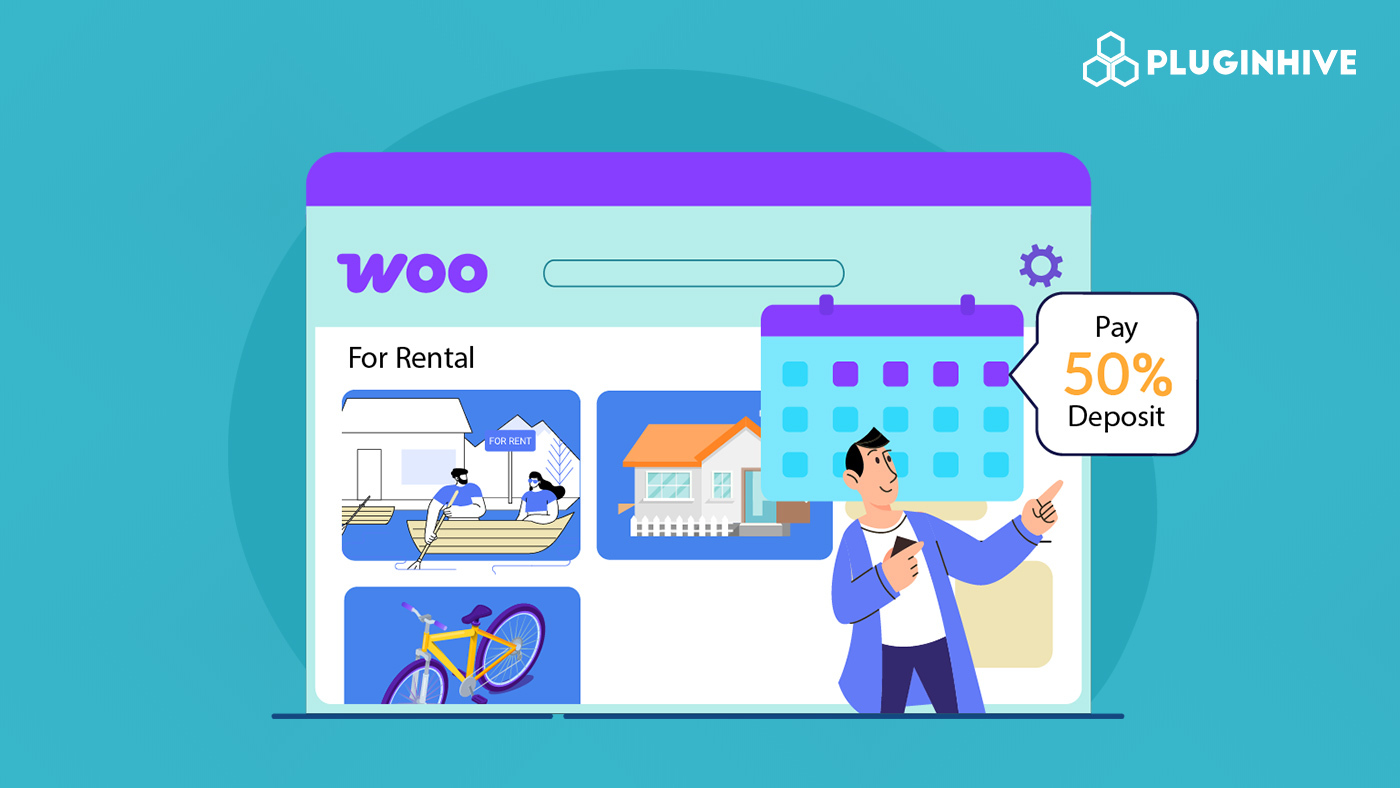
Rental businesses need commitment before a product leaves the store. However, forcing customers to pay the full rental amount upfront often results in fewer bookings, especially for expensive items like equipment, vehicles, or event supplies. This is why rental deposits are a critical part of a successful WooCommerce rental store.
This guide explains how to accept deposits in WooCommerce so you can secure reservations without blocking conversions. You will learn how to collect partial payments, schedule balance payments, and protect your inventory while giving customers a flexible way to book rentals.
Table of Contents
- Why Your WooCommerce Rental Store Needs Deposits
- How to Accept Rental Deposits in Your WooCommerce Store
- How WooCommerce Deposits Work in Real-World Rental Scenarios
- Best Practices for Managing Rental Deposits in WooCommerce
- Conclusion
- FAQs
Why Your WooCommerce Rental Store Needs Deposits
When you run a rental store, you’re not just selling products. You’re reserving equipment for specific customers and dates. That reservation blocks availability for everyone else, which makes an upfront commitment essential.
Deposits create a clear agreement between you and the customer. They show intent, reduce uncertainty, and protect your rental schedule.
Common Rental Payment Problems Without Deposits
Without a deposit system in place, most WooCommerce rental stores face the same pattern of problems.
- Customers abandon checkout at the last step: High rental prices often cause hesitation. When customers are asked to pay the full amount upfront, many leave before completing the booking.
- Bookings cancel with little notice: Without money at stake, customers cancel easily. This usually happens close to the rental date, leaving no time to replace the booking.
- Inventory stays blocked without commitment: Even without payment, booked items remain unavailable on your calendar. If the customer backs out, you lose potential rentals during that period.
- Cash flow becomes unpredictable: Rental businesses have costs before the rental begins, such as maintenance, cleaning, and staffing. Without deposits, payments often come too late to cover these expenses.
- Chasing payments after the rental: Collecting full payment after a rental increases the risk of delays or disputes, especially when damage, late returns, or extra charges are involved.
Deposits solve all these problems by securing both the booking and payment upfront.
How to Accept Rental Deposits in Your WooCommerce Store
To accept rental deposits in WooCommerce, you need a way to collect part of the payment at booking and the rest later. This is where the PH Deposits for WooCommerce plugin fits naturally into your rental store.
The plugin lets you offer deposits without changing how your store works. Customers book a rental, pay a deposit upfront, and return later to pay the remaining amount.


You start by deciding how deposits should work in your store. You can let customers choose between paying a deposit and the full amount. Required deposits work well when inventory is limited, while optional deposits help reduce checkout hesitation.

Next, you decide how much customers pay upfront. Some rental stores prefer a percentage of the total price, which works well for expensive rentals like vehicles or camera kits. Others prefer a fixed amount, which is useful when every rental needs the same level of commitment.

For longer or high-value rentals, you can also split payments over time. Instead of collecting the full balance at once, customers can pay in weekly or monthly installments. This makes rentals easier to afford while still keeping bookings secure.

Not every rental needs the same rules. You can apply different deposit amounts to different products. For example, you might require a higher deposit for heavy equipment and a smaller one for party supplies. This keeps deposit rules aligned with rental risk.

Once a customer pays a deposit, the remaining balance is tracked automatically in WooCommerce. Customers can see their balance in their account, receive reminders when payment is due, and complete the payment without extra steps. This keeps payments organized and reduces manual follow-ups.

If you want help getting started, refer to this setup guide – PH Deposits for WooCommerce plugin which shows you how to configure everything step by step.
How WooCommerce Deposits Work in Real-World Rental Scenarios
Different rental businesses use WooCommerce deposits in different ways. Here’s how deposits help across various rental industries.
| Rental Business | How WooCommerce Deposits Help |
|---|---|
| Camera & equipment rentals | A customer books a $1,500 camera kit. They pay a 30% deposit ($450) at booking and the remaining amount before pickup. This makes high-value gear easier to book while securing the reservation. |
| Tool & machinery rentals | A contractor rents equipment for a week. They pay a fixed $100 deposit upfront and the balance after returning the tool. The deposit confirms the booking and discourages misuse or late returns. |
| Event & party rentals | An event organizer books party equipment worth $2,000. They pay a 25% deposit to reserve the items and the remaining amount a week before the event. This locks inventory and helps with planning. |
| Vehicle rentals | A customer books a car rental. They pay a fixed deposit at checkout and the balance on pickup day. The deposit reduces no-shows and keeps schedules reliable. |
| Long-term rentals | A customer rents equipment for three months. They pay a deposit upfront and split the remaining amount into monthly payments. This lowers the upfront cost while keeping the booking secure. |
These examples show how deposits balance flexibility for customers with protection for your rental business.
Best Practices for Managing Rental Deposits in WooCommerce
Once you start accepting rental deposits, a few smart practices will help you manage payments smoothly and keep customers satisfied. These strategies protect your business while creating a better booking experience.
Follow these best practices to keep your deposit system smooth and effective.
- Be Transparent with Terms: Clearly state whether deposits are refundable or non-refundable on the product page and at checkout. Transparency reduces disputes.
- Use bookings and deposits together: If your rentals depend on dates and availability, combining deposits with a booking system gives you better control. The Bookings And Appointments for WooCommerce Plugin helps manage rental dates, while deposits secure each reservation with upfront payment.
- Offer add-ons as part of the rental: Extras like insurance, delivery, setup, or upgrades can increase order value. With PH Product Add-ons for WooCommerce, customers can select add-ons during booking, and their costs are included in both deposit and balance payments.
- Use shipping plugins for deliveries and returns: If you deliver rental items, shipping plugins help manage deliveries and returns easily. PluginHive offers shipping plugins for popular carriers that let you show delivery costs, create labels, track shipments, and handle returns from your WooCommerce dashboard.
- Review and adjust deposits regularly: If you notice frequent cancellations, late payments, or damage for certain rentals, revisit your deposit settings. Small adjustments can make a big difference over time.
These best practices help you manage deposits easily while protecting your rentals and income.
Conclusion
Running a rental business means finding the right balance. You need commitment from customers, but you don’t want to scare them away with high upfront costs. Rental deposits solve this problem naturally. Customers pay less to start, and you get the security you need to protect your inventory.
When you set up deposits the right way, everything becomes easier. Customers know exactly what they owe and when they need to pay it. Your bookings feel more solid, and you spend less time chasing payments or dealing with last-minute cancellations. If you need help setting up WooCommerce Deposits in your rental store, the PluginHive support team is ready to assist you with configuration and guidance.
FAQs
- What are rental deposits in WooCommerce?
Rental deposits in WooCommerce allow customers to pay a part of the rental cost upfront instead of the full amount. The remaining balance is paid later, usually before pickup, delivery, or after the rental period. - Does WooCommerce support rental deposits by default?
No. WooCommerce does not include deposit or partial payment features by default. To accept rental deposits, you need a dedicated plugin such as the PH Deposits for WooCommerce plugin. - What happens if a customer does not pay the balance on time in WooCommerce?
You can send automatic reminders before the payment is due. If the customer still misses the deadline, you can cancel the booking, keep the deposit, or contact them directly. Many rental stores keep the deposit if the payment is late, especially close to the rental date. - Are rental deposits refundable in WooCommerce?
That depends on your store policy. Some rental businesses make deposits refundable, while others keep them for late cancellations. It’s important to clearly explain your refund policy on product pages and checkout.
