


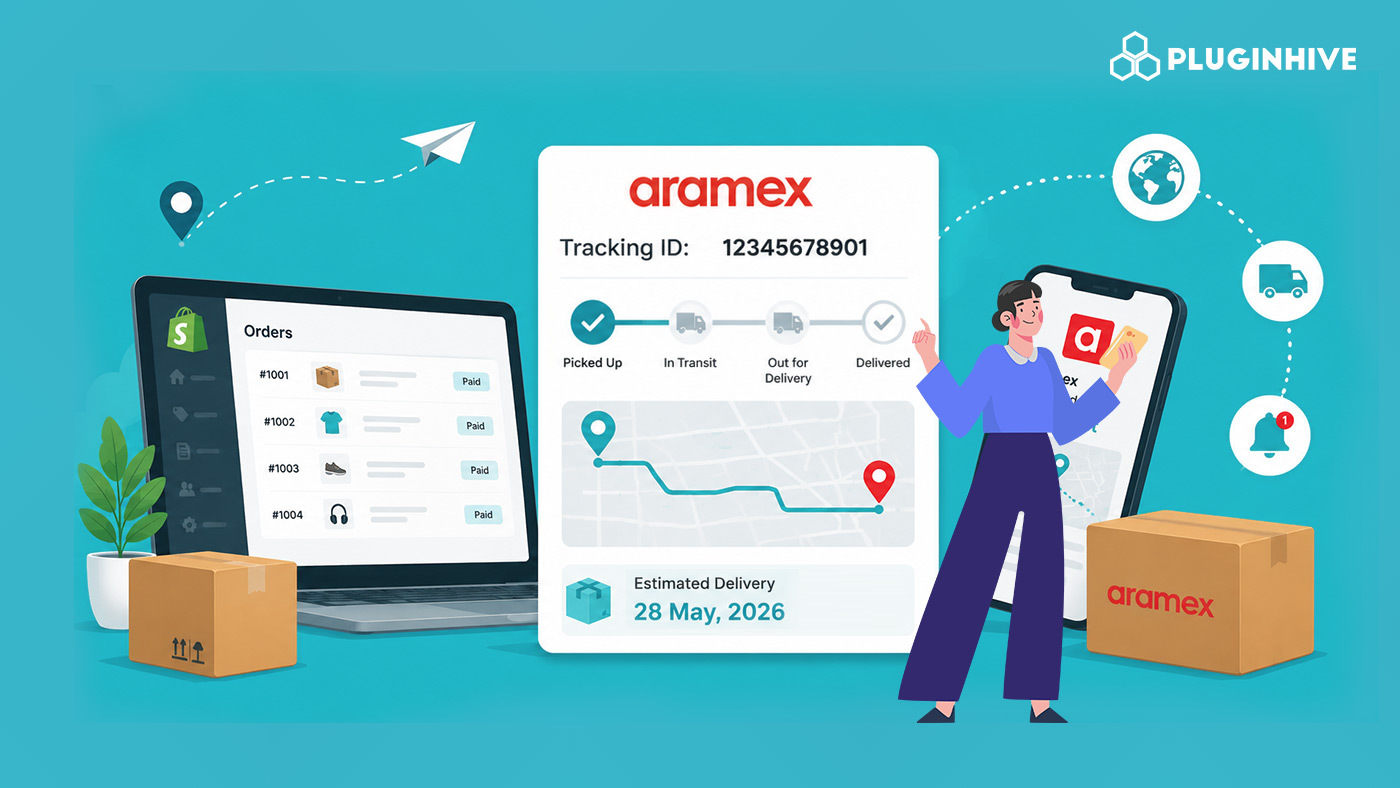
For Shopify merchants in the Middle East, South Asia, or anywhere Aramex is the carrier of choice, post-purchase communication is where customer trust is won or lost. An order confirmed is not an order delivered, and in the gap between those two moments, customers want to know exactly where their package is. The problem is that Shopify’s default handling of Aramex order tracking leaves most of that gap unfilled.
In This Article:
- Why Aramex Order Tracking Matters for Shopify Merchants
- What Shopify Does (and Doesn’t Do) with an Aramex Tracking Number
- The Aramex Post-Purchase Window: Where Most Merchants Lose Points
- Using PluginHive Shipment Tracking & Notify for Aramex on Shopify
- Aramex Tracking Statuses and What They Mean for Your Customers
- Setting Up Aramex Tracking Inside Shopify: What Good Setup Looks Like
- A Note on Aramex Tracking for International Shopify Orders
- Conclusion
- FAQ’s
Why Aramex Order Tracking Matters for Shopify Merchants
Aramex operates as a global logistics provider offering domestic express, international express, freight forwarding, and e-commerce fulfillment services. On its tracking page, Aramex supports up to 10 shipments tracked simultaneously and provides detailed event-level status updates including pickup confirmation, in-transit scans, customs clearance, and final delivery.
The carrier also provides a mobile app with over 100,000 reviews on major platforms, giving recipients real-time updates, the ability to schedule shipments, and contactless payment options.
For merchants, this means Aramex’s backend infrastructure around Aramex order tracking is solid. The friction isn’t on Aramex’s side; it’s in how that tracking data gets surfaced to customers inside a Shopify store without any additional setup.
What Shopify Does (and Doesn’t Do) with an Aramex Tracking Number
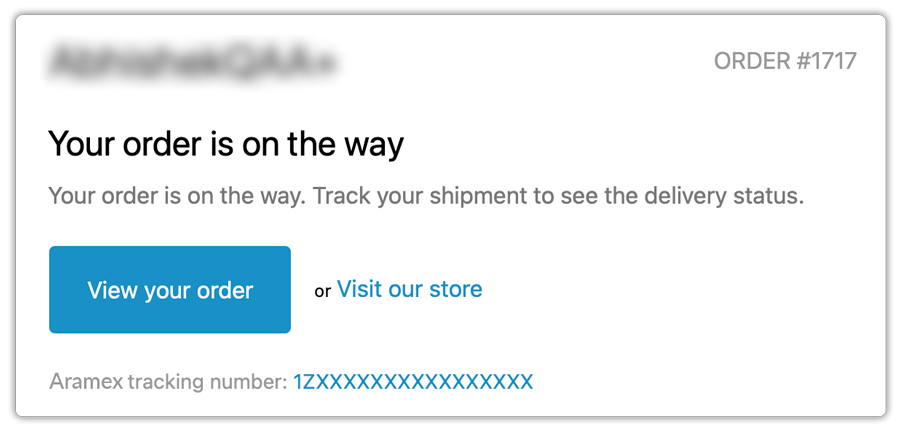
When you mark a Shopify order as fulfilled and enter an Aramex tracking number, Shopify logs the number and fires a basic fulfillment email to the customer. The email typically includes a generic link that redirects to Aramex’s tracking page.
There is no live data pulled from Aramex. Also, there are no follow-up notifications when the parcel status changes.
There is no merchant-facing dashboard showing you where all active Aramex shipments stand.
If your customer wants to check beyond that first email, they leave your store, head to Aramex.com, and you lose all visibility into what they see or experience next.
For merchants selling in markets where Aramex is dominant, such as the UAE, Saudi Arabia, or Jordan, this gap creates real operational pressure. If you’re still getting set up with Aramex for your Shopify store, this guide on Aramex services for Shopify covers the full service.
The Aramex Post-Purchase Window: Where Most Merchants Lose Points
Consider the journey after an order is placed. A customer in Dubai orders a product from a Shopify store. They get confirmation. The merchant fulfills it with an Aramex tracking number. Aramex picks it up. The shipment moves through a hub. Customs happens. Out for delivery. Delivered.
At every one of those stages, the customer is in the dark unless they proactively go check.
This is where Aramex order tracking done properly makes the difference. Proactive status updates, sent from your own domain at each milestone, mean customers never have to wonder.
They don’t email support. They don’t abandon future purchases out of uncertainty. The data is already there in Aramex’s system; the missing piece is getting it to your customers automatically.
For merchants also managing cross-border Aramex shipments, understanding the full service range helps frame what customers should expect at each stage. The overview on PluginHive’s Aramex shipping page covers Aramex’s service.
Using PluginHive Shipment Tracking & Notify for Aramex on Shopify
PluginHive Shipment Tracking & Notify is purpose-built for Shopify merchants who need complete Aramex order tracking automation without building anything custom. Here’s how it works in practice:
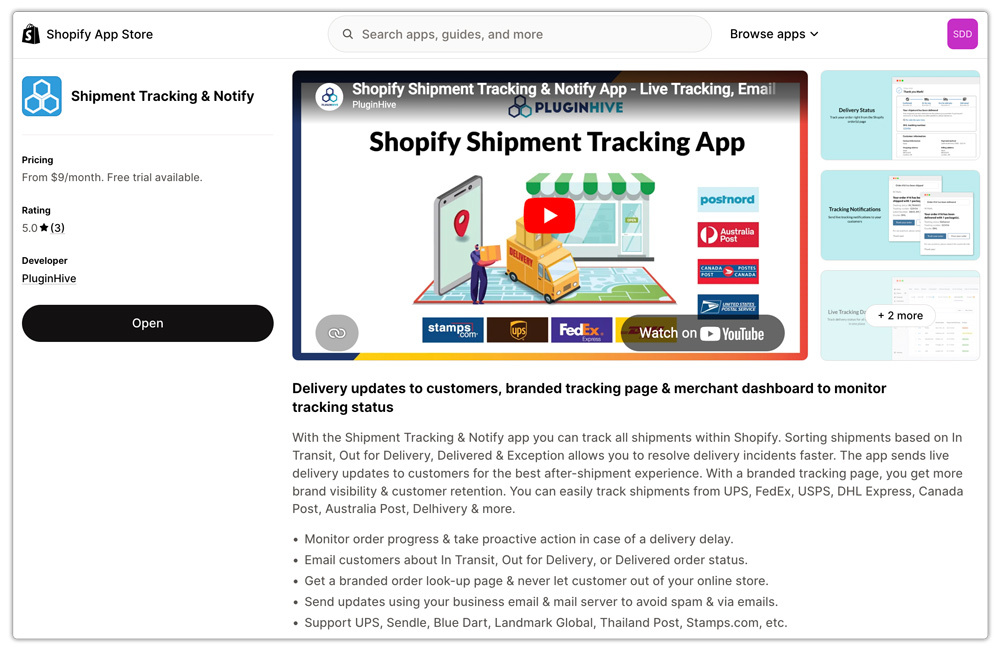
- Connect your Aramex account inside the app settings. This authenticates the connection so the app pulls live shipment data specific to your account, not generic lookups from Aramex’s public-facing tracker.
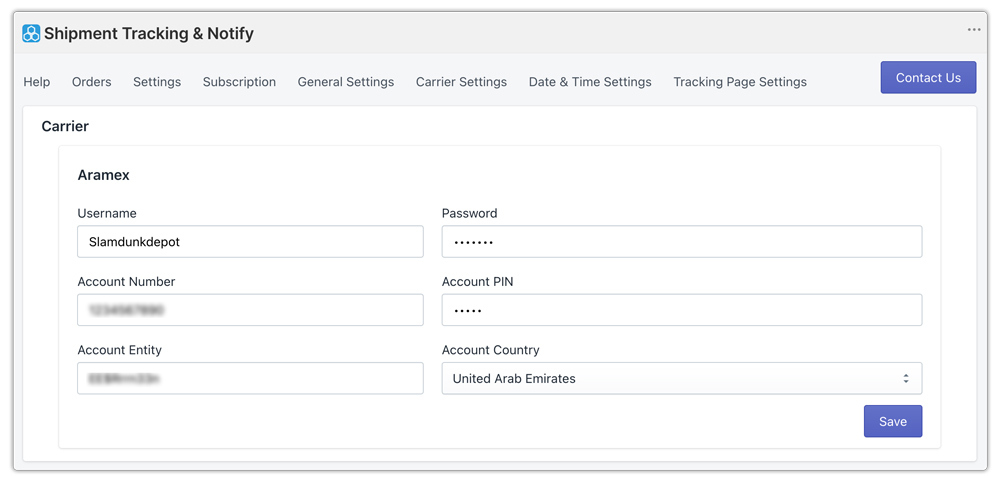
- Fulfil orders as you normally would, entering the Aramex tracking number in Shopify’s fulfilment flow. The app picks up on the Aramex shipment automatically and begins syncing status updates.
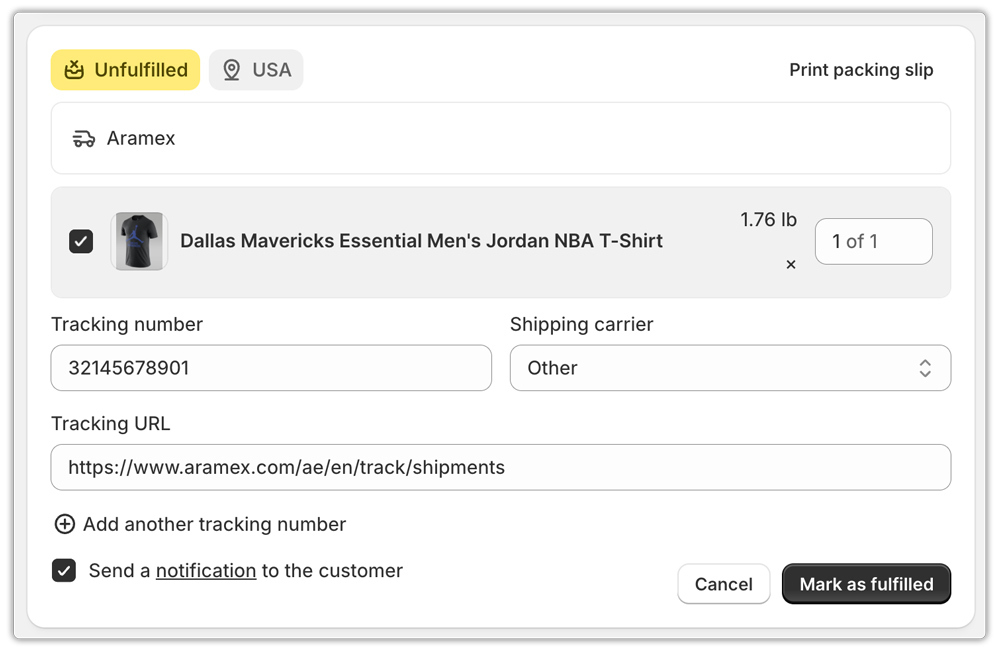
- Configure notification triggers so customers receive branded emails the moment their shipment status changes, whether that’s pickup confirmed, in transit, out for delivery, or delivered.
- Activate the on-store tracking page by navigating to Orders → Navigation in Shopify and placing the tracking page link in your header or footer. Customers can enter their order number and email to check status without leaving your domain.

The outcome is that every Aramex tracking number you generate feeds a branded, automated post-purchase experience, not just a static link in an email. If you also need label generation and rate automation alongside tracking, the Shopify Aramex Shipping App covers the full shipping workflow including rates, labels, and tracking in one place.
Aramex Tracking Statuses and What They Mean for Your Customers
Aramex moves shipments through the following tracking stages, each of which can trigger customer notifications.
- The shipper has created the shipping label, but the carrier hasn’t collected the parcel yet.
- Picked up – Aramex has collected the package from your warehouse or pickup point
- In transit – the shipment is moving through Aramex’s network, which may include terminals in multiple countries for international orders
- Customs officials are processing the parcel at the destination country’s customs office.
- Out for delivery – the parcel is on the final leg to the recipient’s address
- Delivered – the shipment has reached its destination
Knowing these stages matters because different notification tones work better at different points. A “your order has been picked up” message feels proactive. A “your order is out for delivery today” message drives satisfaction. Mapping notifications to each trigger stage creates a significantly better customer experience than a single email at fulfillment.
Setting Up Aramex Tracking Inside Shopify: What Good Setup Looks Like
Getting this right doesn’t require a developer. Here’s what the end-to-end setup should accomplish for a Shopify merchant using Aramex:
- Tracking number automatically synced to the Shopify order on label generation
- Customer receives a branded shipping notification, not a plain Aramex.com link, from your own domain
- On-store tracking page accessible from your navigation so customers can self-serve
- Merchant dashboard showing current status of all active Aramex shipments
- Automated follow-up notifications at key delivery milestones with no manual input
For merchants also managing Aramex alongside other carriers, this kind of unified tracking dashboard becomes even more valuable. The PluginHive Aramex tracking article covers how multi-carrier tracking can be managed from a single interface.
A Note on Aramex Tracking for International Shopify Orders
Aramex’s international express service offers end-to-end real-time tracking updates, and the carrier positions this as a key advantage for cross-border e-commerce.
For Shopify merchants in Dubai specifically, where international shipping is a large share of order volume, Aramex order tracking visibility is non-negotiable.
Customers in the UK, Germany, or the US who order from a UAE-based Shopify store expect the same tracking experience they’d get from any European or North American carrier.
Aramex also supports Pickup Points and Click & Collect, allowing customers to track orders sent to lockers or partner outlets instead of door addresses. It’s worth ensuring your notification language reflects the correct delivery type so customers know exactly where to collect.
For merchants specifically serving the Dubai market, this guide on Shopify Aramex shipping options for Dubai is worth reviewing for the full picture of available services and account benefits.
Conclusion
Aramex’s tracking system is capable and covers both domestic and international shipments with genuine real-time visibility. What most Shopify merchants are missing isn’t the data; it’s the connection between that data and a branded, automated customer experience. PluginHive Shipment Tracking & Notify makes that connection straightforward, turning every Aramex tracking number into an automated post-purchase workflow that keeps customers informed without any manual work from your team.
FAQ’s
Q. Can Shopify display live Aramex tracking status natively?
No. Shopify records the Aramex tracking number and includes a link in the fulfilment email, but does not pull live status from Aramex or send automated follow-up notifications. You need a dedicated tracking app to fully automate Aramex order tracking.
Q. Do I need a business Aramex account to enable tracking on Shopify?
Yes. Connecting your own Aramex account credentials ensures the tracking data returned is specific to your shipments and fully authenticated.
Q. Can customers check their Aramex order status without leaving my Shopify store?
Yes, with PluginHive Shipment Tracking & Notify, a branded on-store tracking page lets customers look up their Aramex order tracking status by entering their order number and email, without being redirected to Aramex’s website.
Q. Does the app support Aramex international shipments, not just domestic?
Yes. Aramex’s international express service includes real-time tracking end-to-end, and PluginHive Shipment Tracking & Notify supports both domestic and international Aramex shipments from the same dashboard.
