


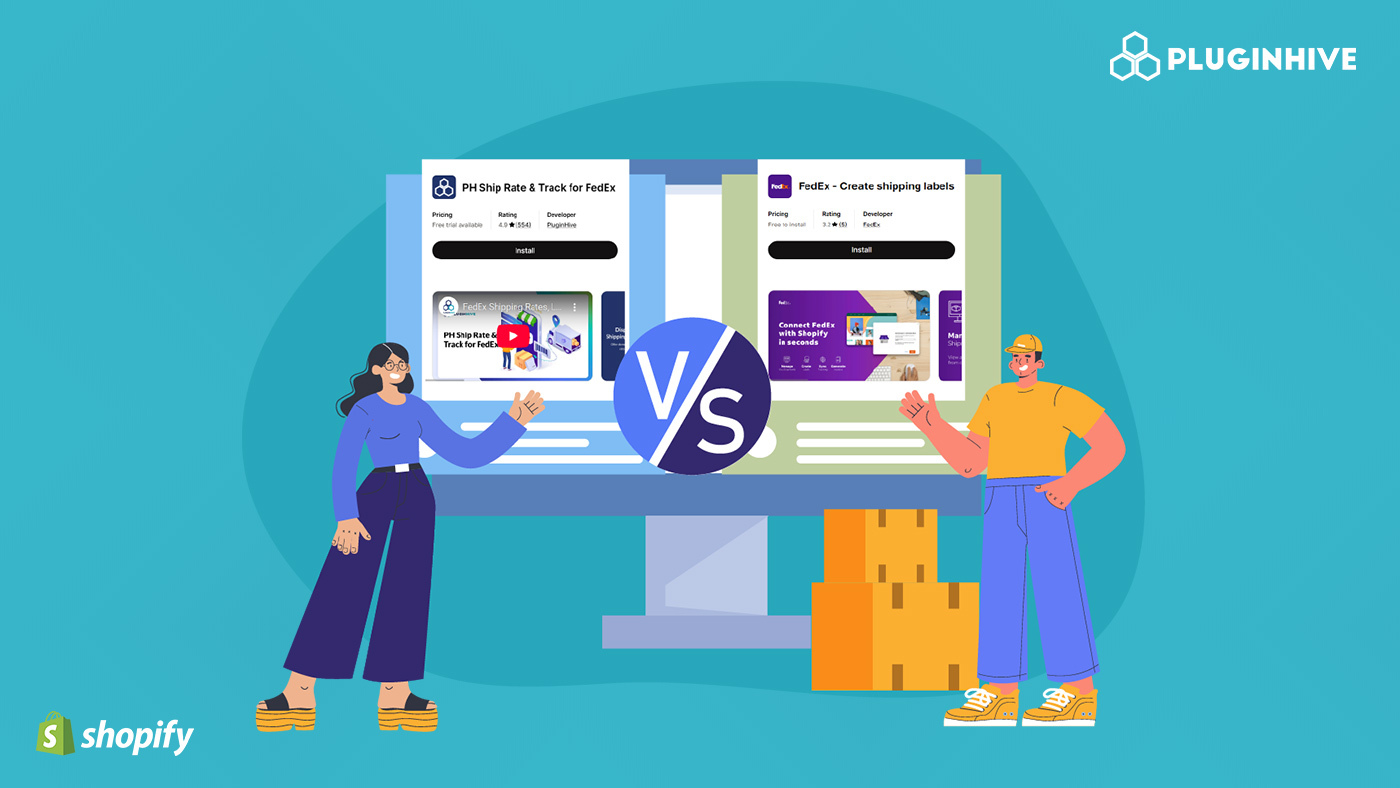
If you’re shipping with FedEx on Shopify, choosing the right app can make a big difference in how smooth your fulfillment process feels day to day. From showing accurate shipping rates at checkout to printing labels quickly and sharing tracking details with customers, the right setup can save you hours every week.
Two popular options merchants often compare are PH Ship, Rate & Track for FedEx, and FedEx – Create Shipping Labels. While both apps help you generate FedEx labels and manage orders, they differ in automation, checkout rate support, and overall workflow control.
In this comparison, we’ll break down the features, pricing, and practical differences between the two so you can decide which app fits your shipping volume, operational needs, and long-term growth plans.
In This Article:
- Understanding the Two FedEx Shipping Apps on Shopify
- Main Features Comparison: PH FedEx App vs FedEx – Create Shipping Labels
- Automation & Workflow Efficiency
- Pricing Comparison
- Ratings, Merchant Feedback & Scalability
- Final Verdict: Which One Should You Choose?
Understanding the Two FedEx Shipping Apps on Shopify
When it comes to shipping with FedEx on Shopify, both apps help you generate labels and manage orders, but they differ in how much control they offer.
PH Ship, Rate & Track for FedEx (by PluginHive)
Starting at $19/month with a free trial, PH Ship, Rate & Track for FedEx offers a FedEx-certified integration that connects your FedEx account directly to Shopify. It displays real-time FedEx shipping rates at checkout, lets you print labels, commercial invoices, and CSB-V documents, and automatically marks orders as fulfilled while sending tracking details to customers. You can do everything without leaving your Shopify dashboard
It supports FedEx Express, Ground, LTL Freight, and Ground Economy, making it a strong choice for merchants who want a complete, automated shipping workflow inside Shopify.

FedEx – Create Shipping Labels (by FedEx)
FedEx – Create Shipping Labels is free to install and works by connecting your store to FedEx Ship Manager. Orders are automatically imported into Ship Manager, where you create shipments and print labels. Tracking numbers are then sent back to Shopify.
This app is primarily focused on label creation and is mainly used for label-based business workflow.

Main Features Comparison: PH FedEx App vs FedEx – Create Shipping Labels
| Feature | PH Ship, Rate & Track for FedEx | FedEx – Create Shipping Labels |
|---|---|---|
| Live Shipping Rates at Checkout | Displays real-time FedEx shipping rates and delivery estimates directly at checkout | Does not display live shipping rates at checkout and is primarily focused on shipping labels. |
| Label Creation & Printing | Create and print FedEx shipping labels directly inside Shopify in one click. | Imports Shopify orders into FedEx Ship Manager, where labels are created and printed |
| Bulk Shipment Processing Inside Shopify | Yes | No |
| Commercial & Customs Documents Directly Inside Shopify | Yes | No |
| Centralized Pickup Scheduling Inside Shopify | Yes | No |
| Dedicated and Reliable Support Line | Yes | No |
Automation & Workflow Efficiency
When it comes to daily operations, automation can save hours of manual work, especially if you’re shipping consistently. Here’s how both apps handle workflow efficiency.
PH Ship, Rate & Track for FedEx
- PH Ship, Rate & Track for FedEx is built to keep everything moving smoothly inside Shopify. You can print labels directly from the Shopify Admin, which means no switching between platforms. Once a label is generated, the app can automatically mark the order as fulfilled and send tracking details to your customers, saving you from manual updates.
- It also supports real-time sync between Shopify and your FedEx account, so shipment data stays accurate. Address validation helps reduce shipping errors, and built-in email notifications keep customers informed. On top of that, it supports shipping insurance and even inventory sync, making it a strong option for merchants who want a more automated, hands-off shipping workflow.
FedEx – Create Shipping Labels
- The FedEx app focuses its automation around FedEx Ship Manager. It imports your Shopify orders into Ship Manager, where you can create shipments and print labels.
- It also supports label printer integration within Ship Manager. While much of the shipping process happens inside the FedEx system rather than Shopify, the app ensures tracking numbers are sent back to your store once shipments are created. In short, PH Ship, Rate & Track for FedEx centralizes automation inside Shopify, while the FedEx – Create Shipping Labels app streamlines the connection between Shopify and FedEx Ship Manager.
Pricing Comparison
When comparing pricing, it’s important to look beyond just the monthly cost and think about what you’re actually getting in terms of automation, checkout experience, and shipping control.
| App | Pricing | Overall Value |
|---|---|---|
| PH Ship, Rate & Track for FedEx | From $19/month | Offers full automation, live checkout rates, shipping documents, and end-to-end Shopify integration |
| FedEx – Create Shipping Labels | Free to install | Focused on basic label creation through FedEx Ship Manager, a cost-effective option if you only need simple shipment processing |
In simple terms, PH Ship, Rate & Track for FedEx comes at a monthly cost, but you’re paying for deeper automation, real-time checkout rates, document generation, and a more streamlined Shopify workflow. The FedEx app doesn’t charge a subscription fee, which makes it appealing if you’re looking for a low-cost solution and are comfortable managing shipments inside FedEx Ship Manager.
Ratings, Merchant Feedback & Scalability
When evaluating a shipping app, ratings and growth capability both matter. Here’s a clear breakdown:
Ratings & Merchant Feedback
- PH Ship, Rate & Track for FedEx
- 4.9 rating (550+ reviews)
- Strong merchant trust and proven reliability
- Large user base suggests consistent performance and support
- FedEx – Create Shipping Labels
- 3.2 rating (5+ reviews)
- Limited merchant feedback available
- A smaller review count makes long-term reliability harder to assess
Scalability: Which App Grows With Your Business?
- PH Ship, Rate & Track for FedEx
- Designed for scaling stores
- Ideal for automation-heavy workflows
- Supports high shipping volumes
- Suitable for businesses that need checkout rate accuracy and full document support
- FedEx – Create Shipping Labels
- For simple label printing needs
- Works well if you prefer managing shipments in FedEx Ship Manager
- More suitable for basic shipping workflows rather than growth-focused businesses
Final Verdict: Which One Should You Choose?
At the end of the day, the right choice depends on how you run your store and how much control you want over your shipping workflow.
If you’re running a growing Shopify store or planning to scale PH Ship, Rate & Track for FedEx is the stronger option. On the other hand, if your needs are simple and you mainly want a way to generate FedEx labels without paying a monthly subscription, FedEx – Create Shipping Labels can do the job. It works well for basic shipment creation through FedEx Ship Manager, especially if you’re comfortable managing shipments in FedEx’s system.
In short:
- Choose PH Ship, Rate & Track for FedEx if you’re looking for something that can grow with your business and give you more automation and control over your shipping. It’s a great fit if you prefer managing everything directly inside Shopify without jumping between different dashboards, and if having fast, reliable support when you need help.
- Choose the FedEx app if you just need straightforward label generation and prefer a no-subscription starting point.
Your decision really comes down to business size, shipping complexity, and whether you need full Shopify-side automation or a simpler connection to FedEx Ship Manager.
FAQ’s
Q. Is there an app for FedEx?
Yes, there are apps available to use FedEx on Shopify. Apps like PH Ship, Rate & Track for FedEx, and FedEx – Create Shipping Labels help connect your store with your FedEx account. They allow you to create shipping labels, send tracking details, and manage orders easily.
Q. How do I ship using FedEx?
To ship using FedEx on Shopify, you can install the PH Ship, Rate & Track for FedEx app and connect your FedEx account. Once connected, you can ship using FedEx directly from your Shopify store.
Q. How much does a FedEx account cost?
A FedEx account is free to create. Both personal and business FedEx accounts can be opened without any sign-up fee. If you plan to sell products or services, it’s recommended to create a FedEx business account, even if your business is small. You only pay for the shipping services you use.
Q. Which FedEx shipping app is better for Shopify?
The better app depends on your shipping needs. PH Ship, Rate & Track for FedEx is ideal for merchants who want automation, real-time FedEx shipping rates at checkout, and label generation directly inside Shopify. If you’re looking for a scalable solution with advanced shipping features, this app provides a more complete FedEx shipping workflow for Shopify stores.
