



Running a successful online store often means expanding your product catalog, migrating from another platform, or sourcing products from global suppliers. That’s where Shopify import apps come in. These tools simplify importing products, customer data, orders, and even entire store setups into Shopify, saving you hours of manual work and ensuring accuracy.
Whether you’re moving from WooCommerce, Magento, BigCommerce, or sourcing products from suppliers worldwide, the right import app helps streamline operations, reduce errors, and scale your Shopify business. In this guide, we’ll cover the best Shopify import apps you can use today.
Article Contains:
- Why Do You Need a Shopify Import App?
- Best Import Apps for Shopify
- How to Choose the Right Import App for Shopify
- Benefits of Using Import Apps for Global Shopify Stores
- Conclusion
- Faqs
Why Do You Need a Shopify Import App?
Manually importing data or products into Shopify can be time-consuming and error-prone. Import apps solve these challenges by offering:
- Product import automation – Add products from suppliers or marketplaces in bulk.
- Store migration support – Seamlessly transfer orders, customers, and categories from other platforms.
- Time and cost efficiency – Automate repetitive tasks and focus on growing your business.
- Global supplier integration – Connect with dropshipping suppliers worldwide.
- Error reduction – Avoid mismatched inventory, duplicate products, or missing details.
With the right import tool, you can launch faster, expand your catalog, and manage cross-border ecommerce with ease.
Best Import Apps for Shopify
1. CedCommerce Importer
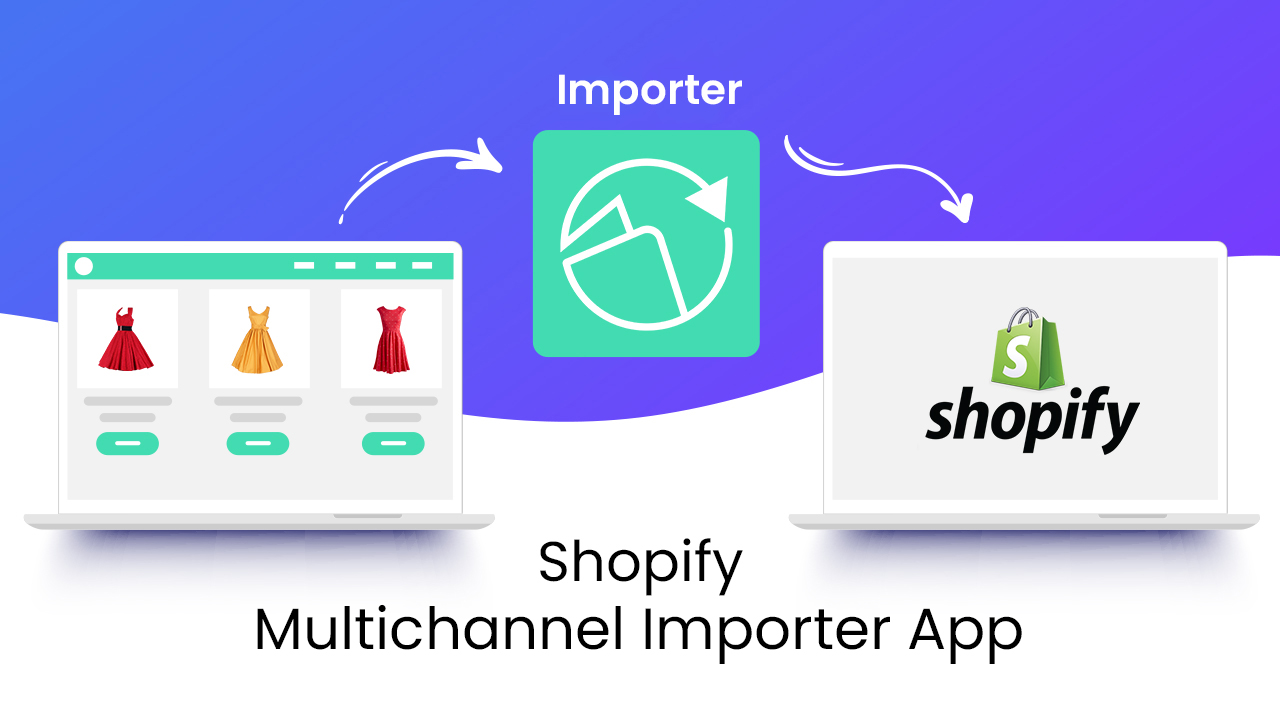
CedCommerce Importer helps Shopify merchants seamlessly import and sync products, inventory, and orders from top marketplaces like Amazon, eBay, Etsy, and AliExpress. It offers bulk uploads, FBA order management, and flexible CSV imports, all managed from a single dashboard.
Key Features:
- Import and sync products, titles, SKUs, and inventory from Amazon, eBay, Etsy, and more.
- Bulk upload with CSV support and attribute mapping.
- FBA order management for timely fulfillment.
- Product data customization directly from the app.
- 24/7 customer support with dedicated account managers on higher plans.
Pricing: Free plan available (up to 10 products). Paid plans start at $19/month, scaling by product volume and features, with free trials included.
Reviews/Ratings:
Rated 4.7/5 (200+ reviews) – praised for handling large inventories, accurate syncing, and exceptional 24/7 support.
2. Cart2Cart Store Migration App
Cart2Cart is a leading automated eCommerce data migration service. It simplifies the process of transferring data between different shopping cart platforms, including a wide range of popular solutions like Magento, Shopify, WooCommerce, OpenCart, PrestaShop, and many others. Cart2Cart provides a secure, efficient, and user-friendly solution for merchants looking to replatform their stores without technical expertise or downtime.
Key Features:
- Transfers products, customers, orders, categories, and more automatically.
- Supports 80+ platforms, including WooCommerce, Magento, Wix, and BigCommerce.
- Free demo migration with a guided, step-by-step process.
- SEO data preservation to maintain search visibility.
- Live Chat support plus optional expert-assisted migration.
Pricing: Free to install; additional charges apply based on store size and migration options.
Reviews/Ratings:
Rated 4.1/5 (140+ reviews) – praised for ease of use and reliable data transfer, though some users report slow support response times.
3. Importify ‑ AI Dropshipping
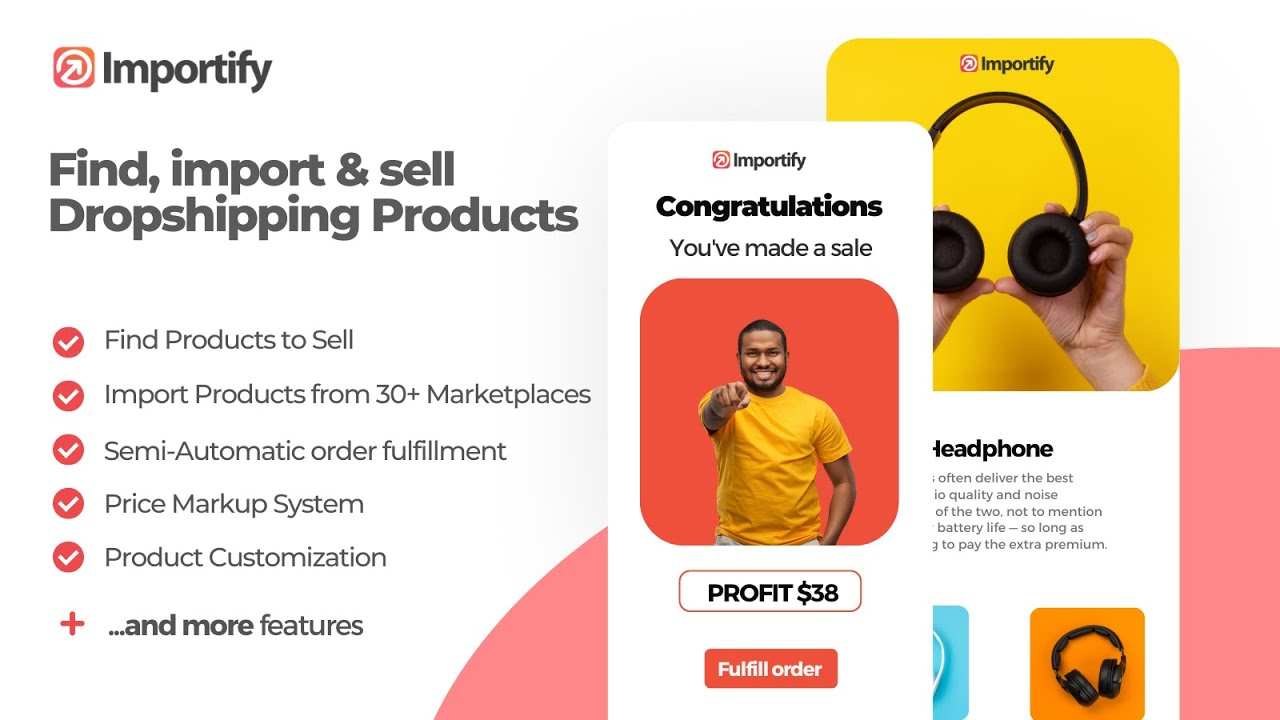
Importify – AI Dropshipping is a powerful automation tool built for Shopify merchants who want to scale quickly without manual work. It allows you to import products from 25+ global marketplaces, optimize them with AI, and manage fulfillment—all from a single dashboard. Whether you’re sourcing from AliExpress, Alibaba, Amazon, or niche suppliers, Importify helps you create store-ready product pages that actually convert.
Key Features:
- One-Click Import from 25+ marketplaces (AliExpress, Amazon, Alibaba, Shein, Temu, and more).
- AI Product Optimizer (Premium/Gold) to rewrite titles, descriptions, and add FAQs & trust sections for higher conversions.
- One-Click Translation into 20+ languages to localize product listings instantly.
- Automated Currency Conversion to keep pricing consistent when sourcing globally.
- Supplier Switching & Override Tool to easily replace suppliers without breaking store SEO.
- Multi-Platform Support: Works seamlessly with Shopify, WooCommerce, Wix, and Jumpseller.
Pricing: Importify offers three subscription plans: Basic ($14.95/mo), Premium ($27.95/mo), and Gold ($37.95/mo). A 1-day free trial is available on Shopify.
Reviews/Ratings:
Rated 4.6/5 (70+ reviews) – merchants highlight its ease of use, seamless integrations, and responsive support.
4. StoreRobo Import Export App

StoreRobo is a powerful Shopify app designed to help merchants bulk import, export, migrate, and update store data quickly and accurately using CSV files. Whether moving products between stores, syncing inventory, or backing up customer and order data, StoreRobo simplifies complex data transfer tasks.
Key Features:
- Bulk import and export products, collections, orders, customers, discounts, metaobjects, and metafields using CSV files.
- Upload any custom CSV and map columns effortlessly to match the store data structure.
- Import data via public URLs (like Google Sheets), FTP/SFTP, or directly through the WooCommerce API.
- Export only selected data by filtering on product status, stock status, types, and more.
- Schedule imports and exports to run automatically at chosen intervals.
- Create feeds for Google Merchant Center to improve product visibility.
- Track import & export history with logs that show counts, statuses, dates, and durations.
Pricing: StoreRobo offers 4 flexible plans to suit stores of all sizes: Free, Basic ($10/month), Pro ($20/month), and Enterprise ($100/month). Each plan includes essential import/export tools; higher tiers unlock larger file sizes and advanced capabilities.
Reviews/Ratings:
Rated 4.1 on the Shopify App Store (20+ reviews) and certified as a Built for Shopify app. Praised for its user-friendly interface, efficient bulk operations, and responsive customer support.
How to Choose the Right Import App for Shopify
When selecting an import tool, consider these factors:
- Type of Import Needed – Are you importing products, customers, or migrating your store from one platform to another?
- Integration Options – Does the app support your current suppliers or platforms?
- Automation Level – Look for apps that reduce manual work with syncing and bulk editing.
- Scalability – Ensure the app can handle future product expansions and multiple suppliers.
- Pricing – Choose a plan that fits your budget while offering essential features.
Benefits of Using Import Apps for Global Shopify Stores
For store owners targeting international markets, import apps are game changers:
- Enable cross-border commerce by supporting multi-currency and language imports.
- Allow sourcing from regional suppliers to cut shipping costs.
- Help maintain consistent branding while expanding catalogs globally.
This makes Shopify import apps essential not just for startups but also for established brands scaling worldwide.
Conclusion
Shopify import apps are indispensable for anyone looking to migrate stores, scale catalogs, or automate product sourcing. Whether you’re moving your store with Cart2Cart, importing from global suppliers with Importify, or syncing products across marketplaces with CEDCommerce Importer, these tools save you time and help your business grow faster.
As Shopify continues to evolve, more import apps will be added to the marketplace, giving merchants even more flexibility and global reach. Start with the one that best fits your needs and streamline your import process today.
Faqs
1. Why should I use a Shopify import app instead of manual uploading?
Import apps save time, reduce errors, and allow bulk imports with automation, making them essential for scaling ecommerce businesses.
2. Can Shopify import apps help me expand globally?
Yes. Many apps support multi-currency, multi-language, and integration with international suppliers—making it easier to run a cross-border Shopify store.
4. Are import apps suitable for small businesses, or only for large stores?
They work for both. Small businesses save time when importing products from suppliers, while large stores use them to manage bulk data migration.
5. How do Shopify import apps affect SEO and branding?
Most apps let you edit product titles, descriptions, and images before publishing, so you can maintain SEO and brand consistency.
7. Do Shopify import apps support automation for dropshipping?
Yes. Many import apps automate order forwarding to suppliers, stock updates, and shipment tracking, making dropshipping hassle-free.
