


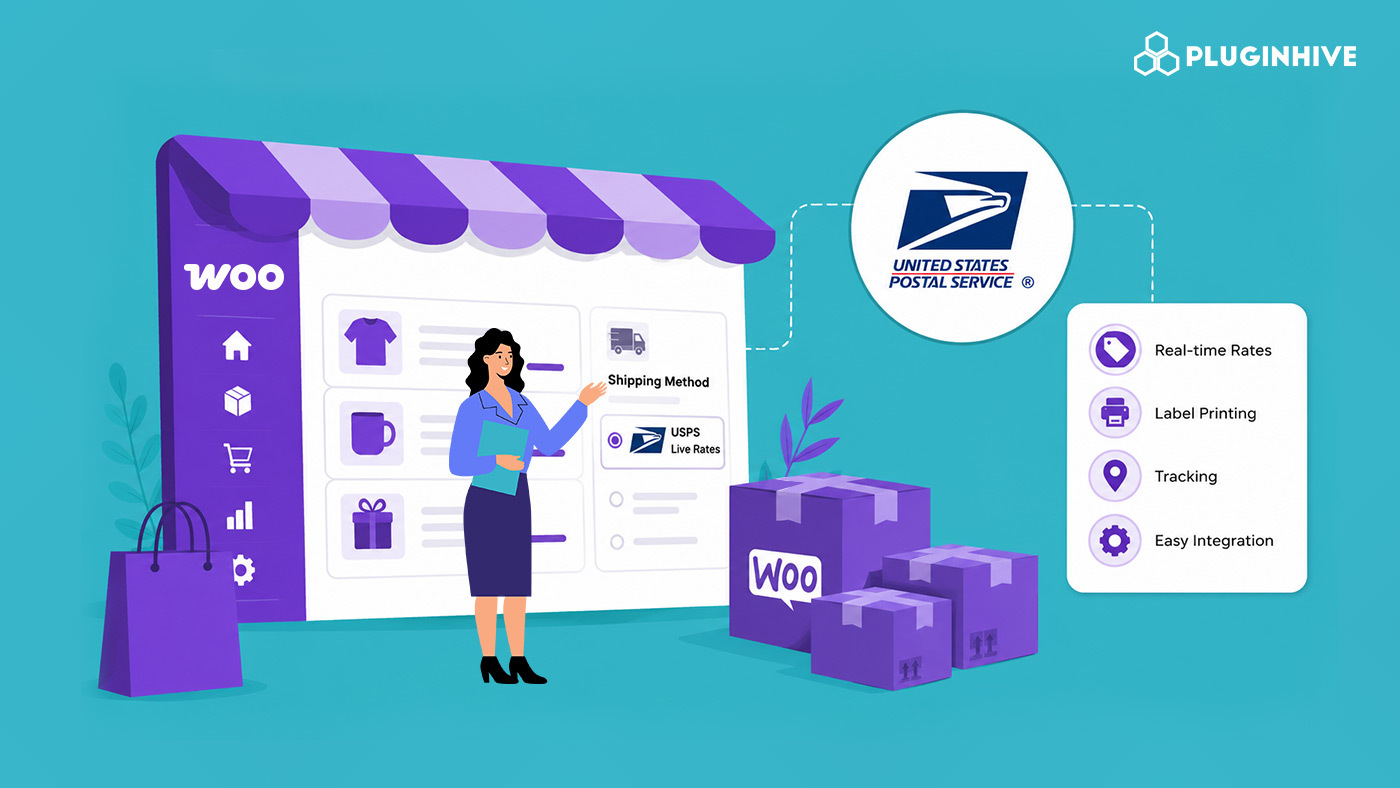
USPS is the most widely used carrier for small and mid-sized WooCommerce stores shipping across the US, but WooCommerce doesn’t talk to USPS out of the box. You need a dedicated USPS plugin for WooCommerce to show live rates at checkout, print labels without leaving your dashboard, and keep customers updated with tracking.
This guide compares the best WooCommerce USPS plugins available right now, so you can pick the one that fits your store’s shipping volume, budget, and workflow.
On This Page
- What Is a WooCommerce USPS Shipping Solution?
- PH USPS Shipping Plugin for WooCommerce with Print Label
- USPS Shipping Method – Official WooCommerce Extension
- Multi-Carrier Shipping Plugin for WooCommerce
- USPS Live Rates PRO for WooCommerce
- How to Choose the Right USPS Plugin for Your Store
- FAQs
What Is a WooCommerce USPS Shipping Solution & What Does It Actually Require?
A WooCommerce USPS shipping solution is a plugin that connects your store directly to USPS’s systems so shipping tasks happen without leaving your WordPress dashboard. Out of the box, WooCommerce only supports flat rates, free shipping, and local pickup; it has no native way to talk to a carrier’s API. A USPS plugin fills that gap by turning USPS into a live, automated shipping method inside your existing shipping settings.
To actually get this working, a few things need to be in place before any plugin can help:
- A USPS account: Every USPS plugin connects to your USPS account, not a shared or generic rate table. You’ll need to register with USPS directly and, in most cases, generate API credentials from their developer portal.
- Accurate product and package data: Rates are calculated from weight and dimensions, so incomplete product data or missing box definitions will produce inaccurate or missing rates at checkout.
- A defined shipping origin: The plugin needs to know your warehouse or store address to calculate distance-based rates correctly.
- A plan for labels and tracking: Rate display is only half the job. If you also want to print labels and auto-send tracking numbers from WooCommerce, you need a plugin that supports the full label-and-tracking workflow, not just rate calculation.
With that foundation in place, the plugin you choose determines how much of this process gets automated, and how much manual work is left for you. Here are the top options.
1. PH USPS Shipping Plugin for WooCommerce with Print Label – PluginHive
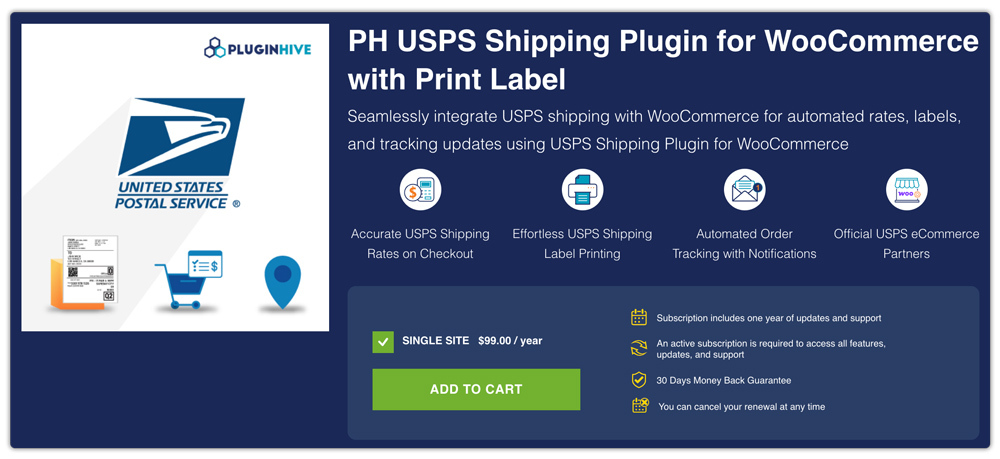
If your store mainly ships through USPS, the PH USPS Shipping Plugin for WooCommerce with Print Label provides a complete USPS shipping workflow directly inside WooCommerce. With years of experience developing WooCommerce shipping solutions, PluginHive has become a trusted choice for businesses that need reliable carrier integrations, dedicated support, and shipping automation.
This plugin works as an all-in-one USPS solution, eliminating the need to combine separate extensions for rates, labels, and tracking.
Key Features:
- Display real-time USPS rates on WooCommerce cart and checkout pages using your USPS account.
- Supports both retail and commercial USPS pricing, so businesses can access discounted commercial rates where eligible.
- Automatically generates USPS shipping labels directly from WooCommerce orders.
- Supports all major USPS services including Priority Mail, Priority Mail Express, Ground Advantage, Media Mail, and First-Class Package International Service.
- Provides automatic package selection using USPS flat-rate boxes or custom packaging.
- Supports bulk label printing — generate labels for multiple orders in one click.
- Automatically generates tracking details and sends shipment updates to customers.
- Provides shipment management without leaving WooCommerce.
- Supports WooCommerce Bookings and Dokan multi-vendor marketplaces.
| Information | Details |
|---|---|
| Price | $99/year (Single Site License) |
| Support | Includes 1 year of updates, premium support, onboarding assistance, and a 30-day money-back guarantee |
2. USPS Shipping Method – Official WooCommerce Extension
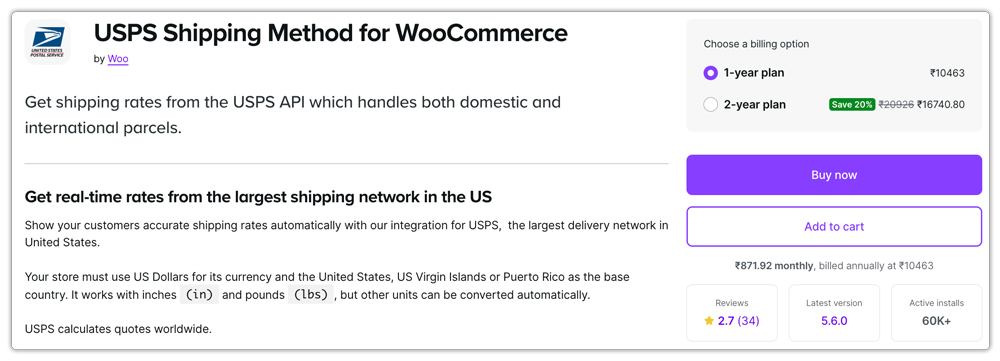
The USPS Shipping Method extension by WooCommerce is an official integration that connects WooCommerce stores with USPS services to display live USPS shipping rates during checkout. Compared with complete USPS shipping solutions, this extension focuses mainly on rate calculation rather than managing the entire shipping workflow.
Key Features:
- Calculates real-time USPS shipping rates directly at checkout
- Supports USPS domestic and international shipping services, including Priority Mail Flat Rate options
- Integrates directly with WooCommerce shipping settings
However, businesses that want a complete USPS shipping workflow will need additional tools — label printing is not built into this extension. WooCommerce itself recommends pairing it with the free WooCommerce Shipping extension to print discounted labels separately. Shipment tracking automation is also not part of the core extension, meaning growing stores need to combine it with other tools to handle post-order fulfillment. Considering the limited feature set, the pricing is also relatively higher.
| Information | Details |
|---|---|
| Price | $109/year (Single Site License) |
| Support | Includes updates and support through WooCommerce with an active subscription |
3. Multi-Carrier Shipping Plugin for WooCommerce – PluginHive
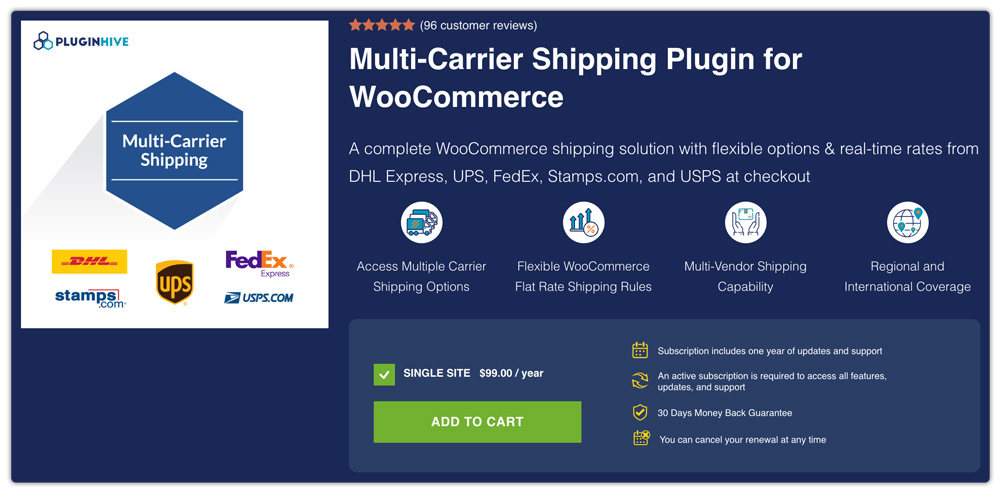
The Multi-Carrier Shipping Plugin for WooCommerce helps businesses manage multiple shipping carriers from a single solution. Depending on the shipment type, destination, and delivery speed, you can use USPS, UPS, FedEx, DHL Express, and Stamps.com together through a single plugin without installing separate carrier-specific plugins.
Key Features:
- Provides live shipping rates from USPS, UPS, FedEx, DHL Express, and Stamps.com.
- Allows businesses to compare carrier rates and services at checkout
- Supports conditional shipping rules based on weight, destination, product, and cart value
- Allows store owners to control which carrier services appear for different orders
- Displays estimated delivery dates at checkout
- Supports WPML for multilingual WooCommerce stores
- Supports Dokan multi-vendor marketplaces
- Includes debugging options to troubleshoot shipping rate issues
With an affordable price and reliable support, it is built to scale as your shipping needs grow — particularly useful for stores that use USPS for lightweight domestic orders but need UPS or FedEx for heavier or international shipments.
| Information | Details |
|---|---|
| Price | $99/year (Single Site License) |
| Support | Includes 1 year of updates, premium support, onboarding assistance, and a 30-day money-back guarantee |
4. USPS Live Rates PRO for WooCommerce – Octolize
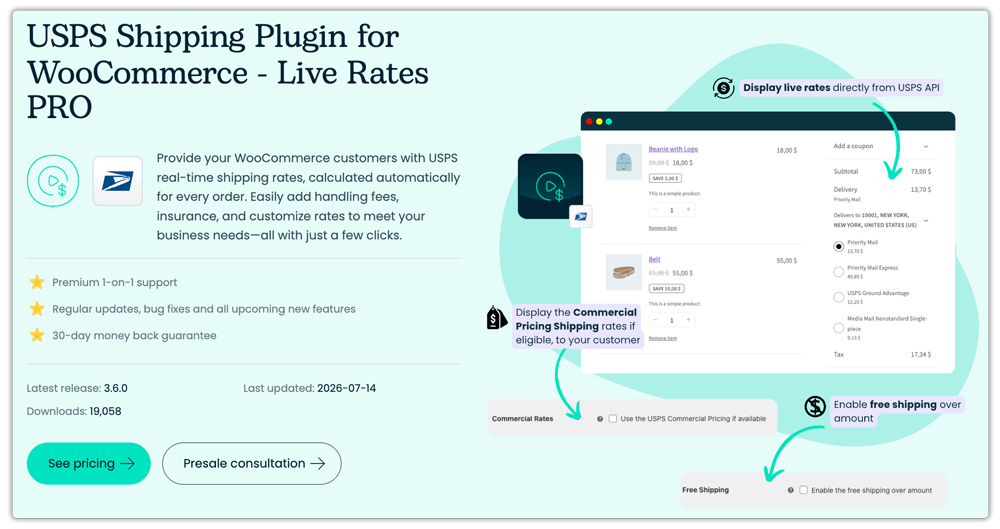
USPS WooCommerce Live Rates PRO by Octolize is a rate-calculation plugin that displays live USPS shipping rates at checkout.
Key Features:
- Displays live USPS rates at checkout, calculated by weight, dimensions, and destination
- Supports a wide range of domestic and international USPS services
- Allows handling fees and insurance to be added to displayed rates
- Allows a custom shipping origin address to be set
Label printing and shipment tracking are not included in this plugin — it is rates-only, similar to the official WooCommerce extension.
| Information | Details |
|---|---|
| Price | $79/year (Single Site License) |
| Support | Includes 1 year of updates and priority email support, 30-day money-back guarantee |
How to Choose the Right USPS Plugin for Your Store
The right USPS plugin depends on whether your store ships only with USPS or needs support for multiple carriers, and how much of the shipping workflow you want automated.
For Stores Shipping Only Through USPS:
If USPS is your primary carrier, choosing a complete USPS shipping solution can simplify your entire fulfillment process. The PH USPS Shipping Plugin for WooCommerce with Print Label by PluginHive is a suitable choice for businesses that need USPS rates, shipping labels, tracking, and shipment management in one place, at a lower price, with bulk label printing and onboarding support.
This makes it a reliable solution for stores looking to streamline USPS fulfillment as they grow.
For Stores Using Multiple Carriers:
If your store ships through multiple carriers, a multi-carrier solution is a better fit than managing separate plugins for each carrier. The Multi-Carrier Shipping Plugin for WooCommerce by PluginHive allows businesses to manage multiple carriers through a single platform. It helps simplify multi-carrier rate management and provides flexibility as shipping requirements expand.
For businesses that also need shipping labels and fulfillment automation across multiple carriers, PluginHive’s WooCommerce shipping services are worth exploring.
Conclusion
Every plugin on this list can connect WooCommerce with USPS, but the right choice depends on your shipping workflow and budget. If USPS is your primary carrier, a dedicated USPS plugin with rates, labels, and tracking built in is the simplest and most cost-effective option. If your business ships with multiple carriers or plans to expand, a multi-carrier solution offers greater flexibility without requiring additional plugins later.
Choose the solution that fits your business today while leaving room for future growth.
FAQs
Q. Which is the best USPS shipping plugin for WooCommerce?
If your store primarily ships with USPS, the PH USPS Shipping Plugin for WooCommerce with Print Label is one of the most complete solutions. It supports all shipping tasks from a single plugin.
Q. Which WooCommerce plugin is best if I ship with USPS, UPS, FedEx, and DHL together?
If you use multiple carriers, the Multi-Carrier Shipping Plugin for WooCommerce is a better choice.
Q. Can I print USPS shipping labels directly from WooCommerce?
Yes. Many USPS shipping plugins support label printing, but the features vary. The PluginHive’s USPS Shipping Plugin allows you to generate USPS shipping labels individually or in bulk without leaving your WooCommerce dashboard.
Q. Do I need separate plugins for USPS rates, labels, and tracking?
That depends on the plugin you choose. Some plugins only display live shipping rates, while others also include label printing, tracking, and shipment management. An all-in-one solution helps simplify your entire USPS shipping workflow.
Q. I don’t want live carrier rates. I want to create my own shipping rules. Which plugin should I use?
If you want to create custom shipping rules instead of displaying carrier rates, a table rate shipping solution is more suitable. The PH Table Rate Shipping Pro Plugin for WooCommerce lets you define shipping charges based on conditions such as weight, cart value, quantity, shipping class, destination, and more.
