


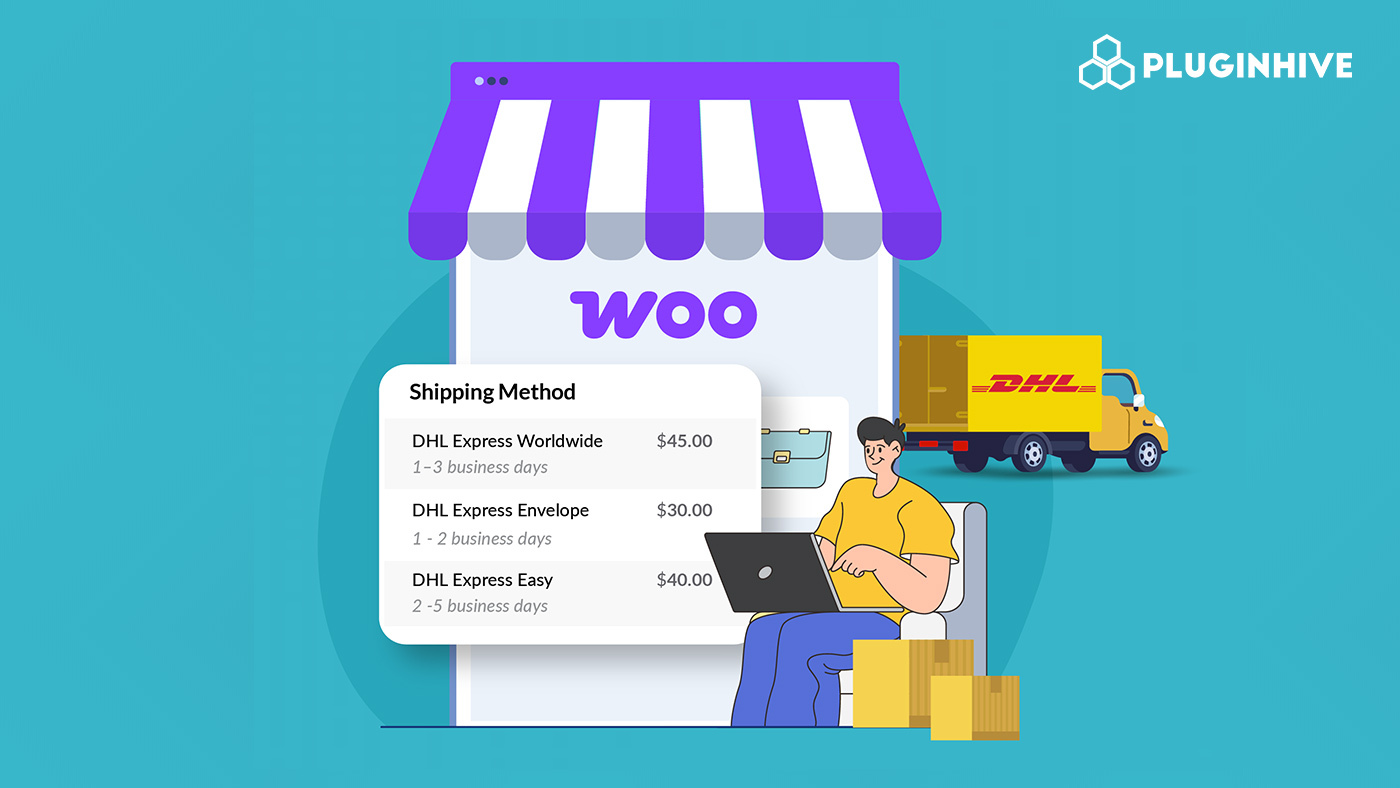
For WooCommerce store owners, offering accurate shipping rates at checkout is crucial for building trust and improving the customer experience. When customers see unexpected shipping costs, it can lead to abandoned carts and lost sales. Displaying live DHL Express rates ensures that your customers know exactly what they will pay for shipping, based on their location, package weight, and dimensions. This not only creates transparency but also helps you avoid manual calculations and errors.
Using accurate and negotiated DHL rates can take your WooCommerce store to the next level. Accurate rates are dynamically calculated for each order, while negotiated rates reflect the discounted prices tied to your DHL business account. In this guide, we’ll cover how DHL live rates work, the difference between standard and negotiated rates, and how to display them at checkout in WooCommerce.
Table of Contents
- Importance of DHL Live Rates in WooCommerce
- Standard DHL Rates vs. Negotiated Rates
- What You Need to Display DHL Live Rates
- How to Show Live DHL Rates in WooCommerce
- Real-World WooCommerce Store Example
- Conclusion
- FAQs
Importance of DHL Live Rates in WooCommerce
Shipping is one of the key factors that influence a customer’s decision to complete a purchase. Offering live DHL Express rates ensures that customers get precise shipping costs tailored to their order, making the checkout process smooth and professional. Beyond accuracy, live rates play a crucial role in optimizing your store operations and customer satisfaction.
Key Benefits of Live DHL Rates:
- Better cost management: By showing the exact shipping cost for each order, you avoid undercharging or overcharging customers.
- Improved checkout experience: Customers see real-time rates without guessing or manually calculating, reducing frustration.
- Fewer customer inquiries: When shipping costs are clear, you’ll get fewer questions about pricing, tracking, or unexpected fees.
- Supports diverse shipping options: Live rates allow you to offer multiple DHL services (like Express Worldwide or Domestic) at checkout.
Incorporating live DHL rates in your WooCommerce store streamlines shipping management and boosts customer confidence. It allows you to present accurate options, minimize errors, and provide a professional checkout experience, all without manual effort.
Standard DHL Rates vs. Negotiated Rates
When shipping with DHL Express, the cost can vary depending on whether you use standard rates or negotiated rates. Knowing the difference helps you set the right shipping charges for your customers and manage your own shipping expenses effectively.
Key Differences Between Standard and Negotiated DHL Rates:
| Feature | Standard Rates | Negotiated Rates |
|---|---|---|
| What it is | The default rates DHL charges for shipments without a business contract. | Special discounted rates you get from DHL if you have a business account and a contract. |
| How to obtain | Automatically applied when you ship without a contract. | Requires opening a DHL Express business account, partnering with DHL, and signing a contract with volume/frequency terms. |
| Discounts | No discounts; you pay the standard published rates. | Discounts are applied based on your business contract with DHL. |
| Real-Time Rate Calculation | May be shown by default if no contract is configured; does not reflect account-specific discounts. | When integrated properly (via the PH DHL Express plugin), the negotiated rate can be fetched in real time for each shipment. |
Understanding the difference between standard and negotiated DHL rates helps you provide fair shipping prices to your customers and protects your store’s profits. By knowing which rates apply to you, you can make sure your checkout process is smooth, accurate, and trustworthy.
What You Need to Display DHL Live Rates
To show accurate DHL Express shipping costs at your WooCommerce checkout, you only need a few essentials. With the right setup, both standard and negotiated DHL rates will display seamlessly to your customers.
1. A Valid DHL Express Business Account
This is the foundation for accessing preferential shipping rates. A business account with DHL Express ensures you can take advantage of negotiated contract pricing, giving you accurate shipping costs for your store.
2. DHL Web Services (API) Credentials
DHL requires API credentials to fetch live rates in real time. Once your account is registered, you’ll receive details such as your Account Number, Site ID, and Site Password. These allow your WooCommerce store to communicate directly with DHL and display accurate shipping costs for each order.
3. PH DHL Shipping Plugin for WooCommerce with Print Label
The PH DHL Shipping Plugin for WooCommerce with Print Label connects your store directly to DHL, retrieving live shipping rates based on package weight, dimensions, and customer destination. It supports both standard and negotiated rates, ensuring your customers see accurate shipping costs at checkout.
Note: To set up the plugin, follow this guide: Set Up WooCommerce PH DHL Shipping Plugin
How to Show Live DHL Express Rates in WooCommerce
Once you have connected your DHL Express account with the PH WooCommerce DHL Shipping Plugin with Print Label, displaying live DHL rates at checkout is quick and straightforward.

In the plugin settings:
- Use Account Rates: Turn on the Account Rates option to display your negotiated DHL business shipping rates instead of only standard retail prices.

- Turn On Real-Time Rate Calculation: Activate Real-Time Rates to fetch accurate shipping costs directly from DHL Express based on the package’s weight, dimensions, and destination.

- Choose DHL Express Services: Select which DHL Express services you want to display on your WooCommerce cart and checkout pages, for example, DHL Express Worldwide, DHL Express 12:00, or DHL Express Envelope.

You can adjust how DHL shipping options appear at checkout — for example, by adding handling fees, applying discounts, or offering free shipping above a certain order value.
Once configured, DHL Express live rates will automatically appear on both the cart and checkout pages, giving your customers clear and transparent shipping costs.

You can also print DHL Express shipping labels directly from your WooCommerce dashboard using the same plugin.
Real-World WooCommerce Store Example
Let’s say you run a WooCommerce store that sells premium handmade candles to customers around the world. Shipping was becoming a challenge; customers often saw estimated or flat-rate costs, which didn’t reflect the actual DHL Express charges.
Challenges:
- Customers only saw generic or flat shipping rates, not real DHL costs.
- The lack of transparency led to cart abandonment and confusion at checkout.
- Manually entering shipping rates and creating DHL labels slowed down fulfillment.
Solution: By integrating the PH DHL Shipping Plugin for WooCommerce with Print Label, your store will be able to:
- Show accurate, real-time DHL Express rates directly on the checkout page.
- Automatically calculate shipping costs based on package weight, size, and destination.
- Offer multiple DHL Express delivery options, giving customers a choice between speed and cost.
- Generate and print DHL Express labels instantly from your WooCommerce dashboard, making order processing faster and easier.
With these changes, your store will provide clear and reliable shipping options, reduce cart abandonment, and deliver a smoother checkout experience, all while ensuring every order is shipped at the correct DHL Express rate.
Conclusion
Accurate shipping costs are essential for building trust and improving conversions in your WooCommerce store. By displaying live DHL Express rates both accurate and negotiated, you eliminate guesswork, ensure transparency, and protect your margins. The PH DHL Shipping Plugin for WooCommerce with Print Label makes this process effortless, helping you offer real-time delivery options that match your customers’ expectations.
Now is the time to streamline your checkout experience and bring reliability to your shipping process. Implement this solution today to start showing live DHL rates at checkout. If you need assistance setting up the plugin, reach out to the PluginHive Support Team for expert guidance.
FAQs
Q1. Do I need a DHL business account to ship from my WooCommerce store?
No, you can ship without a DHL business account. However, if your WooCommerce store handles frequent orders, having a business account helps you access discounted DHL Express rates, priority support, and custom shipping solutions tailored for eCommerce businesses.
Q2. Will customers see both standard and negotiated DHL rates at checkout?
Yes. The PH DHL Shipping Plugin for WooCommerce can show either standard or negotiated DHL Express rates, depending on your DHL account type and rate settings. If your account includes negotiated discounts, those rates will appear automatically during checkout.
Q3. Does DHL Express deliver on weekends?
Yes, DHL Express offers weekend delivery in select areas. Saturday delivery is available for many regions, while Sunday delivery is limited to specific locations. To learn more, check this detailed guide: Does DHL Deliver on Weekends?.
Q4. Does DHL Express offer one-day delivery?
Yes, DHL Express provides same-day and next-day delivery options through its DHL Express SameDay service. This service can pick up shipments of almost any size or weight and deliver them to their destination within hours, depending on the location and availability.
Q5. What should I do if live DHL Express rates are not showing at WooCommerce checkout?
First, ensure your DHL credentials are entered correctly and that your products have valid weights and dimensions. If the issue continues, you can contact the PluginHive Support Team for assistance.
