



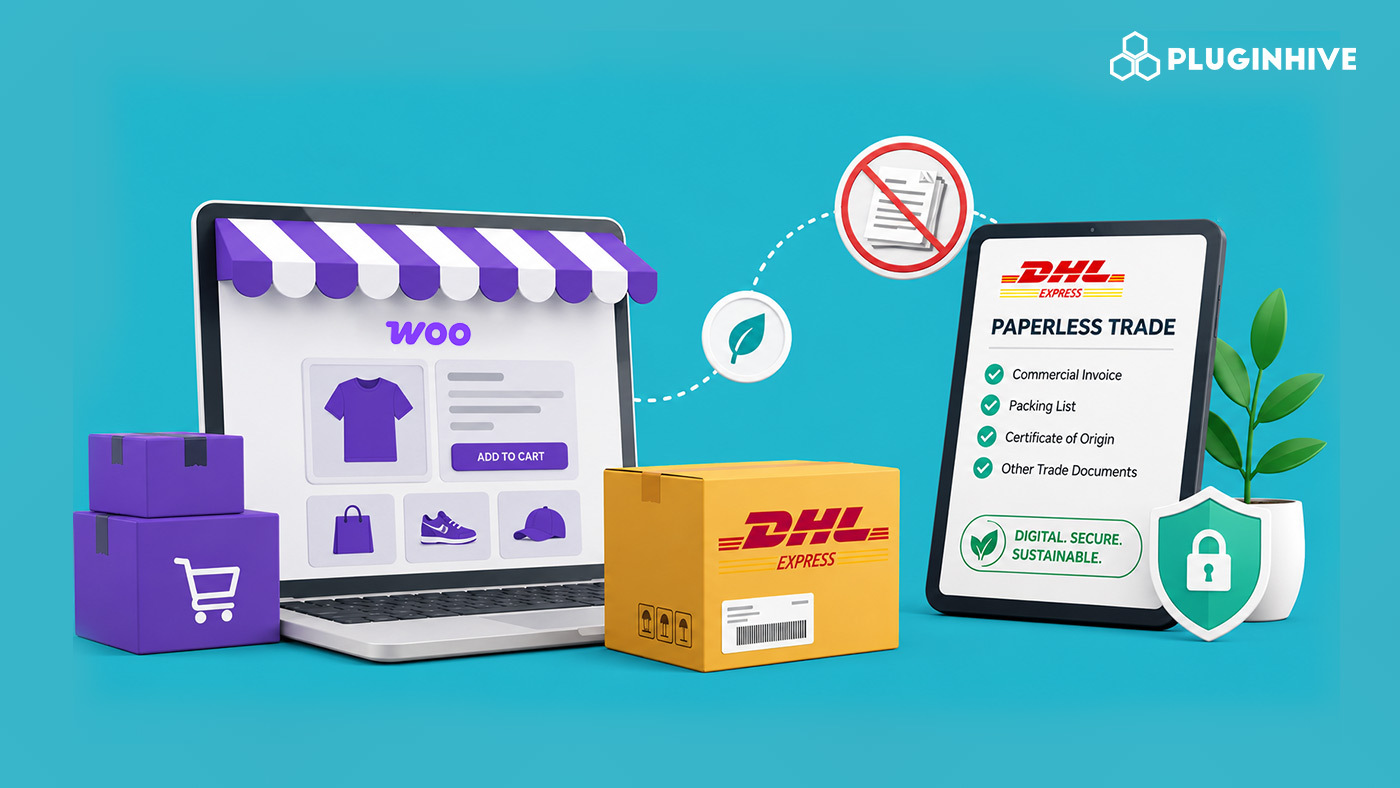
Every international order placed on your WooCommerce store carries a hidden step most customers never see: customs paperwork. Commercial invoices, certificates of origin, and other supporting documents have traditionally gone through printing. Merchants then tape them to the outside of the box. DHL Paperless Trade removes that step. It lets merchants send these documents electronically to customs before the shipment leaves the warehouse.
For stores running DHL Express through WooCommerce, this isn’t a cosmetic convenience, it changes how quickly parcels clear customs and how many of them get held up over a missing or unreadable form.
On This Page
- What Is DHL Paperless Trade?
- What Happens Behind the Scenes When PLT Is Active
- Why It Matters for WooCommerce Sellers
- Which Documents Does DHL Paperless Trade Handle?
- How to Use DHL Paperless Trade in WooCommerce
- Best Practices for Using PLT in WooCommerce
- Conclusion
- FAQs
DHL Paperless Trade, Explained
DHL Paperless Trade (PLT) is a DHL Express service. It lets shippers submit customs documents electronically. Shippers do not need to print or physically attach these documents to packages. Instead of sending a paper commercial invoice, DHL transmits the same data electronically. It sends the data directly to the destination customs authority through its own systems.
DHL describes Paperless Clearance in simple terms. It lets shippers transmit documents to customs electronically. This removes the need to print and manually attach them to shipments.
What Happens Behind the Scenes When PLT Is Active
Once you switch on Paperless Trade for your DHL Express account, you can use it as part of the normal shipment-creation process without adding a separate workflow:
- When you book a shipment, DHL prompts you to submit the customs documents electronically.
- You can generate the invoice through DHL, upload an invoice you’ve already created, or create one directly in the platform.
- DHL integrates PLT into its shipping tools, MyDHL+ and the MyDHL API, so you can use it automatically for every eligible shipment once you activate it on your account.
It’s effectively a one-time activation with an ongoing payoff: no re-enabling it order by order.
Why It Matters for WooCommerce Sellers Specifically
WooCommerce stores shipping cross-border with DHL Express tend to hit the same friction points repeatedly, printing invoices for every parcel, manually attaching them, and hoping customs can read them. PLT addresses each of these:
- Less printing overhead: no per-order paper, ink, or document pouches, which adds up for stores fulfilling international orders daily.
- Quicker customs clearance: documents reach customs ahead of or alongside the shipment, rather than depending on a physical form surviving transit.
- Fewer clearance errors: electronic transmission cuts down on the misreads and mismatches that come from handwritten or smudged paperwork.
- A greener fulfillment process: less paper consumption per shipment, relevant for merchants tightening up their environmental footprint.
- Branded documentation: invoices generated through PLT can carry your logo and a digital signature, so even customs paperwork looks consistent with the rest of your store’s presentation.
Which Documents DHL PLT Actually Handles
PLT covers the documents that make up most routine customs submissions: commercial invoices, proforma invoices, and certificates of origin. When a shipment requires additional documents for regulated goods or destination-specific requirements, DHL’s platform also lets merchants upload them alongside the standard set.
What You Need in Place Before Switching It On:
- A live DHL Express business account with API access: Your DHL site ID, password, and account number are what connect your WooCommerce store to DHL’s systems and unlock PLT.
- DHL Express connected to WooCommerce: The WooCommerce Shipping Services Plugin lets you connect your DHL Express account to WooCommerce and use DHL shipping services from your store. Once the account is connected, you can configure the available DHL services and shipping options from WooCommerce.
- A PLT-eligible destination country: Support for electronic document submission isn’t universal; it depends on what each destination’s customs authority accepts.
- Clean product and shipment data in WooCommerce: PLT is only as accurate as the data feeding it, so before turning it on, confirm:
- Product descriptions, weights, and declared values are accurate
- HS codes are assigned correctly at the product level
- Your ship-from address is set correctly in WooCommerce
- Currency and Incoterms are configured per destination region
How to Use DHL Paperless Trade in WooCommerce
The WooCommerce Shipping Services Plugin by PluginHive brings DHL Paperless Trade into the same workflow you already use to generate DHL Express shipping labels, so you can manage labels and customs documentation directly from WooCommerce.
Connect your DHL account:
Enter your DHL Site ID, password, and account number in the plugin settings to establish the API connection for DHL rates and shipping labels.

Enable Paperless Trade:
In the DHL configuration, enable the Paperless Trade option to electronically transmit customs documents for eligible international shipments.

Generate the DHL label:
When you create a DHL Express label for an eligible international order, the DHL API transmits the required customs documents electronically. This eliminates the need to print and attach those documents to the shipment.

Process labels in bulk:
If your store handles many international orders, you can generate multiple DHL shipping labels in bulk. This helps you process shipments faster. It also makes handling the related customs documents more efficient.

A Few Habits That Keep PLT Running Smoothly in Your Woo Store
- Audit HS codes regularly: Wrong classification codes cause the same clearance delays PLT is meant to prevent; recheck them whenever a new product category is added.
- Don’t shade declared values: Underdeclaring risks compliance issues; overdeclaring inflates duty costs for the customer. Accuracy protects both sides.
- Confirm eligibility before you rely on it: Check that a destination actually supports electronic submission before assuming PLT will apply to a new shipping lane.
- Pair it with DDP where it makes sense: Combining PLT with Delivered Duty Paid pricing removes surprise customs charges for the buyer at delivery.
Conclusion
DHL Paperless Trade takes a repetitive, error-prone step out of international fulfillment- printing and attaching customs paperwork- and replaces it with a transmission that happens automatically. For WooCommerce stores shipping via DHL Express, that translates into faster clearance, fewer document-related delays, and a fulfillment process that scales without adding manual work per order. Through the WooCommerce Shipping Services plugin, PLT sits inside the same label-generation step you’re already using, so nothing extra is required to benefit from it.
For help configuring DHL Express and Paperless Trade in WooCommerce, visit the PluginHive Support.
FAQs
Q. Can I show different DHL shipping rates based on products, destinations, or order conditions?
Yes. If you need more control over how shipping rates appear, you can use the Table Rate Shipping Pro Plugin to create shipping rules based on factors such as weight, quantity, destination, price, and shipping class.
Q. Can I hide certain shipping methods for specific orders?
Yes. The PH Hide Shipping Methods & Rate Adjustment for WooCommerce plugin lets you conditionally hide shipping methods based on factors such as products, shipping classes, cart conditions, and destination. This can help prevent customers from selecting shipping options that are not suitable for a particular order.
Q. Can I show estimated delivery dates for DHL shipments?
Yes. The Estimated Delivery Date Plugin For WooCommerce can display estimated delivery dates or delivery ranges to customers based on your configured shipping rules. This gives customers more visibility into when they can expect an international order to arrive.
Q. How can I automatically add DHL tracking information to WooCommerce orders?
The Shipment Tracking Pro for WooCommerce plugin lets you manage shipment tracking information across supported carriers and display tracking details to customers in order emails and their WooCommerce account.
Q. Can I manage DHL shipping for a WooCommerce multivendor marketplace?
Yes. If multiple vendors fulfill orders through your WooCommerce marketplace, a multivendor shipping solution can help assign shipping methods and manage fulfillment according to your marketplace workflow. PluginHive’s PH Multi Vendor Shipping Addon for WooCommerce is designed to handle shipping requirements for multivendor stores.
