


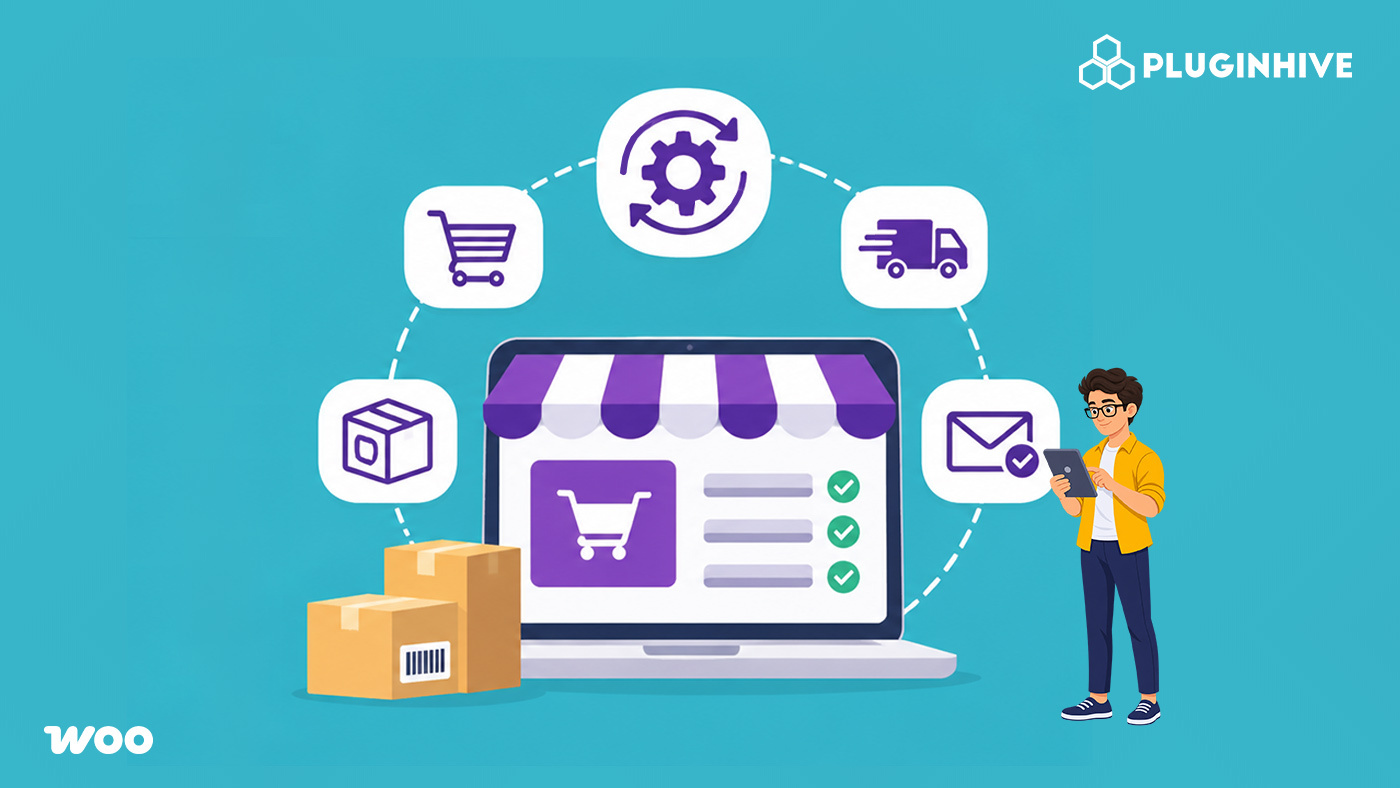
Every online store handles repetitive tasks in its daily operations. These include calculating shipping costs, processing orders, generating shipping labels, updating customers about deliveries, and managing bookings. As order volumes increase, handling these activities manually takes more time and makes order management difficult. eCommerce automation helps simplify these operations by allowing software to perform tasks based on predefined rules and order information. Instead of manually completing every step, stores can automate routine activities and maintain consistent workflows.
This guide explores practical eCommerce automation use cases across WooCommerce, Shopify, Magento, and BigCommerce.
On This Page
- What eCommerce Automation Means for an Online Store
- Showing Accurate Shipping Rates at Checkout Automatically
- Printing Labels and Fulfilling Orders in Bulk for Your eCommerce Store
- Sending Tracking Updates Without Manual Emails
- Choosing the Right Carrier Automatically in Your eCommerce Store
- Automating Checkout Rules and Delivery Estimates
- Conclusion
- FAQs
What eCommerce Automation Means for an Online Store
eCommerce automation involves using software to perform routine store operations with minimal manual intervention. These operations follow predefined rules and use information already available in the store, such as order details, product information, customer addresses, and shipping preferences.
For example, when a customer places an order, the store can automatically calculate shipping rates based on the package weight and delivery address. Once the order is ready for dispatch, the system can generate a shipping label and share tracking information with the customer.
Some common areas where online stores use automation include:
- Order processing: Managing order information and updating order statuses.
- Shipping management: Calculating shipping rates, generating labels, and selecting shipping services.
- Shipment tracking: Adding tracking numbers to orders and sending delivery updates.
- Checkout management: Applying shipping rules, adjusting rates, and displaying estimated delivery dates.
- Booking management: Handling appointment availability, scheduling, pricing, and payments.
Beyond shipping and order fulfillment, ecommerce accounting automation helps online sellers record sales, fees, and refunds in QuickBooks. Solutions like Webgility combine automated accounting with human bookkeeping expertise to simplify payout reconciliation and reduce manual financial work.
Showing Accurate Shipping Rates at Checkout Automatically
Shipping rate calculation is one of the common tasks that online stores can automate. Shipping costs depend on several factors, including package weight, dimensions, destination, and the carrier service selected. When stores use fixed shipping rates, customers may pay more or less than the actual shipping cost.
Automated shipping rate calculation allows stores to retrieve live rates from their carrier accounts and display them during checkout. The system uses the shipment details to calculate available rates without requiring store owners to check carrier websites manually.
For example, when a customer enters a delivery address and proceeds to checkout, the shipping integration can use the order details to retrieve available services and their corresponding rates.
- WooCommerce stores can automate this process using carrier-specific solutions such as the WooCommerce UPS Shipping Plugin, WooCommerce FedEx Shipping Plugin, and WooCommerce USPS Shipping Plugin.
- On Shopify, the PH MultiCarrier Shipping Label App displays carrier-calculated rates at checkout for services such as UPS, USPS, FedEx, DHL, Canada Post, and Australia Post.
- Magento and BigCommerce stores can also automate checkout rate calculations using their respective multi-carrier shipping solutions:
These integrations retrieve rates from connected carrier accounts based on shipment details and make available shipping options visible to customers.
Printing Labels and Fulfilling Orders in Bulk for Your eCommerce Store
After an order is placed, the store needs to prepare it for dispatch. This involves checking the order details, entering shipment information, selecting a carrier service, and generating a shipping label. When these steps are performed manually, store owners must repeatedly transfer information between their eCommerce platform and carrier websites.
Shipping label automation simplifies this process by using the information already available in the order. The system can retrieve the customer’s address, package details, and selected shipping service to generate the label.
For example, when several orders are ready for dispatch, a store can process them together instead of generating each label separately. This is particularly useful when handling a large number of shipments.
- On WooCommerce, carrier-specific shipping plugins or the WooCommerce Shipping Services plugin allow store owners to generate and print labels directly from the order page.
- For Shopify, the PH MultiCarrier Shipping Label App supports bulk label generation with a single click and can fulfill orders with tracking numbers attached. Stores shipping primarily with FedEx can also use the PH Ship Rate & Track for FedEx. Australian Shopify stores can use the PluginHive Australia Post Ship App for MyPost, eParcel, and StarTrack shipments.
- Magento stores can generate hundreds of shipping labels in one click from the orders page. PluginHive also offers separate Magento shipping extensions for services such as Stamps.com USPS, Australia Post, and Royal Mail.
- On BigCommerce, the BigCommerce Multi Carrier Shipping Label App supports one-click label generation, carrier pickup scheduling, manifest generation, and automatic order status updates with tracking information.
Sending Tracking Updates Without Manual Emails
Once an order has been shipped, customers need a way to check its delivery status. Without automated tracking, store teams may have to share tracking numbers manually or respond to repeated questions about order delivery.
Shipment tracking automation connects shipping information with the store’s order management system. When a tracking number is generated or added to an order, the system can share it with the customer through email notifications and a tracking page.
For example, after an order is fulfilled, the customer can receive an email containing the tracking number and a link to check shipment progress. Further updates can be shared as tracking information becomes available.
- For WooCommerce, Shipment Tracking Pro for WooCommerce supports bulk tracking imports through CSV, FTP, and SFTP. It also provides a branded tracking page and email notifications when shipment information is updated.
- Shopify stores can use the Shipment Tracking & Notify app to provide a branded tracking page and shipment lookup. The PH MultiCarrier Shipping Label app also shares tracking details with customers when orders are fulfilled.
- Magento and BigCommerce shipping solutions mntioned above also include tracking dashboards and email notifications that provide customers with shipment information.
Choosing the Right Carrier Automatically in Your eCommerce Store
Stores that work with multiple shipping carriers need to select suitable services for different shipments. Shipping costs, delivery locations, and available services can vary between carriers.
Comparing these options manually for every order can take time. Automated carrier selection uses predefined conditions and available shipping rates to simplify the process.
For example, a store can compare available carrier services based on shipping costs and serviceable delivery areas. The system can then identify the cheapest available service or present different options for selection.
For WooCommerce, the Multi-Carrier Shipping Plugin for WooCommerce connects multiple carrier accounts and displays their available shipping rates, allowing store owners to compare services. Shopify stores can use the PH MultiCarrier Shipping Label App for the same purpose.
Automating Checkout Rules and Delivery Estimates
Not every order needs to follow the same shipping conditions. Shipping costs and available delivery methods may depend on factors such as product category, order value, package weight, quantity, and delivery location.
Stores can automate these conditions by setting predefined shipping rules. The system applies the relevant conditions during checkout and displays the appropriate shipping methods and charges.
For example, a store may offer different shipping rates for lightweight and heavy packages, hide certain shipping methods for specific products, or adjust shipping charges based on cart value.
WooCommerce stores can use different tools to manage these requirements:
- PH Table Rate Shipping Pro Plugin for WooCommerce: Sets custom shipping rates based on weight, price, quantity, destination, and shipping class.
- PH Hide Shipping Methods & Rate Adjustment for WooCommerce: Hides or adjusts shipping methods based on products, categories, and cart value.
- Estimated Delivery Date Plugin For WooCommerce: Displays estimated delivery dates on product pages, the cart, and checkout.
Delivery estimates are another useful area for automation. Instead of manually communicating expected delivery dates, stores can display estimates directly on shopping pages.
If you have a booking store in WooCommerce and want to automate tasks there, you can use the Bookings And Appointments for WooCommerce Plugin.
Conclusion
eCommerce automation helps online stores manage routine operations more efficiently and maintain consistent workflows. The right automation approach depends on the store’s requirements, existing processes, and eCommerce platform. By identifying tasks that can be simplified and choosing suitable tools, businesses can build workflows that support their day-to-day operations as they grow.
For assistance in choosing or setting up an eCommerce solution, feel free to contact the PluginHive support team.
FAQs
Q. Is eCommerce automation suitable for small businesses?
Yes. Small businesses can use eCommerce automation to reduce the time spent on repetitive activities. They can start with a few essential tasks and expand automation as their business grows.
Q. Does eCommerce automation require technical knowledge?
Not necessarily. Many eCommerce automation tools provide ready-made integrations, settings, and rule-based configurations. Store owners can automate several activities without writing code.
Q. How do I choose the right eCommerce automation tools?
Start by identifying the tasks that take the most time or involve repetitive manual work. Then consider your eCommerce platform, required features, integration compatibility, pricing, and available support before choosing a solution.
Q. How can I check whether eCommerce automation is improving store operations?
You can monitor factors such as order processing time, fulfillment efficiency, operational costs, manual errors, and customer response time. Comparing these metrics before and after implementing automation can help you understand its impact.
