


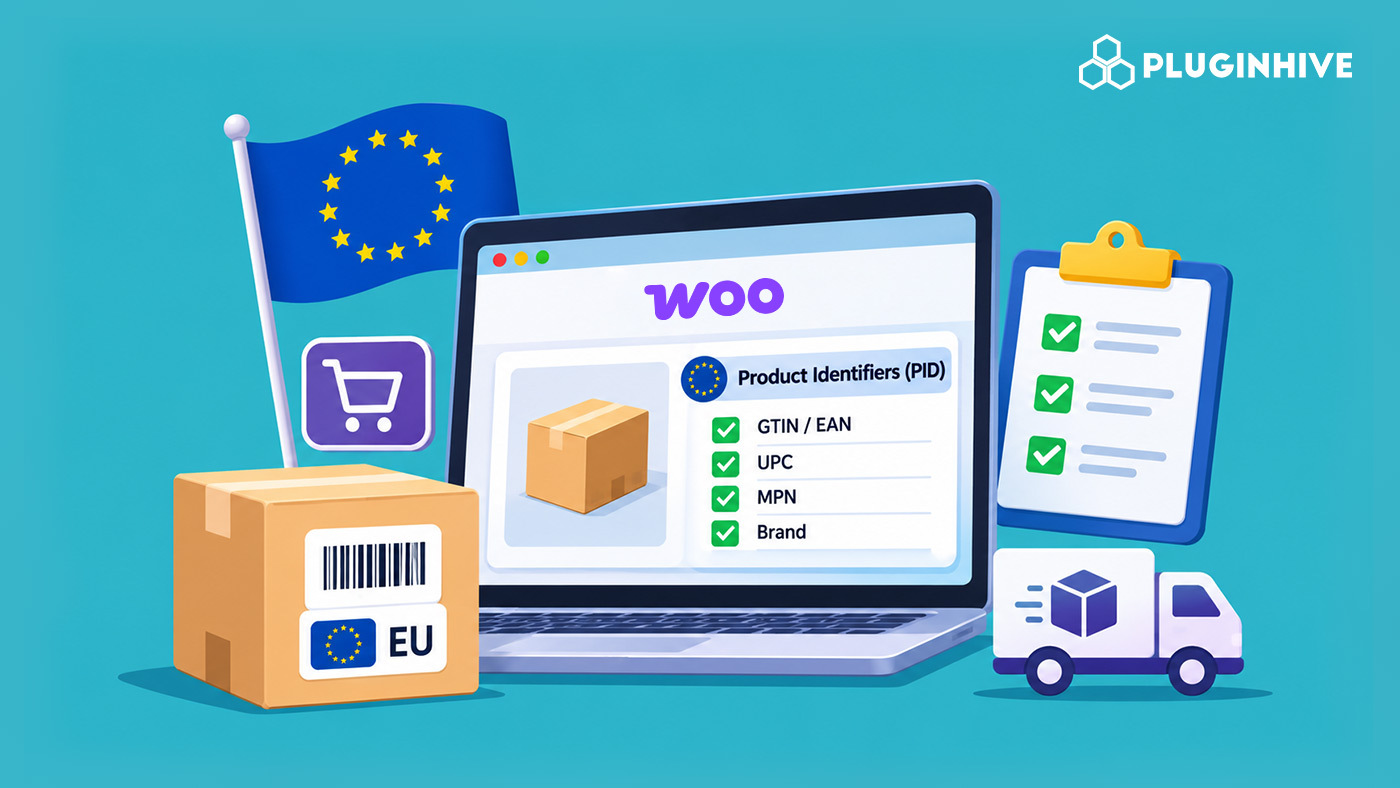
Shipping e-commerce orders to Europe from outside the EU now requires more than paying a duty. EU product identifiers (PIDs) now tell customs exactly what’s inside every parcel. If your WooCommerce, Shopify, Magento, BigCommerce, or other e-commerce store sells to EU customers, the data attached to each shipment matters as much as the price on the label. This guide walks you through what is changing, what to prepare, what to check, and how to set up.
On This Page
- What Is Changing in EU Customs for Ecommerce Stores?
- What Are the Three EU Product Identifiers?
- What Do Ecommerce Merchants Need to Prepare for EU Product Identifiers?
- How to Set Up EU Product Identifiers for Your Ecommerce Store
- Conclusion
What Is Changing in EU Customs for Ecommerce Stores?
Two changes hit EU-bound parcels in 2026. One is about cost, and the other is about data.
| Date | What changed | Status |
|---|---|---|
| 1 July 2026 | The €150 duty exemption ended. A flat €3 duty applies per declaration line. | Already in effect |
| 1 November 2026 | Product Identifiers (PIDs) become mandatory on customs declarations. An EU handling fee of about €2 per parcel starts the same day. | Now in effect |
The cost side is covered in detail in our earlier guide, EU De Minimis Exemption Customs Duty Changes and 2026. Read it if you want the full duty maths and the landed-cost example. This article focuses on the data side.
The PID rule applies to B2C shipments. Any ecommerce store outside the EU that ships directly to EU consumers is affected, whether you are shipping to the EU from the US, UK, India, Australia or Canada. That covers WooCommerce, Shopify, Magento, BigCommerce and every other platform, and it applies whichever carrier you use, including FedEx, UPS, DHL, USPS, Australia Post and PostNord. Stores that fulfil EU orders from a warehouse inside the EU are not affected. Shipments to VAT-registered businesses do not need PIDs either.
What Are the Three EU Product Identifiers?
For e-commerce orders, a PID is a code that points to one specific product, instead of describing it in words like “cotton t-shirt”. Customs uses it to match the parcel to a real product record. There are three.
| Identifier | Customs code | What it means | Where to find it | Required? |
|---|---|---|---|---|
| M-PID (Merchant PID) | C127 | Your own SKU or product code | Your store catalogue | Yes |
| NS-PID (Non-Standardised Manufacturer PID) | C128 | The manufacturer’s model or part number | Product label, packaging, supplier datasheet | Yes |
| S-PID (Standardised Manufacturer PID) | C129 | A GTIN, EAN or UPC barcode number | Product packaging or barcode registry | Only where one exists |
If a product has no barcode, the declaration carries code Y081 to say that no standardised identifier exists. Some carriers ask for the word “NO” in that field instead, so check your carrier’s format.
The most common mix-up is the manufacturer part number. It is an NS-PID, not an S-PID. The S-PID is only the barcode number.
Here is how the three look for one product:
| Product | M-PID | NS-PID | S-PID |
|---|---|---|---|
| Blue cotton T-shirt, size M | TSH-BLU-M | Maker model BC-2041 | 5901234123457 |
Each variant needs its own identifiers. A medium and a large T-shirt are two products as far as customs is concerned.
What Do Ecommerce Merchants Need to Prepare for EU Product Identifiers?
Work through this ecommerce checklist for every product you sell to the EU.
| Item | What to check |
|---|---|
| HS code | Every product has an accurate tariff code. Duty is charged per 4-digit heading. |
| Internal SKU (M-PID) | Filled in for every product and variant. |
| Manufacturer model or part number (NS-PID) | Filled in for every product and variant. |
| GTIN, EAN or UPC (S-PID) | Added wherever the product has a barcode. |
| Country of origin | Set correctly for each product. |
| Declared value | Matches what the customer paid, with no under-declaring. |
| EORI number | Your EORI number is configured in your carrier account and shipping plugin. |
| DDP shipping for EU destinations | Enabled, so the customer does not pay surprise charges at the door. |
| Duties at checkout | Shown before purchase, so cart abandonment does not catch you off guard. |
| Commercial invoice | Carries HS code, value, origin, EORI and the PIDs. |
Most platforms, including WooCommerce, Shopify, Magento and BigCommerce, let you store SKU, barcode and origin data at product or variant level. Some need a custom field or attribute for the manufacturer part number.
How to Set Up EU Product Identifiers for Your Ecommerce Store
Entering customs details by hand for every EU order is slow, and one missing code can hold up a parcel. PluginHive takes that work off your plate. Once your product data is in place, its plugins automate rates, label generation, apply your DDP settings, and produce the customs documentation, including commercial invoices, so EU-bound orders move without manual paperwork. That keeps your store compliant with the EU De Minimis changes, whichever platform you sell on.
On WooCommerce
For example, the UPS Shipping Plugin for WooCommerce with Print Label, which lets you automate UPS rates, label printing, and customs documentation for EU-bound shipments inside your store. It has the product identifier settings built into the product page, as shown below.

You can ship your products to the EU seamlessly with PluginHive’s other WooCommerce shipping plugins too:
- FedEx Shipping Plugin for WooCommerce with Print Label
- PH USPS Shipping Plugin for WooCommerce with Print Label.
- PH DHL Shipping Plugin for WooCommerce with Print Label
- Multi-Carrier Shipping Plugin for WooCommerce
On Shopify
If your store runs on Shopify, you can use:
- PH Multi-Carrier Shipping Label App: Manage FedEx, UPS, USPS, DHL, Australia Post, and other carriers from a single Shopify dashboard with live rates, label printing, and customs support for international ecommerce shipments.
- Shopify Ship, Rate, and Track for FedEx: Real-time FedEx rates, label printing, and customs documentation with the product data fields required for EU clearance.
Not sure which fits your setup? The PluginHive support team will point you to the right solution.
Conclusion
The EU’s 2026 changes work in two steps: a duty change in July and a data change in November. Together they reshape e-commerce shipping to the EU. The duty is simple to model. The data takes real catalogue work, because three identifiers must be right for every product and variant. Whether you sell on WooCommerce, Shopify, Magento, or BigCommerce, start with your top-selling EU products, work through the checklist, and run a test order.
