


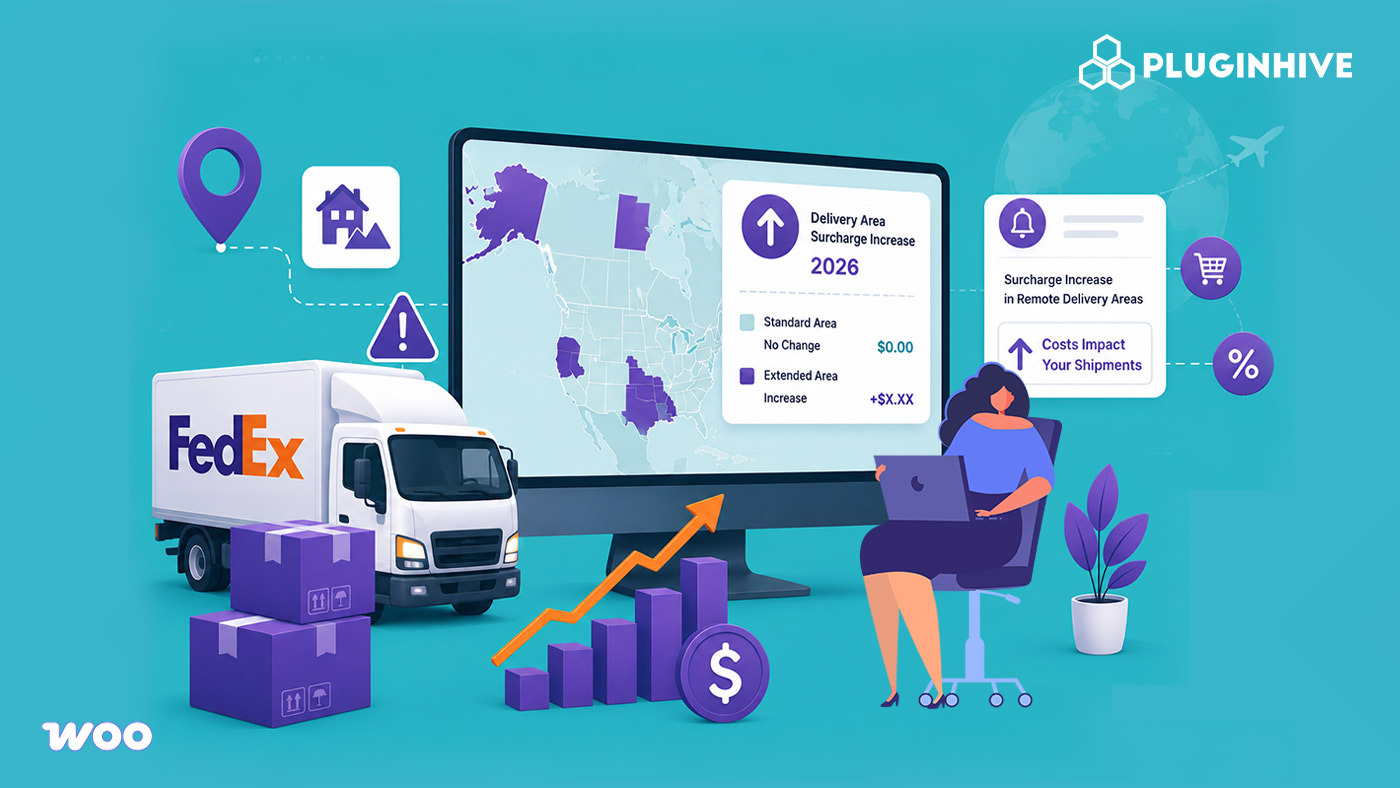
FedEx is raising its Delivery Area Surcharge (DAS) rates as part of its broader annual update to surcharges and fees. This isn’t a base shipping rate hike; it’s an increase to the extra fee FedEx charges for delivering to residential, extended, and remote ZIP codes. For merchants selling on WooCommerce, Shopify, Magento, BigCommerce, and other ecommerce platforms, this change can quietly push up ecommerce shipping costs on certain orders, even when nothing about the order itself has changed.
In this article, we’ll break down exactly what’s changing with FedEx’s delivery area surcharge rates and how ecommerce stores can adjust their shipping strategies.
Table of Contents
- What Is FedEx’s Delivery Area Surcharge (DAS)?
- What’s Changing With FedEx DAS Rates
- Recent Changes in FedEx Delivery Area Surcharges and Pickup Area Surcharges
- Why This Increase Is Easy for eCommerce Stores to Miss
- How eCommerce Stores Can Get Ahead of the FedEx DAS Increase
- Conclusion
- FAQs
What Is FedEx’s Delivery Area Surcharge (DAS)?
FedEx applies a Delivery Area Surcharge to shipments going to ZIP codes it classifies as residential, extended, or remote — areas that cost more for FedEx to service. The surcharge is layered on top of the base shipping rate and is determined by the destination ZIP code and delivery classification, not by the size or weight of the package.
For ecommerce businesses, delivery area surcharge applies across FedEx Ground, FedEx Home Delivery, and other U.S. Package Services shipments, which means it touches a large share of standard ecommerce order volume, not just edge-case rural deliveries. That makes it one of the most common hidden shipping costs for online sellers shipping direct to consumers.
What’s Changed With FedEx DAS Rates
Effective January 5, 2026, FedEx increased its Delivery Area Surcharge (DAS) rates across all delivery classifications for U.S. Package Services. As a result, ecommerce businesses shipping with FedEx now pay higher DAS charges than they did in 2025.
The table below compares the previous and current DAS rates.
| DAS Classification | 2025 Rate | Current Rate (Effective January 5, 2026) |
|---|---|---|
| Residential | $6.20/package | $6.60/package |
| Extended Residential | $8.30/package | $8.80/package |
| Commercial | $4.20/package | $4.45/package |
| Extended Commercial | $5.25/package | $5.55/package |
| Remote Commercial / Remote Residential | $15.50/package | $16.75/package |
| Alaska (Residential/Commercial) | $43.00/package | $46.00/package |
| Hawaii (Residential/Commercial) | $14.50/package | $16.25/package |
The maximum charge under FedEx Express and FedEx Ground Multiweight Pricing also increased. For example:
- The Extended Residential multiweight cap increased from $41.50 to $44.00 per shipment.
- The Remote Commercial/Residential multiweight cap increased from $77.50 to $83.75 per shipment.
Although the increase per package appears relatively small, the additional cost can quickly add up for ecommerce businesses processing hundreds or thousands of shipments each month, especially those shipping frequently to residential, extended, or remote delivery areas.
Recent Changes in FedEx Delivery Area Surcharges and Pickup Area Surcharges
FedEx also expanded the list of ZIP codes subject to Delivery Area Surcharges. Effective July 20, 2026, the following changes apply to domestic U.S. shipments:
| Surcharge | ZIP Code Changes (Effective July 20, 2026) |
|---|---|
| Delivery Area Surcharge (DAS) | +28 contiguous U.S. ZIP codes, +10 contiguous U.S. Extended ZIP codes, +74 contiguous U.S. Remote ZIP codes |
| Pickup Area Surcharge (PAS) | +28 contiguous U.S. ZIP codes, +10 contiguous U.S. Extended ZIP codes, +74 contiguous U.S. Remote ZIP codes |
This means that even if your shipping volumes remain unchanged, some destinations that previously didn’t incur these surcharges may now qualify for them. Ecommerce businesses should review the updated ZIP code classifications to avoid unexpected shipping costs.
Why This Increase Is Easy for eCommerce Stores to Miss
Unlike a headline base-rate increase, Delivery Area Surcharge (DAS) changes often go unnoticed because:
- The increase was introduced as part of FedEx’s broader 2026 surcharge and fee update, making it easy to overlook among dozens of other pricing changes.
- Many ecommerce stores using flat-rate or zone-based shipping at checkout don’t automatically account for updated DAS charges, causing the additional cost to be absorbed instead of reflected in customer shipping charges.
- The financial impact usually becomes noticeable only after multiple orders have been shipped to residential, extended, or remote delivery locations using outdated shipping assumptions.
For ecommerce businesses selling on WooCommerce, Shopify, Magento, BigCommerce, and other ecommerce platforms, these unnoticed surcharge increases can gradually reduce profit margins over time.
How eCommerce Stores Can Get Ahead of the FedEx DAS Increase
The best way for ecommerce businesses to manage the updated FedEx Delivery Area Surcharge rates is to use live FedEx shipping rates at checkout instead of relying on static shipping rules that may no longer reflect current carrier pricing.
For WooCommerce stores:
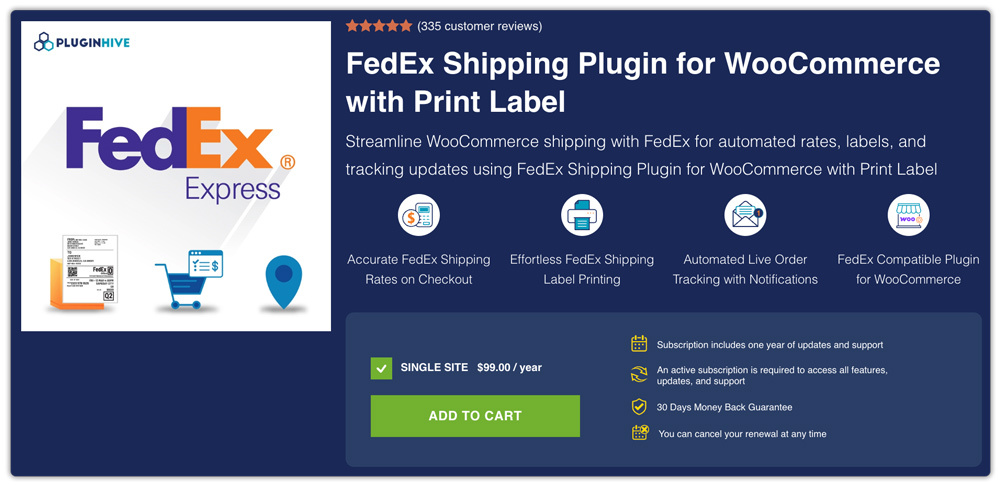
The WooCommerce FedEx Shipping Plugin with Print Label retrieves real-time FedEx shipping rates, including the latest DAS charges, based on the customer’s delivery address and ZIP code. This helps ensure customers see accurate shipping costs during checkout instead of rates calculated using outdated surcharge values.
For Shopify Store:
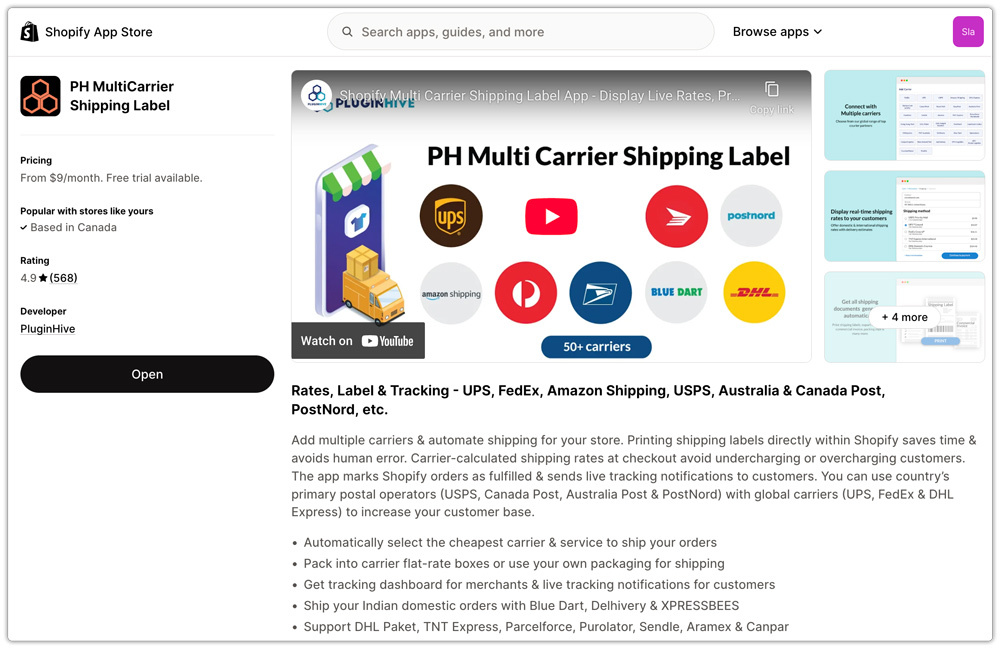
The Shopify Multi-Carrier Shipping Label App provides the same real-time FedEx rate lookup while also allowing merchants to compare shipping costs across multiple carriers. This can help identify more cost-effective alternatives for residential or remote deliveries where DAS charges are now higher.
For Shopify stores shipping exclusively with FedEx, the Shopify PH Ship, Rate & Track for FedEx App provides real-time FedEx rates, including the latest DAS charges.
Regardless of the ecommerce platform you use, it’s worth taking a few proactive steps:
- Review how many of your shipments fall under Residential, Extended Residential, or Remote DAS classifications.
- Recalculate your shipping costs using the current FedEx DAS rates.
- Monitor shipping costs regularly to identify routes or delivery areas where increasing surcharges may be affecting your margins.
Conclusion
FedEx’s Delivery Area Surcharge (DAS) increase can quietly raise shipping costs for ecommerce businesses, especially those shipping to residential, extended, and remote areas. Using live FedEx shipping rates helps ensure your ecommerce store reflects the latest DAS charges at checkout. If you need help integrating FedEx shipping with your ecommerce store, you can contact PluginHive support for assistance.
FAQs
Q. What is the best FedEx shipping plugin for WooCommerce?
The WooCommerce FedEx Shipping Plugin with Print Label is a suitable option for WooCommerce stores that need live FedEx rates, shipping label generation, and shipment tracking directly from WooCommerce.
Q. What is the best FedEx shipping app for Shopify?
The Shopify PH Ship, Rate & Track for FedEx App is a suitable choice for Shopify stores that want to display live FedEx rates, print FedEx shipping labels, and track shipments from the Shopify dashboard.
Q. How can I reduce the impact of the FedEx Delivery Surcharge increase?
You can’t avoid DAS charges for qualifying ZIP codes, but you can reduce unexpected costs by using live FedEx shipping rates, reviewing the destinations most affected by DAS, and updating your shipping strategy to reflect the current surcharge rates.
Q. What if I need multiple carriers along with FedEx in my WooCommerce store?
If you use FedEx alongside carriers such as UPS, USPS, or DHL, the Multi-Carrier Shipping Plugin for WooCommerce can help you display live carrier rates, generate shipping labels, and manage shipments from a single interface.
Q. Can I show, hide, or adjust shipping rates based on customer location or other conditions in WooCommerce?
Yes. You can configure shipping methods based on conditions such as shipping zones, customer location, cart value, or product details. The PH Hide Shipping Methods & Rate Adjustment for WooCommerce plugin lets you display or hide shipping options based on your store’s shipping rules.
