


As a Shopify seller, you know how important it is to give customers flexible delivery options. One missed delivery can easily turn into a frustrated customer and potentially a lost repeat buyer. That’s where FedEx Hold at Location comes in.
FedEx Hold at Location lets your customers pick up their packages from a nearby FedEx Office or any authorized pickup point instead of having it delivered to their doorstep. It’s a simple way to give buyers more control over their deliveries while helping you avoid costly redelivery attempts or lost packages.
By offering this option right from your Shopify checkout, you make the delivery process more convenient and reliable. Customers who aren’t home during the day can collect their orders on their own schedule, and you, as the merchant, benefit from fewer failed deliveries and happier customers.
In This Article
- What Is FedEx Hold at Location in Shopify?
- How to Enable FedEx Hold at Location in Shopify
- How Customers Use FedEx Hold at Location at Checkout
- Managing Orders with Hold at Location in Shopify
- Conclusion
- FAQ’s
What Is FedEx Hold at Location in Shopify?
FedEx Hold at Location is a delivery option that lets customers pick up their online orders from a nearby FedEx authorized pickup point instead of having the package delivered to their address.
Here’s how it works on your Shopify store:
- During checkout, customers see “Hold at FedEx Location” as one of the available delivery methods.
- They can choose a nearby pickup spot, whether it’s close to home, work, or somewhere on their daily route where the package is dropped.
- The buyer can then pick up the package at their convenience by showing a valid ID.
For Shopify sellers, this feature is especially helpful. It:
- Reduces missed deliveries caused by customers not being home.
- Prevents porch theft, which is a growing concern for online shoppers.
By offering FedEx Hold at Location from your Shopify checkout, you give buyers the flexibility they expect while making your shipping process more reliable and secure.
How to Enable FedEx Hold at Location in Shopify
Setting up FedEx Hold at Location on your Shopify store is simple; you just need the right app and a quick configuration. Here’s how you can do it step-by-step:
- Download and install the PH Ship, Rate, and Track for FedEx app from the Shopify App Store.
- This app connects your Shopify store directly with your FedEx account.
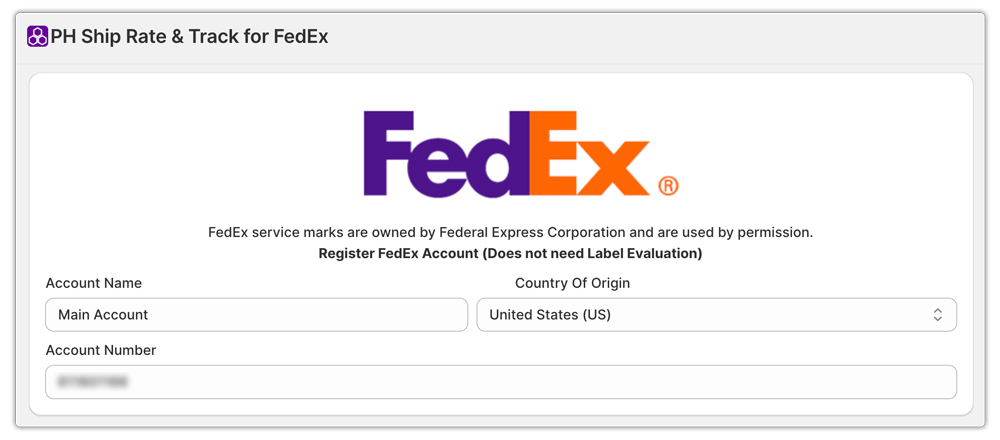
- Once installed, log in and configure your FedEx credentials (Account Number, Meter Number, Authentication Key, and Password).
- Customize your cart or checkout page layout.
- After you have added your FedEx account, you can edit your Shopify cart page design to include a clear “Hold at FedEx Location” option.
- This ensures customers can easily select a nearby pickup location when reviewing their cart.

Once everything is set up, your customers will automatically see the FedEx Hold at Location option at checkout whenever their cart contains eligible products. They can then pick a convenient FedEx Office or other authorized pickup point for delivery.
Note: To learn how to configure hold at checkout in detail, check out FedEx Hold at Location at Shopify Checkout.
How Customers Use FedEx Hold at Location at Checkout
Using FedEx Hold at Location is quick and straightforward for your customers. Here’s how it works from their side:
- At the cart, the customer selects the “Hold at FedEx Location” delivery option.
- They’ll then see a list of FedEx pickup locations.
- The customer chooses the location that’s most convenient for them, maybe near their workplace, home, or a place they pass by daily.
- Once you ship the order, FedEx delivers the package directly to the selected pickup location instead of the customer’s address.
- When the package arrives, the customer can then go to that FedEx location and collect the package whenever it fits their schedule.

This process makes deliveries more flexible for your buyers and reduces the risk of missed deliveries, a great way to improve the overall Shopify shipping experience on your store.
Managing Orders with Hold at Location in Shopify
Managing FedEx Hold at Location orders on your Shopify store is simple when you’re using the PH Ship, Rate, and Track for FedEx app by PluginHive. Everything is handled automatically, but you still have full control when you need it.
Here’s how it works:
- You can view and manage all Hold at Location orders directly in the app dashboard. Each order clearly shows the FedEx pickup point your customer selected during checkout.
- When you generate a shipping label, the app automatically adds the Hold at Location details. This ensures the package is delivered to the correct FedEx pickup site.
- You can manually edit or change the pickup location if needed. This is ideal when a customer updates their preferred pickup point before you create the label.
- Tracking updates work seamlessly for both you and your customers. You can view the shipment status inside the app, while customers receive real-time FedEx tracking notifications.
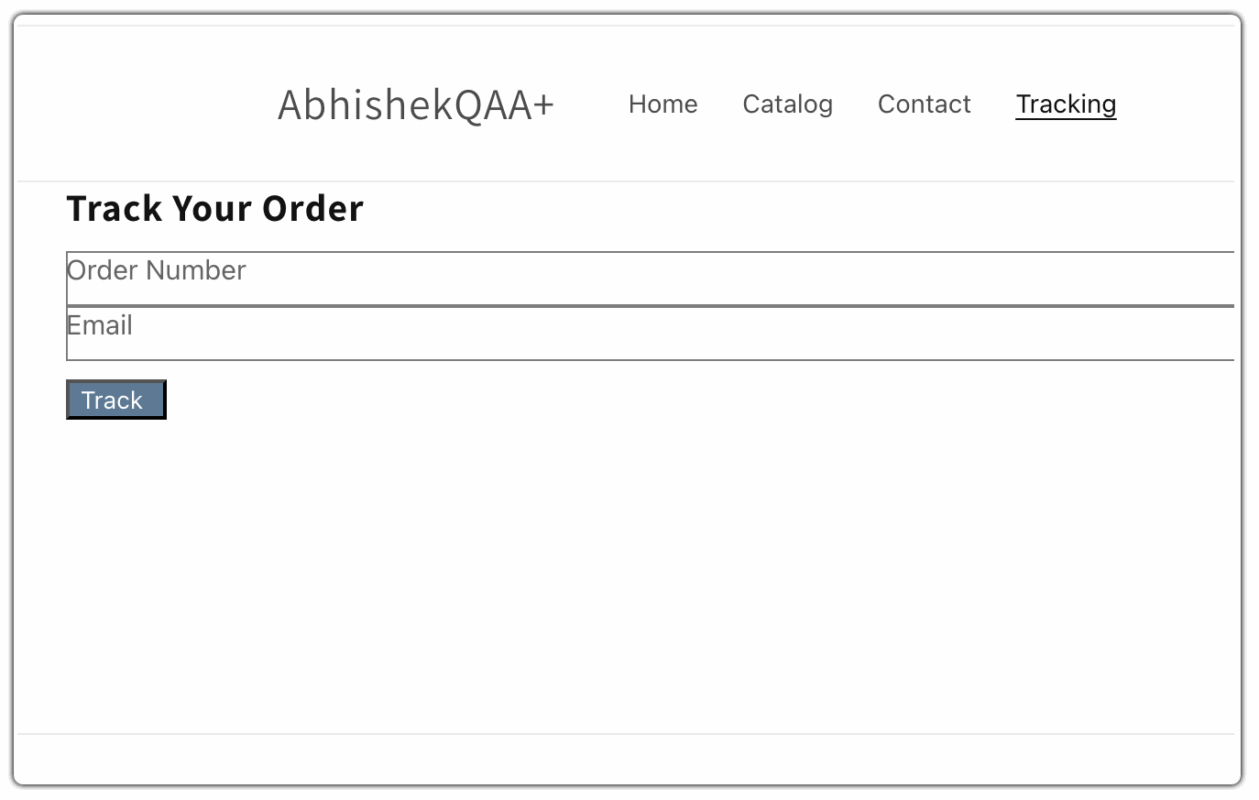
Additional Tip: Add the Shipment Tracking & Notify app by PluginHive to your storefront. It allows customers to track their FedEx orders directly on your Shopify store, which keeps them coming back to your site. This not only improves the customer experience but also gives you more chances to showcase new collections or promotions every time they return. To learn how to set up the app in detail, check out the setup article.
Conclusion
Offering FedEx Hold at Location in your Shopify store is one of the easiest ways to make your shipping process more flexible, secure, and customer-friendly. It gives shoppers the freedom to pick up their orders at a nearby FedEx authorized pickup point and helps you avoid missed deliveries, lost packages, and unnecessary reshipping costs.
With the PH Ship, Rate, and Track for FedEx app by PluginHive, enabling this feature takes just a few simple steps. Once set up, your customers can choose a convenient pickup spot right from your Shopify checkout, while you can easily manage and track those orders from your dashboard.
FAQ’s
What is the FedEx Hold at Location option?
It’s a delivery option that lets customers pick up their orders from a nearby FedEx authorized location. They don’t have to wait for home delivery. This adds flexibility, reduces missed deliveries, and makes your Shopify shipping more reliable.
What happens when you hold a package at a FedEx location?
When you choose FedEx Hold at Location, your package is sent to the FedEx Office or pickup point you selected. It’s held there for up to 7 days before being returned to the sender. To pick it up, simply bring your tracking number and a government-issued photo ID.
Can I ask FedEx to hold my package longer?
Yes, you can redirect a package that’s already in transit to a nearby FedEx retail location. Pick it up whenever it’s convenient for you. You can also place a vacation hold on deliveries for up to 14 days.
Plus, you can sign for packages virtually from your phone or computer through your FedEx account.
