



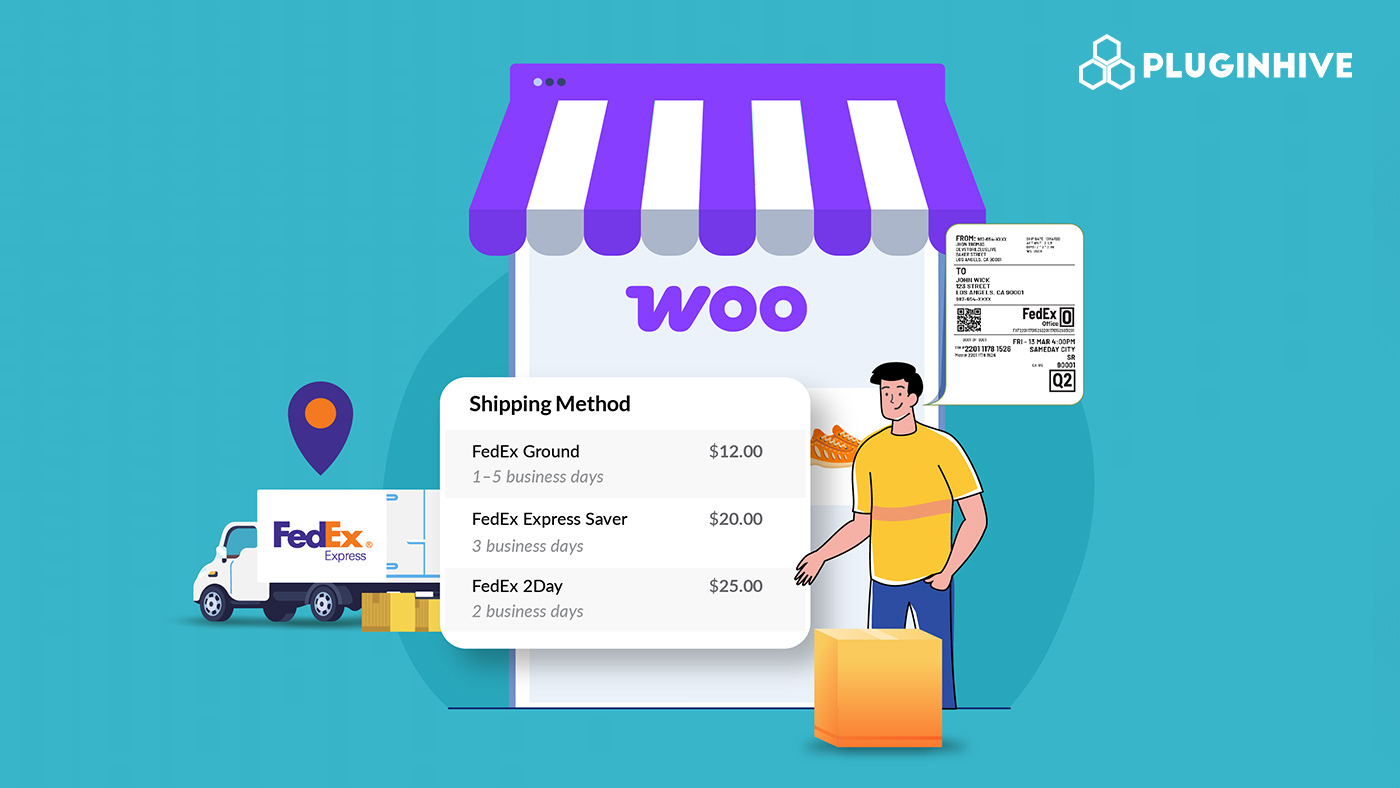
Shipping is one of the most important parts of running a successful WooCommerce store. FedEx is a global carrier trusted for its fast, reliable domestic and international deliveries. From affordable ground shipping to overnight express, FedEx covers diverse needs. But without the right integration in WooCommerce, challenges like inaccurate rates, manual labels, and missing tracking updates can disrupt operations and frustrate customers.
This guide explains how to use FedEx in WooCommerce for live rates, shipping labels, and real-time tracking to streamline fulfillment and improve customer experience.
On This Page
- Overview of FedEx
- Challenges of FedEx Shipping in WooCommerce
- Integrating and Offering FedEx Shipping in WooCommerce
- Real-World Example
- Best Practices for FedEx in WooCommerce
- Conclusion
- FAQs
Overview of FedEx
FedEx is one of the leading logistics providers in the world, serving over 220 countries. It offers a wide variety of services tailored for both domestic and international shipping.
Domestic Services include:
- FedEx Ground – Cost-effective delivery within 1-5 business days across the U.S.
- FedEx Express Saver – 3-day guaranteed delivery by 4:30 p.m. (or 8 p.m. for residences).
- FedEx 2Day & 2Day AM – Guaranteed delivery in 2 business days.
- FedEx Standard Overnight, Priority Overnight, and First Overnight – Next-day delivery with different cut-off times.
International Services include:
- FedEx International Priority – 1-3 business day delivery worldwide.
- FedEx International Economy – Cost-effective option within 2-5 business days.
- FedEx International First – Early morning delivery to select destinations.
Specialized Services include:
- FedEx SameDay – Urgent, same-day delivery within the U.S.
- FedEx One Rate – Flat-rate shipping using FedEx-provided packaging.
- Additional Options like dangerous goods handling, Saturday delivery, declared value coverage, and FedEx Hold at Location.
With these flexible services, WooCommerce store owners can balance speed, budget, and customer expectations.
Challenges of FedEx Shipping in WooCommerce
While FedEx provides excellent shipping services, WooCommerce doesn’t support FedEx integration out of the box. Merchants often face:
- Inaccurate Rates at Checkout: FedEx rates vary based on weight, dimensions, distance, and surcharges. Manual flat rates often don’t reflect true shipping costs.
- Manual Label Generation: Without automation, printing FedEx labels for every order can slow down fulfillment.
- Multi-Package Orders: WooCommerce lacks native support for multiple parcels in one order, which complicates rate calculation and label creation.
- International Shipping Compliance: Global shipments need HS codes, customs paperwork, and duties, which can be complex if done manually.
- Lack of Real-Time Tracking: WooCommerce does not natively provide FedEx tracking updates to customers.
- Limited Service Options at Checkout: Customers might not see all available FedEx services, reducing flexibility.
But all these issues can be tackled with the right solution. This is where the WooCommerce FedEx Shipping Plugin with Print Label, which is a FedEx-certified solution, comes in.
Integrating and Offering FedEx Shipping in WooCommerce
The WooCommerce FedEx Shipping Plugin with Print Label makes it simple to connect FedEx services to your WooCommerce store, enabling you to provide customers with a range of delivery options that balance cost and speed.
To get started with FedEx shipping in your WooCommerce store, visit the following detailed guide: WooCommerce FedEx Shipping Setup Guide .
Once configured, you can:
Display FedEx Live Rates in WooCommerce
Select the FedEx services you want to show at checkout, such as FedEx Ground, FedEx Express Saver, FedEx 2Day, and FedEx Standard Overnight.

The plugin pulls real-time shipping rates directly from your FedEx account, giving customers accurate pricing and flexibility when choosing their delivery option.

Print FedEx Shipping Labels
Generate FedEx shipping labels instantly from within WooCommerce orders. Each label includes complete shipment details to ensure accuracy in handling.

You can also schedule FedEx pickups right after creating labels, helping streamline your fulfillment workflow.
FedEx Shipment Tracking in WooCommerce
Once a label is created, tracking IDs are automatically generated and linked to the order.

Merchants can view shipment status from the WooCommerce dashboard, while customers receive tracking details in their order emails.

By integrating FedEx with WooCommerce through this plugin, you can simplify shipping operations and provide a seamless delivery experience for your customers.
For global deliveries, see the WooCommerce FedEx International Shipping Guide.
Real-World Example: Optimizing FedEx Shipping in WooCommerce
A WooCommerce store specializing in handcrafted home decor, such as candles, wall art, and furniture, serves both U.S. and international customers. Orders range from lightweight decorative pieces to bulky multi-item shipments.
The Problem:
The store faced multiple shipping challenges:
- Inaccurate Rates at Checkout: Flat-rate shipping often led to overcharging or undercharging customers, resulting in abandoned carts.
- Manual Label Creation: Generating FedEx labels manually for every order was slow and error-prone.
- Customs Delays: International shipments frequently experienced clearance issues due to incomplete documentation.
- Poor Tracking Communication: Customers lacked visibility into their orders, increasing support tickets.
The Solution:
By integrating FedEx with WooCommerce using the WooCommerce FedEx Shipping Plugin with Print Label, the store was able to:
- Display Live FedEx Rates: Accurate real-time rates for FedEx Ground, Express Saver, 2Day, and Overnight were shown at checkout.
- Automate Label Generation: FedEx shipping labels for both single and multi-package orders were created instantly from WooCommerce.
- Streamline Customs with ETD: Electronic trade documents (ETD) were enabled to reduce customs delays on international orders.
- Enable Real-Time Tracking: Tracking IDs were automatically shared with customers via email and updated in their order dashboard.
The integration minimized cart abandonment, sped up order fulfillment. Customers gained transparency with real-time tracking, improving satisfaction and trust.
Best Practices for FedEx in WooCommerce
To maximize efficiency with FedEx shipping in WooCommerce:
- Offer multiple FedEx services at checkout to balance speed and cost.
- Use negotiated FedEx rates for cost savings.
- Enable ETD (Electronic Trade Documents) for smoother international shipping.
- Automate bulk label generation to save time.
- Always share real-time tracking links with customers.
Conclusion
FedEx integration with WooCommerce transforms shipping by providing accurate live rates, easy label generation, and real-time tracking updates. This not only improves fulfillment efficiency but also enhances customer trust and satisfaction. By offering FedEx services, WooCommerce stores can expand their reach and deliver a smoother shopping experience both domestically and internationally.
FAQs
- Can I ship alcohol with FedEx from WooCommerce?
Yes. FedEx allows alcohol shipments under strict compliance rules. Learn more here: Ship Alcohol with FedEx in WooCommerce.
- Does FedEx deliver on Saturdays?
Yes. FedEx offers Saturday delivery for certain services and locations. Learn more here: FedEx Saturday Delivery WooCommerce Guide.
- Can I ship frozen food with FedEx in WooCommerce?
Yes. FedEx Express services allow perishable and frozen shipments when packaged with dry ice or gel packs. Learn more here: Ship Frozen Food with FedEx in WooCommerce.
- Can I offer FedEx International Connect Plus (FICP) in WooCommerce?
Yes. With the WooCommerce FedEx Shipping Plugin, you can enable the FedEx International Connect Plus (FICP) fedex shipping pluginhive to provide affordable international delivery.
