


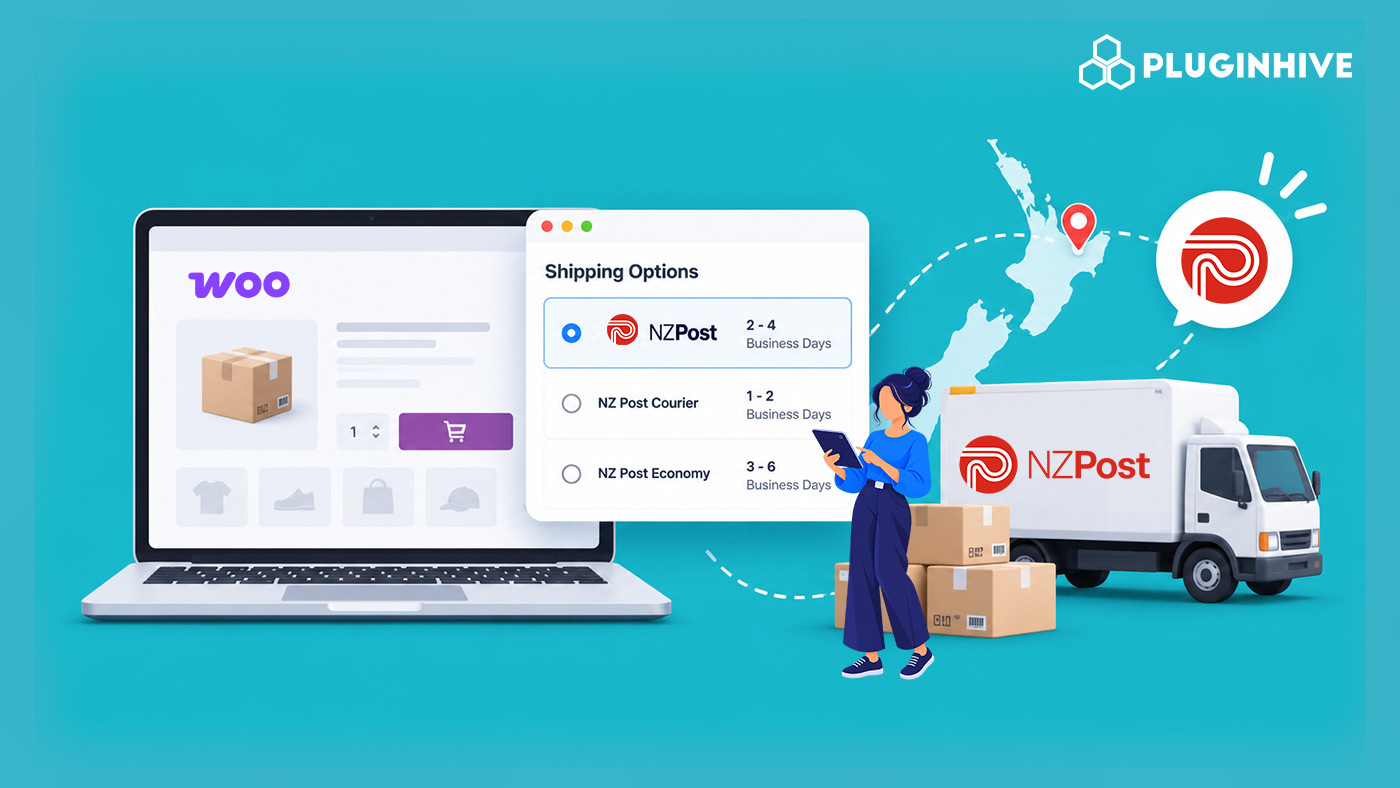
NZ Post, through its CourierPost network, is New Zealand’s largest domestic courier and postal operator and a state-owned enterprise. For WooCommerce stores selling to customers across both islands, including rural addresses that make up a meaningful share of New Zealand’s geography, NZ Post’s reach makes it one of the most practical default carriers for New Zealand-based sellers.
This guide explains how NZ Post shipping works for WooCommerce, how its service levels, delivery times, and rural delivery rules are structured, and how to connect it to your store.
On This Page
- Why NZ Post Matters for WooCommerce Sellers in New Zealand
- How NZ Post Shipping Pricing and Delivery Times Work
- How to Set Up NZ Post Shipping in WooCommerce
- Real-World WooCommerce Use Case
- Conclusion
- FAQs
Why NZ Post Matters for WooCommerce Sellers in New Zealand
CourierPost has operated as NZ Post’s nationwide courier network since 1989, and part of what sets it apart is that rural deliveries run through NZ Post’s own rural network rather than being contracted out to third parties. For WooCommerce stores, that matters because rural delivery in New Zealand almost always needs a 2-3 working day buffer on top of standard targets, and a carrier running its own rural routes tends to be more predictable than one subcontracting that leg.
NZ Post’s Pace same-day service, available in Wellington, Auckland, and Christchurch, is also a notable option for WooCommerce stores whose customer base is concentrated in New Zealand’s three biggest metro areas, giving same-day or near-same-day delivery alongside standard nationwide courier service.
How NZ Post Shipping Pricing and Delivery Times Work
NZ Post’s delivery targets vary by service tier, and rural addresses have a longer delivery window and a small additional surcharge than urban addresses.
| Service | Typical Delivery Target | Best For |
|---|---|---|
| Pace Same-Day (Wellington, Auckland, Christchurch) | Same day; Pace Priority targets around 3 hours | Urgent local orders in major metros |
| CourierPost Domestic (Courier Parcel) | Next business day to main centers; add 2–3 working days for rural addresses | Standard nationwide parcel delivery |
| Economy Parcel | Multi-day, slower than Courier; varies by route | Cost-sensitive domestic orders |
| International Courier / Express | Varies by destination country | Cross-border orders |
How to Set Up NZ Post Shipping in WooCommerce
The PH NZ Post Shipping Plugin for WooCommerce with Print Label connects your WooCommerce store with NZ Post and automates shipping tasks.
Install and activate the plugin, then follow the Set Up NZ Post Shipping for WooCommerce guide to configure the plugin.
Once configured, with this plugin you can:
- Display live CourierPost domestic and NZ Post international rates at checkout based on product weight, dimensions, and delivery address, with a fallback flat rate if the API is unavailable.

- Print NZ Post shipping and return labels directly from the WooCommerce order page, including CN22/CN23 customs documents for international shipments.
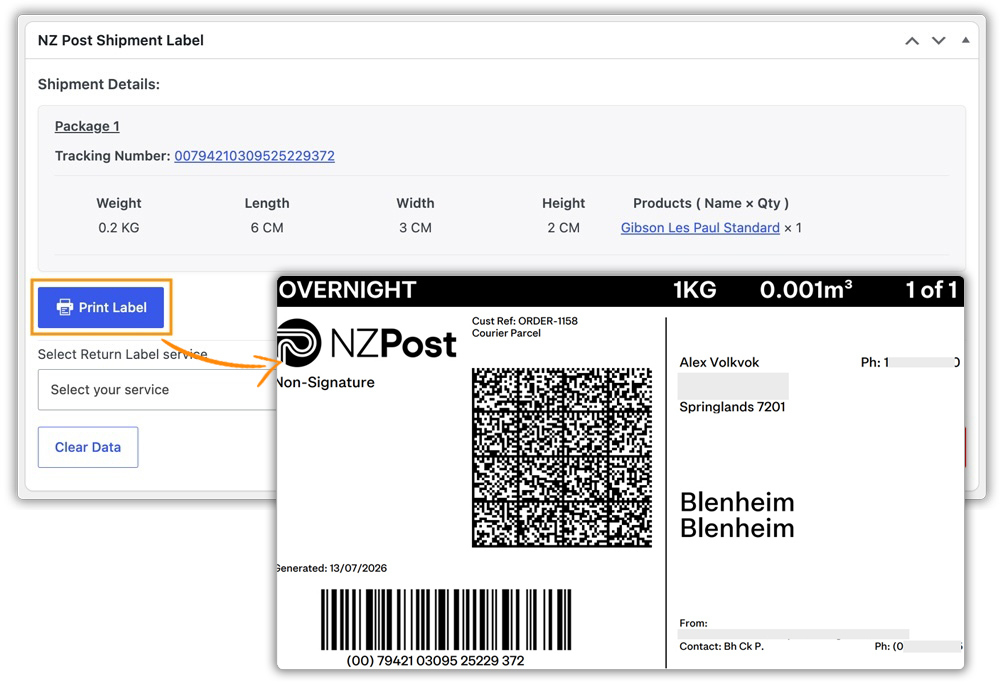
- Send customers their NZ Post tracking number automatically through the order completion email and WooCommerce My Account page.

Real-World WooCommerce Use Case
A WooCommerce store selling outdoor gear ships nationwide across New Zealand, with a meaningful share of orders going to rural addresses on both islands. Customers in rural areas were often confused when parcels took longer than orders going to Auckland or Wellington, and the store’s generic flat shipping rate didn’t reflect NZ Post’s rural delivery add-on or the Pace same-day option available to its Wellington-based customers.
How the Plugin Helped
The store connected its NZ Post account through the PH NZ Post Shipping Plugin, displaying live CourierPost and Pace rates by destination, with estimated delivery dates sourced directly from the NZ Post API shown alongside each shipping option.
The Result
- Customers saw accurate delivery estimates by address instead of a single generic timeframe.
- Wellington customers could opt into Pace same-day delivery at checkout when it was available.
- Rural orders were priced and timed correctly without the store manually tracking which addresses counted as rural.
- Labels, return labels, and tracking were handled directly from the WooCommerce dashboard.
Conclusion
NZ Post gives WooCommerce stores a practical way to manage domestic and international shipping across New Zealand. Connecting NZ Post with WooCommerce also reduces the manual work involved in calculating shipping rates, creating labels, and sharing tracking details. It gives merchants a more consistent way to manage orders and keep customers informed throughout the delivery process.
Need help setting up NZ Post shipping for your WooCommerce store? Contact PluginHive Support for assistance.
FAQs
Q. Does NZ Post cost more to rural addresses?
Yes. Rural addresses typically carry a small additional surcharge and a longer delivery window than urban addresses. When rates are fetched live through the plugin, this is reflected automatically rather than estimated.
Q. Does the plugin support NZ Post international shipping?
Yes. The NZ Post Shipping Plugin supports seven NZ Post international services, including Courier, Express, Economy Plus, and Economy Tracked, with CN22/CN23 customs documentation for international labels.
Q. Can I display NZ Post rates alongside free or flat-rate shipping?
Yes. The plugin is compatible with WooCommerce’s built-in shipping methods, so NZ Post can appear alongside or instead of other methods per shipping zone.
Q. How can I create custom shipping rates alongside NZ Post?
If your store needs rules beyond NZ Post’s own rates, the PH Table Rate Shipping Pro Plugin for WooCommerce lets you build custom rates based on weight, destination, quantity, price, and shipping class.
Q. What if I don’t want NZ Post to appear for certain orders?
The PH Hide Shipping Methods & Rate Adjustment for WooCommerce plugin lets you conditionally hide NZ Post or other shipping methods based on products, categories, destinations, cart value, and other conditions.
Q. Can I show delivery estimates across my store, not just at checkout?
The plugin already shows NZ Post’s estimated delivery dates at checkout. For estimates elsewhere in the store, the Estimated Delivery Date Plugin for WooCommerce extends that to product pages and the cart.
