



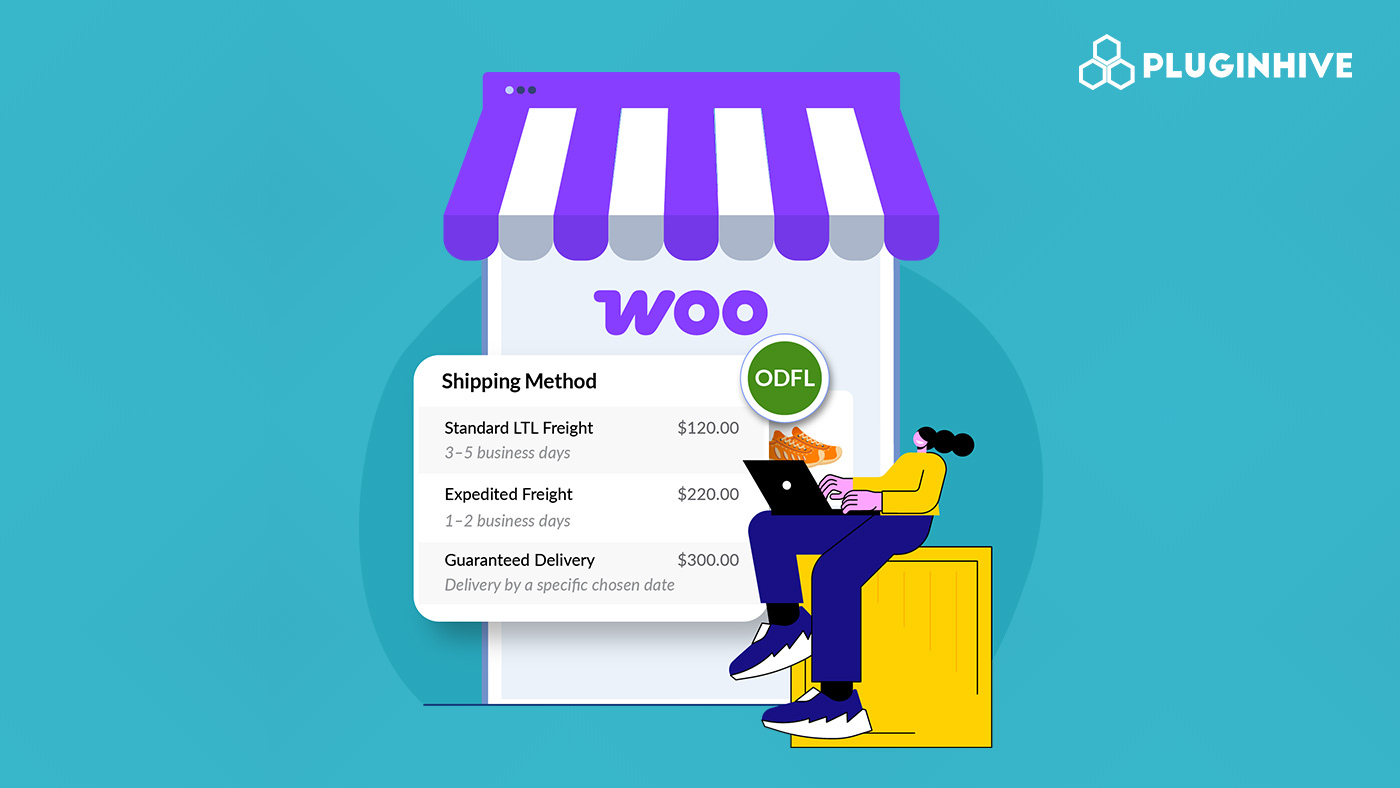
WooCommerce stores shipping heavy, bulky, or palletized products often rely on ODFL (Old Dominion Freight Line) for LTL freight delivery. However, using flat or manually calculated freight rates can result in incorrect checkout pricing. Displaying live ODFL freight shipping rates in WooCommerce allows your store to calculate accurate freight costs in real time.
This guide explains why showing ODFL freight rates matters and how you can display them in WooCommerce to improve the checkout experience.
On This Page
- Overview of ODFL Freight Shipping for WooCommerce
- Why Show ODFL Freight Rates in WooCommerce
- How to Display ODFL Freight Shipping Rates in WooCommerce
- Real-World Example
- Conclusion
- FAQs
Overview of ODFL Freight Shipping for WooCommerce
Old Dominion Freight Line (ODFL) is a leading North American carrier specializing in less-than-truckload (LTL) freight shipping. It is widely used by businesses that ship heavy, bulky, or palletized goods that are not suitable for standard parcel shipping.
What ODFL Offers
- LTL Freight Services: ODFL combines multiple shipments from different shippers into a single truck, making it a cost-effective solution for medium to large freight.
- Regional, Inter-Regional, and National Coverage: ODFL operates an extensive network of service centers across the United States, providing reliable coverage for both short-haul and long-distance freight.
- Expedited and Time-Sensitive Shipping: For urgent deliveries, ODFL offers faster transit options in addition to standard LTL services.
- Specialized Freight Solutions: This includes services for trade shows, high-value goods, and complex freight requirements.
Why ODFL Matters for WooCommerce Stores
For WooCommerce businesses selling large, heavy, or palletized products, parcel carriers may not be practical or cost-effective. Integrating ODFL freight shipping allows store owners to:
- Calculate accurate LTL freight costs based on shipment details
- Offer transparent freight pricing to customers
- Streamline order fulfillment for oversized or commercial shipments
Overall, ODFL freight shipping is a reliable choice for WooCommerce stores that need professional LTL freight services with consistent performance and nationwide reach.
Why Show ODFL Freight Rates in WooCommerce
For WooCommerce stores that ship heavy, oversized, or palletized products, showing ODFL freight rates at checkout is critical. Freight pricing is complex, and relying on flat or estimated rates often leads to errors and lost revenue. Displaying live ODFL rates solves these challenges.
Key Benefits of Showing ODFL Freight Rates
- Accurate Freight Costs: Rates are calculated based on weight, freight class, dimensions, distance, and delivery type, ensuring customers see the correct shipping cost at checkout.
- Margin Protection: Charging real-time ODFL rates prevents undercharging that eats into profits or overcharging that drives customers away.
- Lower Cart Abandonment: Transparent freight pricing eliminates unexpected costs, reducing checkout drop-offs for high-value orders.
- Ideal for Heavy & B2B Shipments: ODFL freight rates support LTL and commercial shipments, making your store suitable for bulk and wholesale buyers.
- Operational Efficiency: Live rates remove the need for manual freight quotes, saving time and reducing order processing delays.
- Scalable Shipping Setup: As order size and shipping regions expand, ODFL rates automatically adjust without manual updates.
Showing ODFL freight rates creates a more reliable and professional checkout experience for freight shipments. Now, let’s see how you can display ODFL freight shipping rates in WooCommerce.
How to Display ODFL Freight Shipping Rates in WooCommerce
Displaying ODFL (Old Dominion Freight Line) freight shipping rates in your WooCommerce store is straightforward with the PH ODFL Freight Shipping Plugin for WooCommerce with Print Label.
To configure the plugin in your WooCommerce store, refer to the setup guide for the ODFL Freight Shipping Plugin.
In the plugin settings, you can enable the Realtime Rates. The plugin allows WooCommerce to request real-time ODFL freight rates using key shipment details such as product weight, dimensions, freight class, origin, and destination.

You can also choose when ODFL freight should be shown, only for heavy or palletized products, ensuring freight rates appear only where applicable.

After completing the configuration, your WooCommerce store will automatically display accurate ODFL freight shipping rates on the cart and checkout pages. This ensures customers see precise freight costs before placing an order, helping you avoid manual quotes and pricing errors.

If you want to hide specific freight methods or adjust rates based on products, shipping zones, or order conditions, you can use the PH Hide WooCommerce Shipping Methods & Rate Adjustment Plugin to fine-tune how ODFL rates are displayed.
Real-World Example: US WooCommerce Store Struggling With Real-Time Freight Rates
A mid-sized WooCommerce store based in the United States sells industrial equipment and oversized machinery parts to B2B customers across multiple states. Most orders weigh over 150 lbs and require LTL freight shipping, making accurate rate calculation critical at checkout.
Business Challenges Faced
The store relied on flat freight charges and manual quotes instead of real-time rates. This created multiple issues:
- When freight charges were set too high, customers abandoned carts or contacted support for custom quotes.
- When charges were too low, the store absorbed the difference, directly impacting profit margins.
- Freight costs varied significantly based on distance, freight class, and accessorial services, making it difficult to define a “correct” flat rate.
- The sales team spent hours responding to freight quote requests, slowing down order processing.
- Customers lacked transparency and confidence when final shipping costs were revealed after checkout.
Solution Implemented
The store enabled real-time ODFL freight rates in WooCommerce via the PH ODFL Freight Shipping Plugin, allowing freight costs to be calculated automatically at checkout based on shipment weight, dimensions, freight class, and destination.
Customers could now see accurate ODFL freight pricing before placing an order, while the store avoided both overcharging (losing customers) and undercharging (losing profit). By automating freight rate calculation, the business reduced manual workload, improved checkout transparency, and maintained healthier profit margins while continuing to scale its freight-heavy operations.
Conclusion
Displaying live ODFL freight shipping rates in WooCommerce ensures customers see accurate costs at the checkout. By automating LTL freight calculations, WooCommerce stores can streamline operations, reduce manual quoting, and deliver a more professional checkout experience for freight-based shipments.
Need help with freight shipping setup or live rate configuration? Reach out to support here: PluginHive Support.
FAQs
Q. Can I combine ODFL live freight rates with free shipping or flat rates in WooCommerce?
Yes. You can create conditional shipping rules to offer free freight above a certain order value or show flat-rate options alongside live ODFL freight rates using the WooCommerce Table Rate Shipping Pro Plugin. This is useful for promotions or negotiated freight scenarios.
Q. Can I show estimated delivery dates along with live ODFL freight rates?
Yes. You can display estimated delivery dates with the plugin itself alongside ODFL freight rates. For more flexibility on settiung up the delivery date as per your business requirements, you can use the Estimated Delivery Date Plugin for WooCommerce.
Q. Can multi-vendor WooCommerce stores display live ODFL freight rates?
Yes. With the WooCommerce Multi-Vendor Shipping Addon, each vendor can display real-time ODFL freight rates based on their own warehouse location, shipment weight, dimensions, and freight class.
Q. Can I provide tracking updates for ODFL freight shipments to customers?
Yes. Basic tracking is supported within the freight plugin. For automated tracking updates and better customer communication, you can integrate ODFL tracking with the WooCommerce Shipment Tracking Pro Plugin.
