


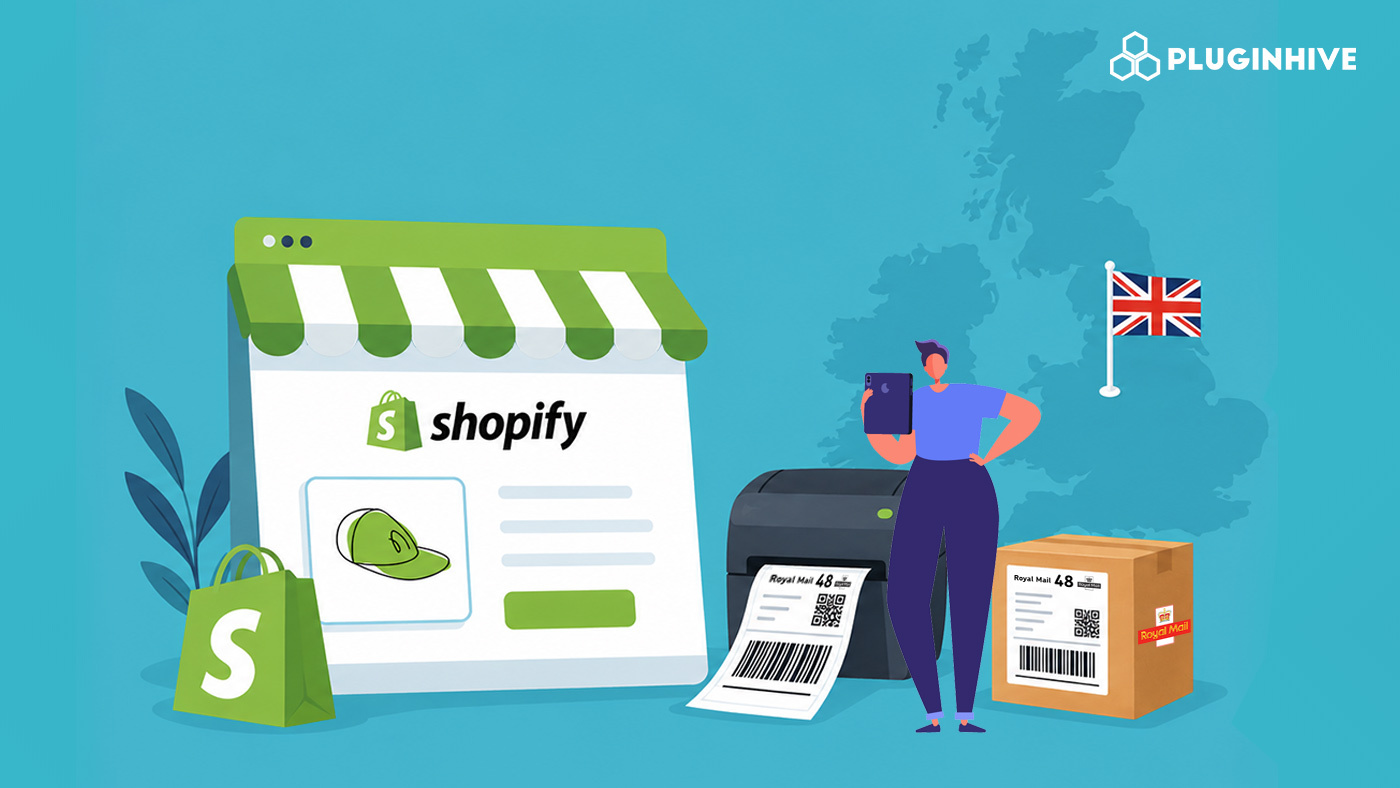
For UK-based Shopify merchants, printing accurate Royal Mail shipping labels is one of the most critical steps in the fulfilment process. Get it right, and your orders move through Royal Mail’s network smoothly. Get it wrong, and you’re looking at misrouted parcels, failed deliveries, or labels that don’t scan at the sorting centre.
This guide walks you through everything you need to know: what goes on a label, the ways to generate and print them, and how to make the whole process faster and error-free at scale.
In This Article
- What Royal Mail Shipping Labels Must Include in Shopify
- Ways to Generate Royal Mail Shipping Labels for Your Shopify Store
- Using Click & Drop to Print Royal Mail Shipping Labels for Shopify
- Royal Mail Shipping Labels for International Orders
- How the PH Multi-Carrier Shipping Label App Automates Label Printing on Shopify
- Tips for Printing High-Quality Royal Mail Labels
- Conclusion
- FAQ’s
What Royal Mail Shipping Labels Must Include in Shopify
Before printing anything, it’s worth understanding what Royal Mail expects on a valid label. According to Royal Mail, labels must carry clear, machine-readable content that meets their automated sorting requirements. Key elements include:
- Recipient name and full delivery address, including postcode
- Sender’s return address, written clearly on the outer packaging
- Barcode or tracking number (required for all Tracked services)
- Service identifier, indicating which Royal Mail service the parcel is using (e.g., Tracked 24, Tracked 48, Special Delivery)
- Post by date, printed on the label when purchasing postage online — items must be posted within seven days of buying online postage
For Tracked 24 and Tracked 48 services specifically, all shipments must include a barcode to enable end-to-end tracking. Royal Mail’s approved shipping platforms generate this automatically, which is one key reason to use a proper label generation tool rather than handwriting addresses.
Labels must also be clean and clearly readable. Royal Mail advises that barcodes and text should be of good print quality, as smudged or low-contrast labels can cause misrouting in automated sorting.
Ways to Generate Royal Mail Shipping Labels for Your Shopify Store
There are two common ways Shopify merchants generate Royal Mail shipping labels:
1. Using Royal Mail Click & Drop
Royal Mail’s Click & Drop platform is a convenient option for generating shipping labels. It connects with Shopify, imports orders automatically, and allows you to purchase postage and print labels individually or in batches.
For many merchants, Click & Drop works well when managing a smaller number of shipments.
2. Using the PH Multi-Carrier Shipping Label App
The PH Multi-Carrier Shipping Label app is suitable for both low-volume and high-volume Shopify stores. It allows merchants to generate Royal Mail shipping labels directly within Shopify while offering greater convenience for managing multiple carriers alongside Royal Mail.
For merchants looking to streamline fulfilment and reduce manual work, it provides a more flexible shipping workflow without having to switch between multiple platforms.
Using Click & Drop to Print Royal Mail Shipping Labels for Shopify
Royal Mail’s Click & Drop platform is the most accessible way for Shopify merchants to generate and manage Royal Mail shipping labels.
- Orders are automatically imported from your Shopify store into Click & Drop
- You enter the weight, parcel dimensions, and the Royal Mail service you want to use
- Click & Drop generates the postage label and allows you to print in bulk
- Labels are produced in ‘Postage applied’ status. You can print individually or in batches
- Royal Mail’s Print Assist tool can automatically send labels to your chosen printers, reducing manual steps further
Click & Drop also supports a Scan & Print feature for Online Business Account customers, which lets you scan a despatch note barcode and instantly generate the correct label, a major time-saver when processing large batches.
Choosing the right Royal Mail service for each order type is something you definitely need in your Royal Mail workflow if you need a reliable shipping setup.
Royal Mail Shipping Labels for International Orders
Printing Royal Mail shipping labels for international Shopify orders involves additional customs requirements. Royal Mail requires international shipments to include:
- An S10 barcode item identifier on every international item
- Electronic customs data submitted in advance of the shipment
- The appropriate customs declaration documentation (CN22 or CN23), depending on the destination, service, and shipment value, is attached to the outside of the parcel where required
If you’re using Royal Mail’s international shipping services alongside a domestic carrier for heavier items, keeping both label workflows consistent and integrated becomes especially important to avoid fulfilment errors.
How the PH Multi-Carrier Shipping Label App Automates Royal Mail Label Printing on Shopify
Generating Royal Mail shipping labels one by one from Click & Drop works well at low volumes, but as order numbers grow, manual label generation becomes a bottleneck. The PH Multi-Carrier Shipping Label app integrates Royal Mail directly into your Shopify dashboard.
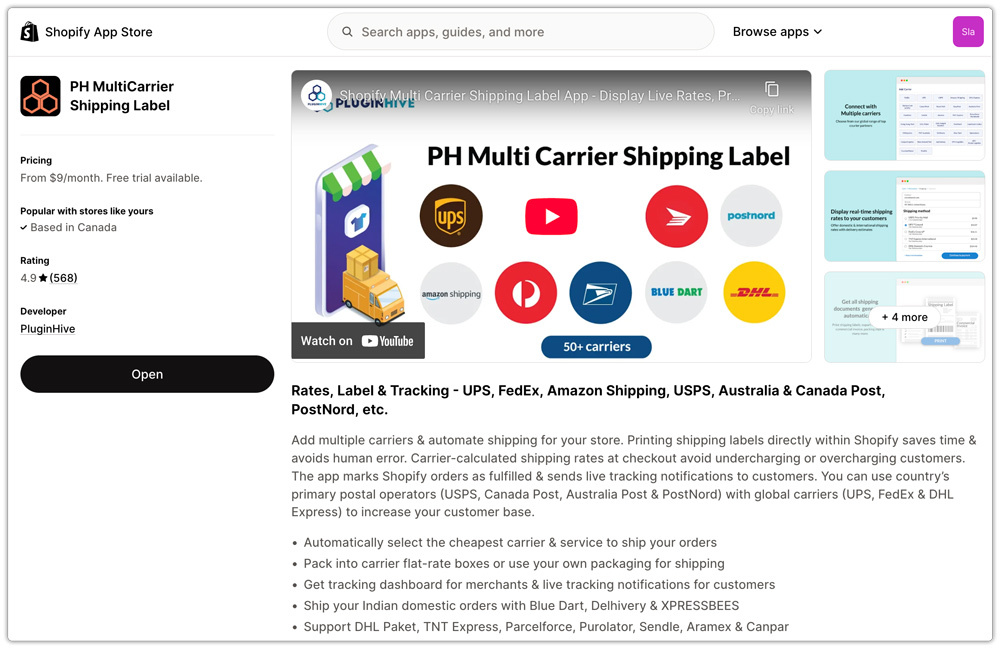
Here’s what the app does:
- Generates Royal Mail shipping labels in bulk with a single click, directly from your Shopify orders page, no need to log into Click & Drop or any external platform.

- Displays live Royal Mail rates at checkout based on parcel weight, dimensions, store location, and customer location, so the right service is selected before an order is even placed.

- Sends tracking details to customers automatically via email after each status update, reducing “Where’s my order?” queries.

- Supports pickup scheduling from various carriers, along with Royal Mail, within the Shopify dashboard, so you don’t need to make separate trips to a Post Office.

For merchants managing Royal Mail alongside other carriers, the app consolidates everything into one place: one dashboard, one label generation workflow, and one tracking view.
Tips for Printing High-Quality Royal Mail Labels
Even with the right tools in place, a few practical habits help prevent label-related issues:
- Use a thermal printer for bulk shipping. Thermal labels are more durable, won’t smudge in transit, and are significantly faster to print at high volumes.
- Check print quality before sticking labels. Barcodes must be clear and fully readable; a smudged barcode can prevent automated scanning and cause delays.
- Apply labels flat and securely. Labels that overlap edges, fold, or peel away mid-transit can result in misdelivery or returns.
- Always include accurate parcel dimensions. Since Royal Mail’s pricing is based on both weight and size format, entering the correct dimensions ensures the right service and price appear on the label.
- Print labels the same day you dispatch. Labels bought online are valid for seven days, but printing and shipping promptly keeps your dispatch timelines consistent.
- For international shipments, double-check customs forms. Missing or incomplete CN22/CN23 documentation is one of the most common causes of international parcels being delayed or returned, according to Royal Mail.
Conclusion
Printing Royal Mail shipping labels for your Shopify store doesn’t have to be complicated. For low-volume merchants, Click & Drop offers a free, direct way to generate accurate labels and connect your Shopify store to Royal Mail. For merchants growing beyond that, the PH Multi-Carrier Shipping Label app brings Royal Mail label generation, live rate display, tracking, and pickup scheduling into a single Shopify-native workflow.
Whether you’re just getting started or looking to scale, getting your label workflow right is one of the most impactful changes you can make to your Royal Mail Shopify fulfilment process. Take the time to set up the right tools now, and you’ll avoid the label errors and manual bottlenecks that slow down growing stores.
FAQ’s
Q. Can I print Royal Mail shipping labels directly from Shopify?
Yes. You can print Royal Mail shipping labels using integration apps such as the PH Multi-Carrier Shipping Label app. This allows you to generate labels, manage orders, and send tracking information without leaving your Shopify admin.
Q. Is Royal Mail Click & Drop free to use with Shopify?
Royal Mail Click & Drop is free to use for generating shipping labels and managing orders. However, you still need to purchase postage for each shipment.
Q. What information is required on a Royal Mail shipping label?
A Royal Mail shipping label should include the recipient’s full address, postcode, service identifier, barcode or tracking number (for tracked services), and any other postage information required for automated sorting and delivery. For international orders, you must attach customs documentation such as CN22 or CN23 to the parcel.
