



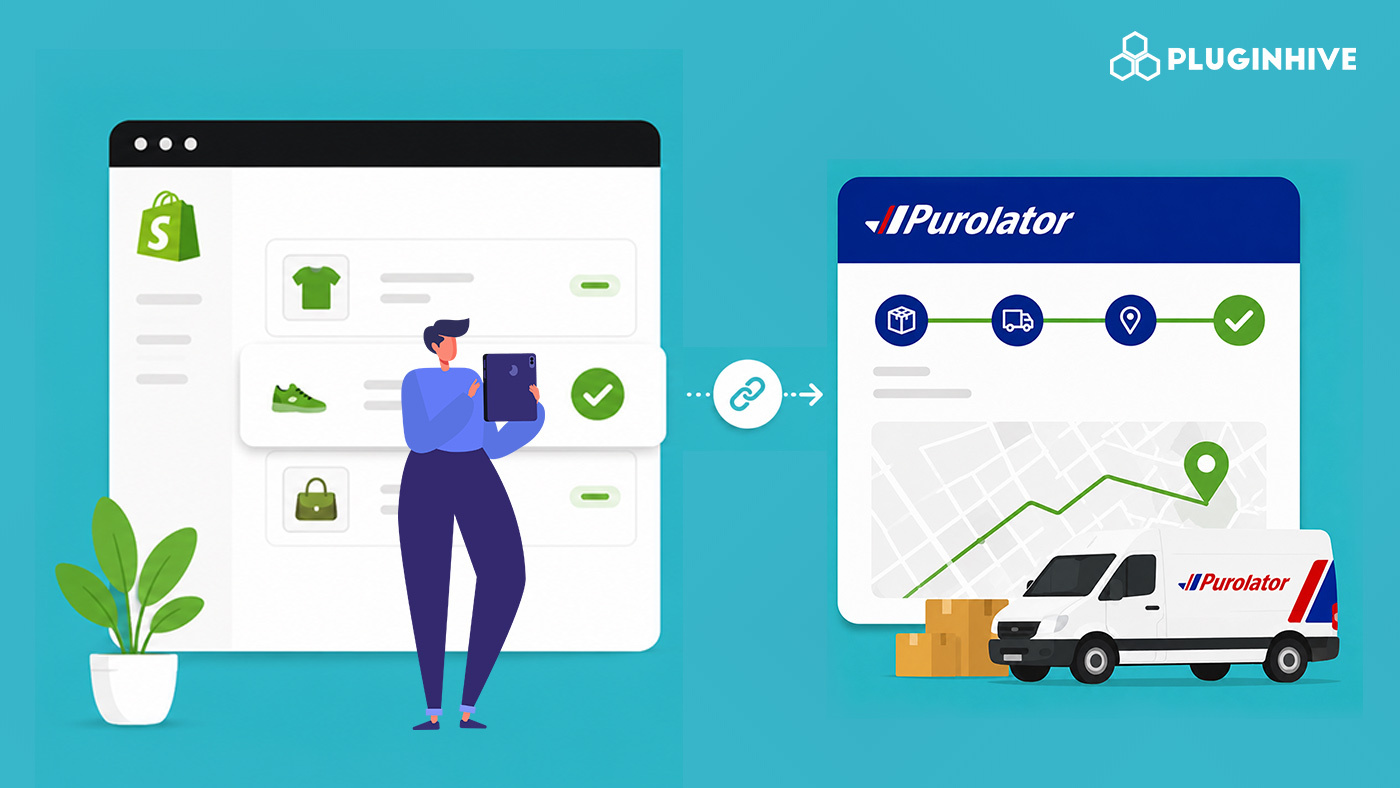
If you’re shipping with Purolator, your customers expect the same visibility they’d get from any major carrier. Shopify gives you a starting point for Purolator order tracking, but by default, that experience is fairly limited. This guide covers what Shopify does and doesn’t handle, how to close the gap, and how to give your customers a proper branded tracking experience without leaving your domain.
In This Article:
- How Purolator Order Tracking Works by Default in Shopify
- What Happens When You Fulfil a Shopify Order with Purolator
- From Tracking Number to Tracking Experience
- How to Add Purolator Order Tracking to Shopify Orders
- The Tracking Experience Customers See on Your Store
- Common Purolator Shopify Shipment Statuses Explained
- How to Improve Purolator Order Tracking on Shopify
- Conclusion
- FAQ’s
How Purolator Order Tracking Works by Default in Shopify
With Purolator, customers can track a single package or multiple shipments by entering a tracking number (PIN) or reference number. The tracking page provides the latest shipment status and delivery updates, making it easy to follow a package’s journey.
Purolator also offers Purolator Your Way, a digital delivery experience that keeps recipients informed with shipment notifications as their package moves through the delivery process. For eligible shipments, customers can even customize their delivery preference if they won’t be home.
For Shopify merchants, this means Purolator provides reliable and detailed shipment tracking. The challenge is making that same tracking experience available directly within your Shopify store, rather than sending customers away to Purolator’s website.
What Happens When You Fulfil a Shopify Order with Purolator
When you fulfil a Shopify order and enter a Purolator tracking number, Shopify records the number against the order and sends the customer a standard fulfilment email with a generic tracking link. That’s the extent of Shopify’s default involvement.
Shopify does not:
- Pull live status updates directly from Purolator and display them on your store
- Send automated follow-up emails as the shipment moves through pickup, transit, and delivery
- Provide a dashboard showing all your active Purolator shipments in one place
- Offer a branded, on-store tracking page so customers can check status without leaving your domain
If you’re setting up Purolator shipping for the first time, it helps to start with how to set up a Purolator account, since your account number and activation key are required before any rate, label, or tracking data can be connected to Shopify.
From Tracking Number to Tracking Experience
A tracking number on its own is just a code. What turns it into real Purolator order tracking is automation: live status pulled from Purolator, notifications sent at meaningful milestones, and a page where customers can self-serve their delivery status without contacting your support team.
This gap matters more for merchants running Purolator alongside other services. Since Purolator offers both Express and Ground options with different delivery windows, customers want to know exactly which service their order is on and where it currently stands. For context on Purolator’s delivery schedule, does Purolator deliver on weekends covers the nuances that affect customer expectations.
How to Add Purolator Order Tracking to Shopify Orders
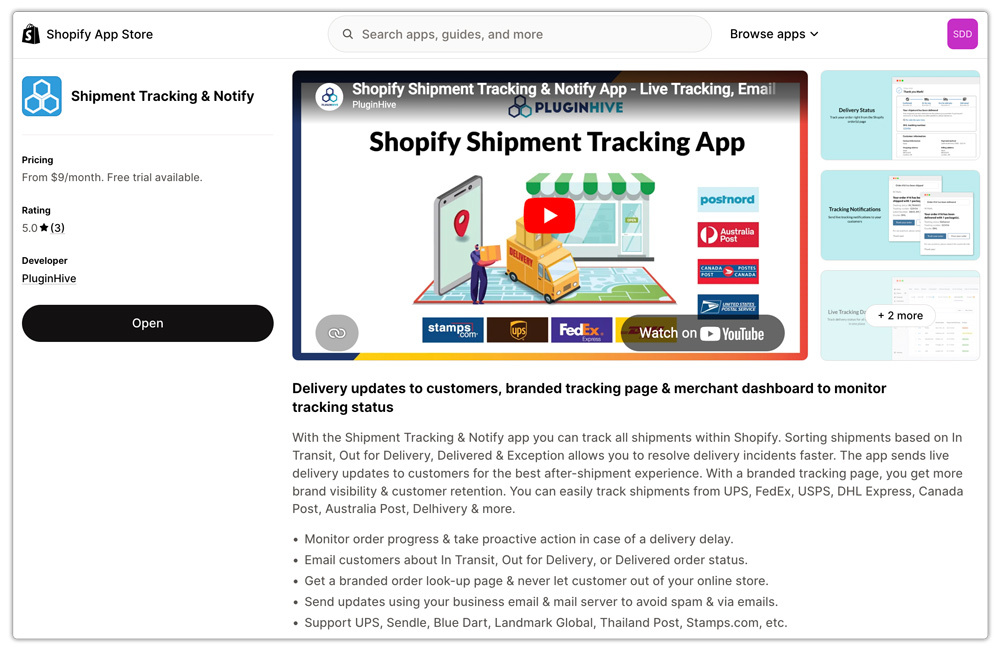
The most reliable way to close this gap is with PluginHive Shipment Tracking & Notify, a Shopify app built to turn a bare Purolator tracking number into a complete tracking workflow.
Here’s how to set it up:
- Install the app from the Shopify App Store and connect your Purolator carrier account credentials in the app settings. This authenticates the app with Purolator so it pulls live data specific to your own shipments.
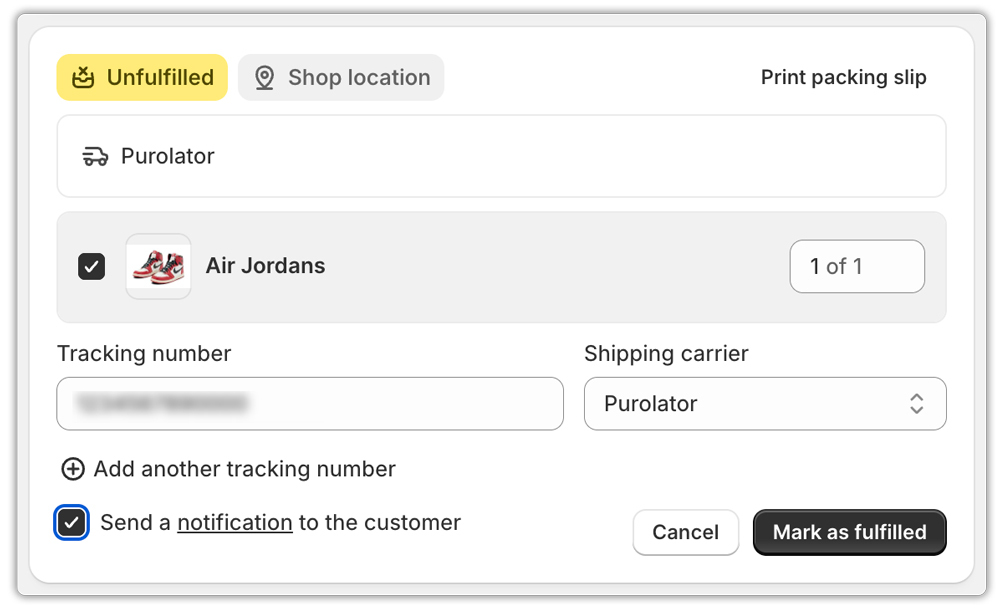
- Fulfil orders as usual, entering the Purolator tracking number in the Tracking Number field on the Shopify orders page. The app automatically detects the carrier and begins syncing status.
- Enable automated email notifications so customers get alerted the moment their shipment status changes, from pickup through to delivery.

- Branded Tracking Page: Once configured, every Purolator shipment is automatically tracked, and customers get a properly branded Purolator order tracking page instead of a plain link to Purolator.com.

If you also want rates and label automation alongside tracking, this guide to setting up Shopify Purolator shipping with the Multi-Carrier Shipping Label app covers the full integration.
The Tracking Experience Customers See on Your Store
From the customer’s perspective: they place an order and receive a standard confirmation. Once you fulfil it with a Purolator tracking number, they get a branded shipping notification, not a generic Purolator alert, linking them to a tracking page on your store.
At any point, the customer can visit that page, enter their order number and email, and see live Purolator order tracking status pulled directly from Purolator’s system. As the shipment updates, they receive further automated emails without any manual effort from your team.
This is especially useful for merchants managing higher order volumes. Instead of customers reaching out to ask “where is my order,” they can self-serve through the tracking page, similar to how a dedicated Purolator tracking lookup page retains Shopify customers by keeping them engaged within your store environment.
Common Purolator Shopify Shipment Statuses Explained
Based on Purolator’s tracking and delivery information, shipments typically move through these broad stages:
- Picked up – the package has been collected by a Purolator courier
- In transit – the shipment is moving through Purolator’s network
- Out for delivery – the package is on its final route to the recipient
- Delivered – the package has reached its destination, with photo proof of delivery available on select services
- Delivery exception – if the recipient isn’t available, Purolator typically attempts delivery and may leave a notice with pickup or redelivery instructions
Knowing these stages helps you time your notification emails appropriately and set accurate expectations, particularly for time-sensitive Purolator Express shipments.
How to Improve Purolator Order Tracking on Shopify
- Connect your own Purolator account instead of relying on generic lookups, so tracking data is accurate and account-specific
- Send tracking emails from your own domain to avoid them landing in spam folders
- Keep the tracking page branded so customers stay within your store experience
- Set clear expectations for delivery attempts, since Purolator typically leaves a notice if no one is available to receive the package
- Review your shipping configuration regularly, especially if you also manage international orders, as covered in this guide on Purolator tracking for WooCommerce and Shopify
Conclusion
Purolator’s tracking infrastructure, backed by features like Purolator Your Way and photo proof of delivery, is genuinely robust. But Shopify’s default fulfilment flow only exposes a fraction of it. Real Purolator order tracking in Shopify requires connecting your account, automating notifications, and giving customers a place to self-serve. PluginHive Shipment Tracking & Notify handles all of that in a single app, turning every Purolator tracking number into a complete post-purchase experience.
FAQ’s
Q. Does Shopify support Purolator tracking natively?
Shopify lets you add a Purolator tracking number during fulfilment and includes a generic link in the confirmation email, but it doesn’t pull live status updates or send automated follow-up notifications. A dedicated app is needed for full Purolator order tracking functionality.
Q. Can customers track Purolator orders without leaving my Shopify store?
Yes, with an app like PluginHive Shipment Tracking & Notify, customers can enter their order number and email on a branded, on-store page to see live Purolator tracking status without being redirected to Purolator.com.
Q. What if I ship with multiple carriers besides Purolator?
PluginHive Shipment Tracking & Notify supports multiple carriers from a single dashboard. If you also want automated rates and label printing for Purolator alongside tracking, the Shopify Purolator Shipping App covers the full shipping workflow including rates, labels, and tracking in one place.
