


Personalized gifts are one of the most popular trends in online shopping. From custom mugs and t-shirts to engraved jewelry and printed photo frames, customers love adding a personal touch that makes every gift special. If you run a WooCommerce store, offering product personalization can help you stand out from competitors, attract more customers, and increase sales.
With the PH Product Addons plugin for WooCommerce, you can easily let customers customize their gifts directly on your product pages. Whether it’s adding names, messages, dates, or uploading images, this plugin makes the entire process simple and automated. In this article, we’ll show you how you can use Product Addons to sell personalized gifts effortlessly in your WooCommerce store.
Table of Contents
- Challenges of Handling Personalized Orders in WooCommerce
- Make Gift Personalization Easy with WooCommerce Product Addons
- Real-World Example
- Tips for Selling Personalized Gifts on WooCommerce
- Conclusion
- FAQs
Challenges of Handling Personalized Orders in WooCommerce
When you start selling personalized gifts, managing customization requests from customers manually can quickly become overwhelming. Many WooCommerce store owners handle these orders through emails or order notes, but that approach often leads to confusion and mistakes.
Here are a few common challenges store owners face when managing personalized gift orders manually:
- Missed personalization details: Customers might forget to mention names, dates, or custom messages, causing delays in order fulfillment.
- Scattered communication: Custom requests coming through emails, chat, or social media are hard to track and organize.
- Increased errors: Mixing up personalization details between orders can lead to unhappy customers and replacements.
- Variation overload: Trying to manage small customizations (like adding a colour or size ) using default WooCommerce variations can make the product page cluttered, slow, and confusing to navigate.
- Inconsistent pricing: Manually reviewing each order to decide the extra cost for personalization and sending separate invoices adds unnecessary work and delays the process.
Handling all of this manually is not only stressful but also limits how efficiently you can scale your business.
That’s where the PH Product Addons plugin for WooCommerce comes in; it simplifies personalization by letting customers enter their customization details directly on the product page. Let’s see how this plugin makes selling personalized gifts effortless.
Make Gift Personalization Easy with WooCommerce Product Addons
The PH Product Addons for WooCommerce plugin makes it simple for customers to personalize products directly on your WooCommerce store’s product page no extra emails, notes, or manual steps required. Everything they need to customize a gift appears right where they make the purchase.
Note: To start offering personalized gifts on your WooCommerce store, check out the PH WooCommerce Product Addons plugin and follow the setup guide to get started quickly.
Here’s how the plugin helps simplify the entire process:
- Add Custom Fields Easily: Create text fields, dropdowns, checkboxes, or date options so customers can share their personalization details (like names, messages, or engraving text) directly while placing the order.
- Set Addon Prices Automatically: Add fixed or percentage-based pricing for each addon, so customers see the final price instantly, no manual invoicing needed.
- Conditional Display Options: Show or hide certain fields based on customer selections. For example, display a gift message box only if the customer selects “Add Gift Wrap.”
- Collect Uploaded Files Securely: If you sell photo prints or customized artwork, customers can upload their images directly through the product page.
- Seamless Order Management: All personalization details appear with the order in your WooCommerce dashboard, helping you fulfill custom orders accurately and on time.
- Compatible with All WooCommerce Products: Whether you sell apparel, home decor, jewelry, or stationery, you can easily add personalization options to any product type.
Let’s take a simple example, a custom photo mug, one of the most popular personalized gifts. On your product page, customers can upload their favorite photo, add a name or short message, and even choose to add gift wrapping for a small extra charge.

Once the customer places an order, all their details appear in your WooCommerce dashboard. This includes the photo, message, color, and any extras they’ve chosen. It makes it easy for you to prepare and ship the perfect personalized mug.

Using the PH WooCommerce Product Addons plugin helps you create a smoother shopping experience, reduce order errors, and save valuable time. Watch this video for more understanding.
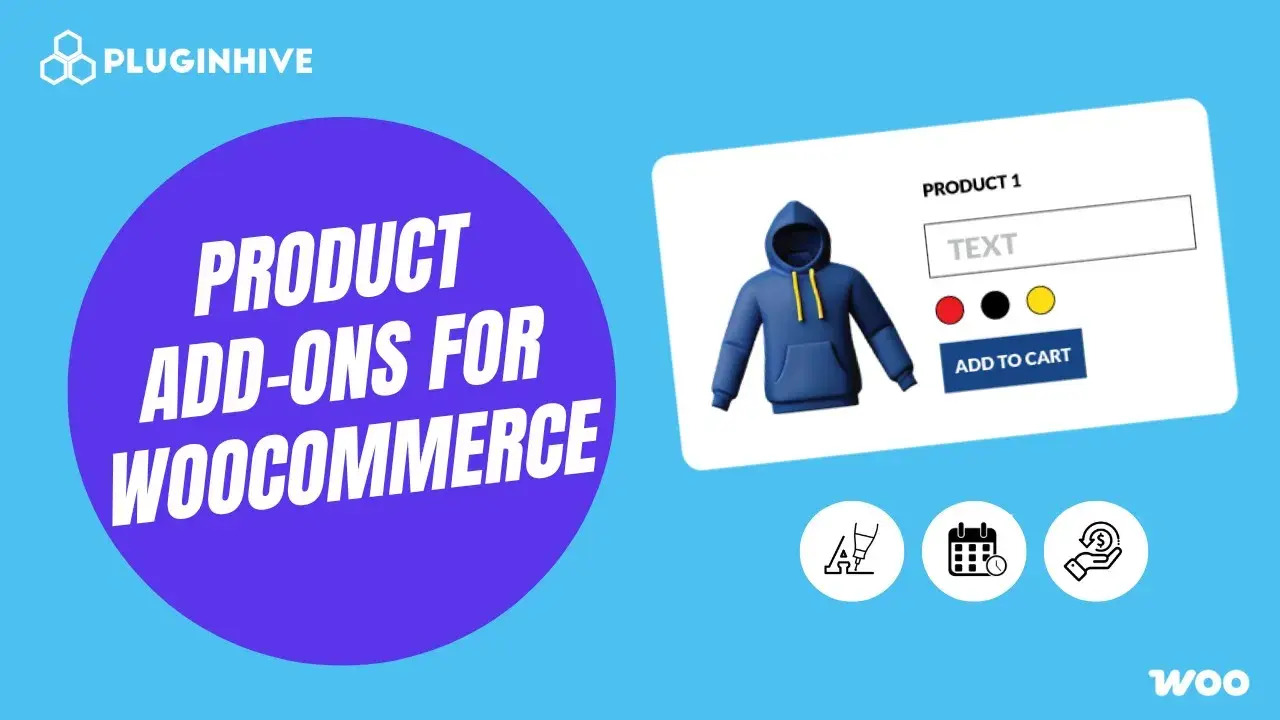
Real-World Example: Selling Personalized Jewelry with WooCommerce Product Addons
Let’s say you run a WooCommerce store that sells personalized jewelry, like name necklaces, engraved bracelets, or custom pendants. These kinds of gifts are timeless and perfect for birthdays, anniversaries, or special occasions, but managing custom requests manually can quickly become overwhelming.
The Challenges You Face
- Customers often message you separately to share engraving details, making it hard to track every request.
- Confirming design choices like font style, metal color, or symbol before production takes extra time.
- You have to manually calculate additional charges, such as $10 for engraving or $5 for gift wrapping.
- Handling multiple personalized orders during holidays can easily lead to mix-ups or delays.
How It Can Be Solved
With the PH Product Addons plugin for WooCommerce, you can simplify the entire personalization process:
- Add a text box for engraving details such as names or initials.
- Use a date picker if you want customers to include a special date (like an anniversary or birthday).
- Use a dropdown menu for font style or metal type selection.
- Include a checkbox for optional gift wrapping or premium packaging.
- Set automatic prices for each addon so customers see the final cost in real-time.
- Collect all customization details directly in the WooCommerce order, ensuring every product is made exactly as requested.
With the PH Product Addons plugin for WooCommerce, your jewelry store can handle personalization smoothly and efficiently. Customers can customize their jewelry right on the product page, and you receive all the details in one place, saving time, reducing errors, and creating a better shopping experience that keeps customers coming back.
Next, let’s look at some practical tips for selling personalized gifts on WooCommerce so you can make the most out of your store’s customization options.
Tips for Selling Personalized Gifts on WooCommerce
Selling personalized gifts is all about making the shopping process smooth and enjoyable. Here are some simple tips to help your store stand out:
- Keep Personalization Options Simple: Offer only the most important fields like name, date, or message. Too many options can confuse customers.
- Add High-Quality Photos and Examples: Show real examples of customized products. Clear, attractive images help customers visualize their gift and boost trust in your store.
- Show Delivery Dates Clearly: Personalized gifts take extra time. Use the Estimated Delivery Date Plugin for WooCommerce to display accurate processing and delivery times. This helps customers plan better for birthdays or special occasions.
- Improve the Shipping Experience: Use WooCommerce shipping plugins for real-time rates, label generation, and tracking. This ensures gifts reach customers safely and on time.
By keeping things simple and well-organized, shoppers can easily personalize, order, and enjoy their gifts. This smooth experience encourages them to return and shop again for future occasions.
Conclusion
Personalized gifts are all about adding a special touch, something that feels unique to every customer. With the PH Product Addons plugin for WooCommerce, you can bring that personal experience right to your store. It lets customers customize products directly on the product page, whether it’s adding a name, uploading an image, or selecting a color, making the process simple and enjoyable for both you and your customers.
By combining the Product Addons plugin with other useful tools, such as Estimated Delivery Date and WooCommerce Shipping solutions, you can manage custom orders efficiently from start to finish. This setup helps you save time, fulfill orders faster, and create a smooth, reliable shopping experience that keeps customers coming back. If you ever need help setting things up or fine-tuning your store, the PluginHive support team is always ready to assist you.
FAQs
1. Can I sell personalized gifts on my WooCommerce store?
Yes, you can easily sell personalized gifts on WooCommerce using a PH Product Addons plugin. It lets customers add names, messages, images, and other custom details directly on the product page.
3. Can I charge extra for gift customization on my WooCommerce store?
Yes, you can assign extra costs to each add-on or option. For example, you can charge separately for services like gift wrapping or engraving. The total price will then update automatically at checkout.
3. Will using Product Addons slow down my WooCommerce store?
No, as long as you keep your product options simple and relevant. Avoid adding too many unnecessary fields to ensure your product page loads quickly and remains easy to use.
4. Are the PH Product Addons plugin compatible with most WooCommerce themes and payment gateways?
Yes, the PH Product Addons plugin works smoothly with the most popular WooCommerce themes and payment gateways, such as Stripe and PayPal.
