


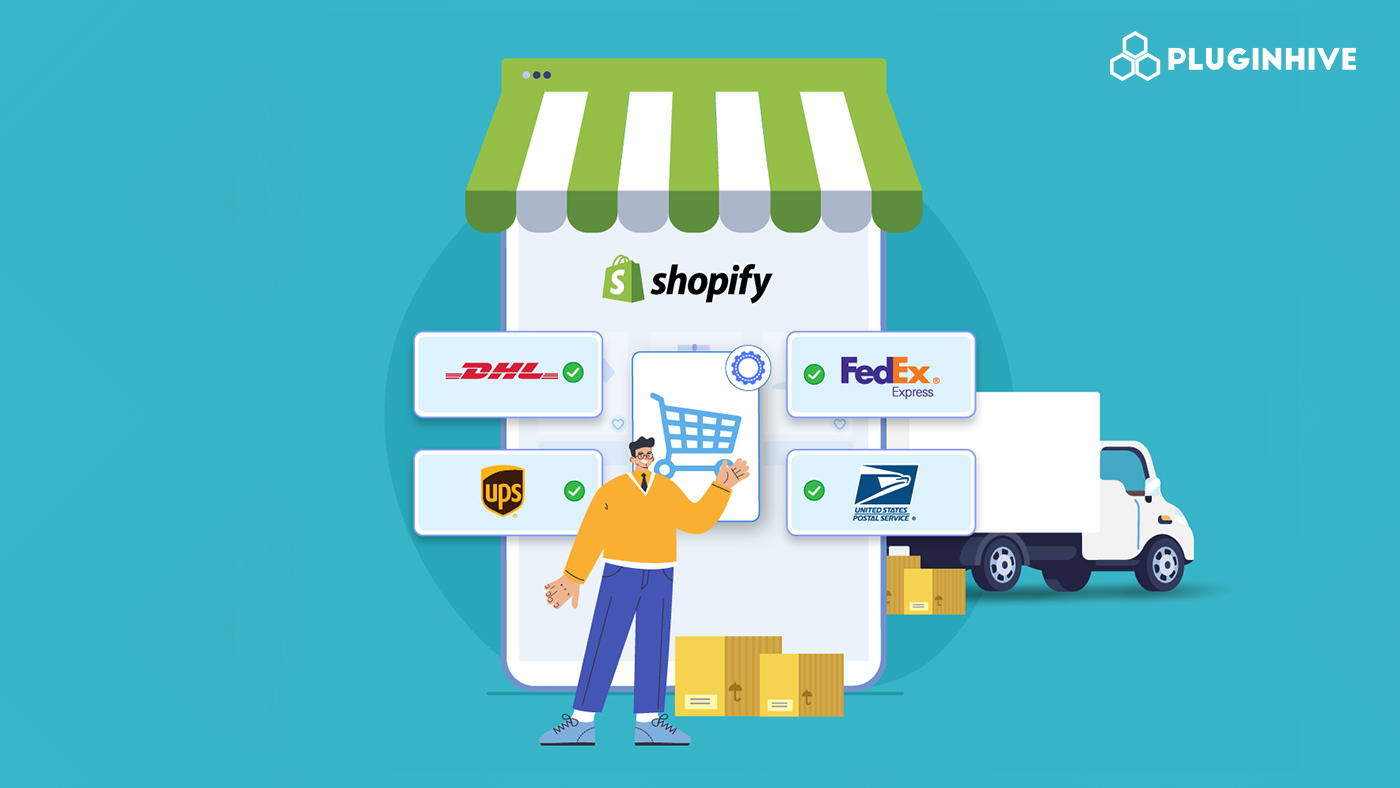
As a Shopify store grows, shipping quickly becomes more demanding. Orders go to different regions, customers expect faster delivery, and shipping costs start affecting margins. This is where Shopify shipping integration helps by connecting your store with multiple carriers through a single workflow.
Relying on one shipping provider can limit flexibility. A single carrier may work well for certain orders but become expensive for heavier packages, urgent deliveries, or international shipments.
Using multiple carriers allows merchants to choose the best option for each order. For example, UPS is often used for domestic ground shipping, FedEx for time-sensitive deliveries, DHL for international express shipping, and the USPS for lightweight residential packages.
This approach improves cost control, enhances delivery flexibility, and gives stores a reliable backup when one carrier isn’t the best fit.
In This Article:
- What Is Shopify Shipping Integration
- Requirements Before Setting Up Shopify Shipping Integration
- Choosing the Right App for Shopify Shipping with Carriers Like FedEx, UPS, DHL, and USPS
- Step-by-Step Shopify Shipping Integration for Carriers
- Smart Shipping Rules for Carrier Selection
- Best Practices for Managing FedEx, UPS, DHL, and USPS Together in Shopify
- Conclusion
- FAQ’s
What Is Shopify Shipping Integration
Shopify shipping integration means connecting your Shopify store with carrier accounts so shipping tasks like rate calculation, label generation, and tracking updates happen directly within your fulfillment workflow instead of being handled separately on carrier websites.
Merchants often use multiple carriers because shipping needs change from one order to another. A domestic order, an urgent shipment, and an international package may all require different services to balance cost and delivery speed.
Common carrier roles include:
- FedEx is often chosen for express deliveries and heavier shipments where faster transit and reliable tracking are important.
- UPS is widely used for domestic shipping, especially for merchants who have negotiated rates for regular order volume.
- DHL is a strong option for international express deliveries because of its broad global network and customs efficiency.
- Shippers commonly use USPS for lightweight residential deliveries and smaller parcels where cost savings matter most.
Requirements Before Setting Up Shopify Shipping Integration
Before connecting carriers to Shopify, it helps to make sure the store and shipping accounts are ready. A smooth setup usually depends on two things: your Shopify plan and active carrier accounts.
Shopify Account Requirements
If you want to display live carrier rates at checkout, your Shopify plan must support carrier-calculated shipping (CCS). This is available when you have:
- Shopify Grow plan with annual billing, where carrier-calculated shipping can be added
- An Advanced Shopify plan or Shopify Plus plan, which includes carrier-calculated shipping features
Without CCS, live rates from carriers like FedEx, UPS, DHL, or USPS will not appear directly at checkout.
Carrier Account Requirements
Each carrier needs an active account before it can connect to your store. In most cases, you should have:
- API credentials provided by the carrier
- A billing account linked to shipping charges
- A pickup or ship-from address configured in the carrier account
These details allow the integration to request rates, generate labels, and schedule shipments correctly.
Choosing the Right App for Shopify Shipping with Carriers Like FedEx, UPS, DHL, and USPS
Shopify’s built-in shipping tools work well for basic fulfillment, but they become limiting when a store needs more control across multiple carriers. Native shipping settings may not support advanced carrier rules, account-based rates, or label automation across different providers.
This is why many merchants use a shipping app when working with carriers such as FedEx, UPS, DHL, and the USPS.
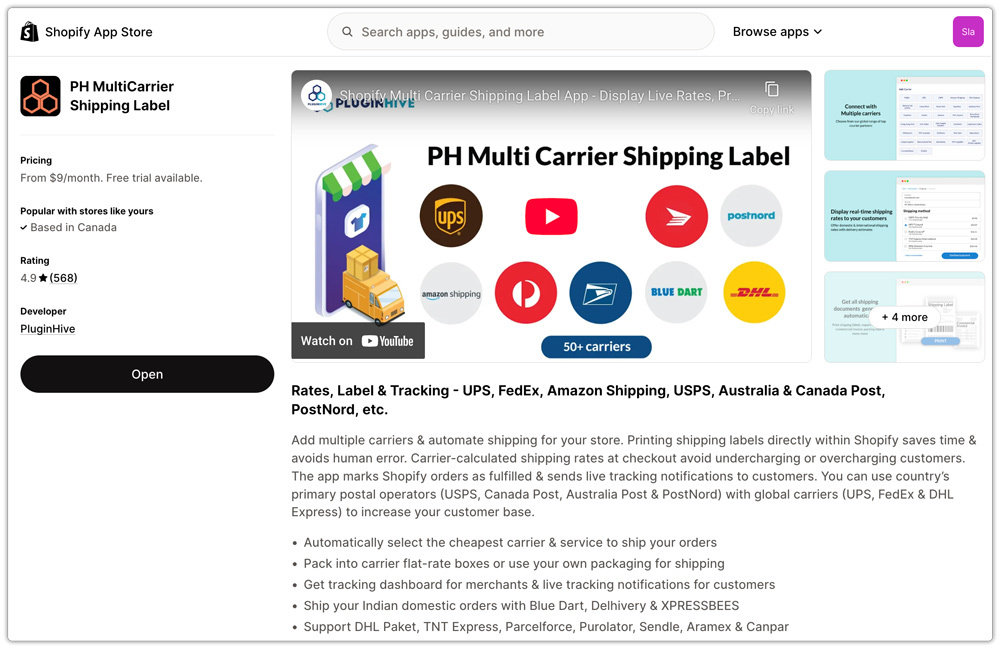
A multi-carrier app like the PH Multi-Carrier Shipping Label app helps by giving merchants one place to manage shipping operations, including:
- Connecting multiple carrier accounts without switching dashboards
- Showing live carrier rates based on account pricing
- Generating labels from the same order screen
- Applying shipping rules based on destination, weight, or service type
This centralized setup makes fulfillment easier, especially when different carriers are used for different types of orders.
Step-by-Step Shopify Shipping Integration for Carriers
Setting up multi-carrier shipping in Shopify is simpler when you use the right app. Once configured, you can manage all your carriers from one place without switching between dashboards.
Step 1: Install the PH Multi-Carrier Shipping Label App
Start by installing the PH Multi-Carrier Shipping Label app from the Shopify App Store. After installation, complete the basic onboarding by allowing permissions and setting your store’s shipping origin.
Step 2: Connect Your Carrier Accounts
Next, connect your carrier accounts, including:
- FedEx
- UPS
- United States Postal Service
- DHL
You’ll need to enter API credentials and account details for each carrier. Once connected, the app automatically syncs available services and rates.

What Happens After Setup
As soon as your carriers are connected:
- The system displays live shipping rates from all connected carriers at checkout, allowing customers to choose the most affordable or fastest delivery option based on their preference.

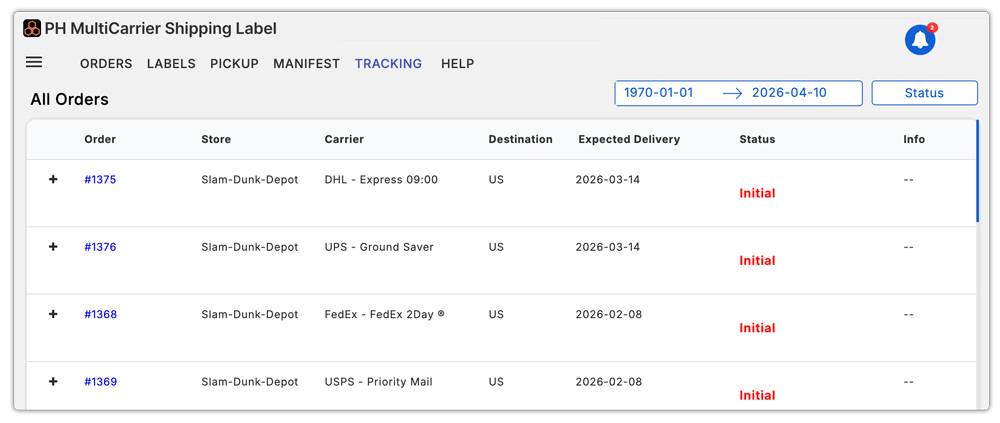
- You can generate and print shipping labels in bulk for FedEx, UPS, USPS, and DHL directly from your Shopify dashboard without switching platforms.

- All shipments, tracking details, and fulfillment updates are managed from a single centralized dashboard, making it easier to handle high order volumes efficiently.
Smart Shipping Rules for Carrier Selection
Once multiple carriers are connected, the next step is deciding which carrier should be used for each order. Instead of choosing manually every time, you can set up simple shipping rules that automatically assign the right carrier based on order details.
This feature saves time and ensures you handle each shipment in the most efficient way possible.
Here are a few practical examples:
- Use DHL for international express orders where faster delivery and smoother customs handling are important.
- Choose the USPS for lightweight domestic parcels to keep shipping costs low while still ensuring reliable delivery.
- Assign UPS for larger ground shipments within the U.S., especially when dealing with heavier packages.
- Select FedEx for urgent deliveries where speed and time-definite services are a priority.
By setting up these kinds of rules, you don’t have to think about carrier selection for every order. The system automatically picks the best option based on your predefined conditions, making fulfillment faster and more consistent.
Best Practices for Managing FedEx, UPS, DHL, and USPS Together in Shopify
Regularly optimizing how you use each carrier helps you manage multiple carriers more effectively. Instead of treating all carriers the same, small adjustments can help reduce costs and improve delivery performance over time.
Here are a few simple practices to follow:
- Regularly compare your negotiated rates with FedEx, UPS, DHL, and the USPS to make sure you’re always using the most cost-effective option for each type of shipment.
- Keep an eye on service performance, such as delivery times, delays, and reliability, so you can adjust your carrier preferences based on real-world results.
- Use automation rules wherever possible to assign the right carrier based on factors like destination, package weight, or delivery speed, instead of selecting carriers manually for every order.
By following these practices, you can make your multi-carrier setup more efficient while keeping shipping costs and delivery issues under control.
Conclusion
Setting up Shopify shipping integration with multiple carriers gives your store the flexibility it needs to scale without shipping becoming a bottleneck. Instead of depending on a single provider, you can choose the right carrier for each order based on cost, speed, and destination.
By combining services from FedEx, UPS, DHL, and the USPS, you create a more reliable and efficient shipping setup that adapts to different customer needs.
With the right app, proper configuration, and smart automation rules in place, your entire fulfillment process becomes faster, more accurate, and easier to manage. Over time, this not only helps reduce shipping costs but also improves delivery performance and customer satisfaction, both of which are critical for long-term growth.
FAQ’s
Q. Does Shopify have integrated shipping?
Yes, Shopify has built-in integrated shipping features that allow merchants to manage shipping directly from their store dashboard. This includes basic tools for calculating shipping rates, purchasing labels, and tracking orders without needing external systems.
Q. Is it cheaper to ship with Shopify?
Yes, shipping can be cheaper with Shopify because it offers pre-negotiated discounted rates with major carriers. Merchants can save up to 80% on shipping depending on their plan and shipment details.
Q. Does Shopify show live carrier rates at checkout?
Yes, but only if your plan supports carrier-calculated shipping (CCS). This feature displays real-time carrier rates at checkout based on order details.
