



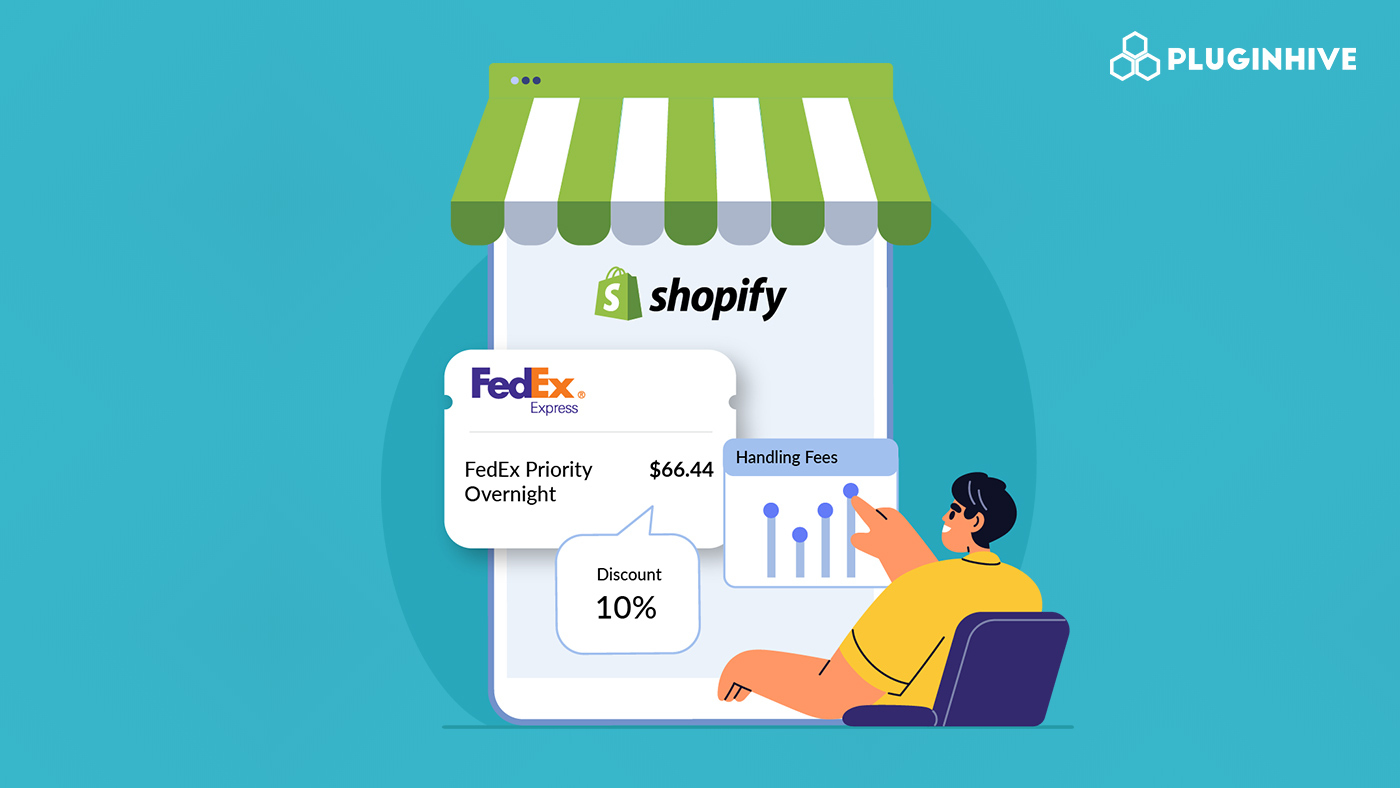
Shipping is one of the most influential parts of the customer experience on Shopify, and FedEx remains one of the most reliable carriers for fast, trackable, and cost-effective delivery. Whether you’re shipping locally or handling international orders, offering FedEx shipping at checkout gives your customers trusted delivery options.
But simply enabling FedEx isn’t enough. Managing FedEx rates, applying the right handling fees, and offering smart discounted FedEx rates can make a huge difference in your profitability. If your rates are too high, customers abandon the cart. If they’re too low, you absorb extra shipping costs that cut into margins. Striking the right balance is crucial.
Accurate Shopify shipping rates play a direct role in your conversion rate. When customers see clear, fair, and predictable shipping costs, they’re far more likely to complete the purchase. That’s why optimizing your FedEx setup so your store shows the right rates, adjusted for your packaging, labor, and negotiated discounts, is essential for sustainable growth.
In This Article
- How FedEx Rates Work on Shopify
- Setting Up FedEx Rates on Shopify
- Applying Handling Fees and Discounts to FedEx Rates
- Common Examples of Handling Fee and Discount Strategies
- Conclusion
- FAQ’s
How FedEx Rates Work on Shopify
Shopify can display real-time FedEx shipping rates at checkout using carrier-calculated shipping. When a customer enters their shipping address, Shopify sends the package details, weight, dimensions, and destination to FedEx. FedEx then instantly returns the live shipping cost, which appears as an option for the customer.
Your store can show a wide range of FedEx services, including:
- FedEx Ground for affordable domestic delivery
- FedEx Express Saver for faster 3-day shipping
FedEx Rates display Options on Shopify
You have two main ways to show FedEx rates inside Shopify:
Shopify’s built-in carrier-calculated shipping
If your Shopify plan supports it, Shopify can pull FedEx rates directly from Shopify’s account with FedEx. This works well for simple setups, but it may not show advanced options like negotiated rates or custom adjustments.
Using apps like PH Ship Rate & Track for FedEx
Apps such as PH Ship Rate & Track for FedEx give you more control and accuracy. With the rates, you can:
- Display real-time FedEx rates
- Use your negotiated FedEx account rates
- Generate FedEx labels in Shopify
One of the biggest advantages is that when you connect your FedEx account, your negotiated rates automatically replace FedEx’s standard list rates. This means your customers see the discounts you’ve earned, helping you offer more competitive shipping options at checkout.
Setting Up FedEx Rates on Shopify
There are two main ways to set up FedEx shipping rates on Shopify, and each works a little differently depending on how much control you want over your pricing.
Using Shopify’s Built-In FedEx Shipping
The simplest method is to enable FedEx directly inside your Shopify shipping settings. Once it’s turned on, Shopify automatically pulls FedEx rates using Shopify’s own contract with FedEx, not yours.
This setup is quick and requires almost no configuration. However, there’s one major limitation:
You can’t adjust or customize those live FedEx rates.
No markups, no markdowns, no handling fees, what Shopify receives from FedEx is exactly what your customers see.
This works fine for stores with basic needs, but if you want full control over your shipping strategy, you’ll quickly feel restricted.
Using the PH Ship Rate & Track for FedEx App
This is where the PH Ship Rate & Track for FedEx app becomes essential. It gives you complete control over how FedEx rates appear at checkout.
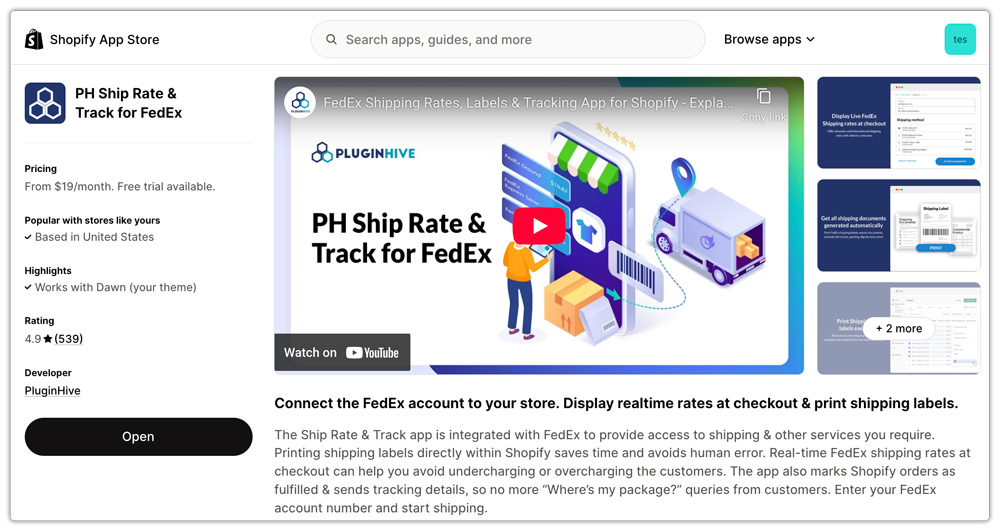
To use this method, you’ll need:
- A FedEx account

- A Shopify plan that supports third-party calculated rates
- The PH Ship Rate & Track for FedEx app is installed in your store
Once the app is installed and you enter your FedEx account credentials, your store will immediately begin showing live FedEx rates at checkout, based on your own FedEx account.
You can now adjust these rates however you want:
- Add handling fees to the services that you show in checkout.
- Apply discounts to the services that you show in checkout
With the app connected, your Shopify store becomes fully capable of displaying accurate, customizable FedEx shipping rates that match your business goals.
Applying Handling Fees and Discounts to FedEx Rates
Handling fees and discounts are tools you can use to fine-tune your FedEx shipping rates on Shopify.
A handling fee helps you cover extra costs that FedEx doesn’t include in its base rate, things like packaging materials, labor, or special handling for bulky or high-risk products.
On the other hand, discounts let you reduce the displayed FedEx rate at checkout. Many merchants offer discounted shipping to encourage conversions or stay competitive with other stores.
Types of Handling Fees and Discounts You Can Add
There are several ways to adjust your rates depending on your pricing strategy:
Handling Fees
- Flat handling fee: A fixed dollar amount added to every shipment (e.g., $3 added to all FedEx Ground shipments).
- Percentage-based markup: Increases the rate by a percentage (e.g., 10% added to cover packaging and handling).
Discount Types
- Flat discounts: Subtracting a fixed amount from the shipping cost (e.g., $5 off FedEx Express shipping).
- Percentage discounts: Lowering the price by a percentage (e.g., 15% off all FedEx rates to boost conversions).
- Service-specific discounts: Only discounting certain FedEx services, like offering cheaper FedEx Ground, but keeping Express rates standard.
These adjustments let you shape a checkout experience that fits your profit margins while remaining appealing to customers.
How to Add Handling Fees and Discounts in Shopify
You can add these to your store using the PH Ship Rate & Track for FedEx app
Inside the app, you can:
- Add markups (handling fees) to the service cost that is displayed in the checkout.
- Add markdowns (discounts) to the service cost that is displayed in the checkout.

For example, you can:
- Offer 10% off FedEx Express to encourage faster delivery
- Discount only domestic FedEx services while keeping international rates unchanged
With the PH Ship Rate & Track for FedEx app, you gain full control over how FedEx rates appear to your customers, making your shipping strategy both profitable and competitive.
Common Examples of Handling Fee and Discount Strategies
Handling Fee Strategies
- High-value items: percentage markups
Helps cover extra packaging, insurance, and special handling. - Heavy shipments: flat add-ons
Offsets dimensional weight charges and stronger packaging costs. - International orders: documentation fees
Small fixed fee to cover customs forms, export paperwork, and extra packing while shipping internationally with FedEx.
Discount Strategies
- Flat discount on FedEx Ground
Encourages customers to choose the most affordable option. - Percentage discount on Express services
Makes faster delivery more attractive (e.g., 10–15% off FedEx Express). - Free shipping threshold
Offer free or discounted FedEx shipping after customers reach a minimum cart value. - Service-specific discounts
Apply discounts to selected FedEx services only (e.g., $3 off FedEx International Priority).
Conclusion
Managing FedEx rates on Shopify isn’t just about showing shipping options; it’s about creating a checkout experience that’s both profitable for you and appealing to your customers. By understanding how FedEx rates work, choosing the right setup method, and applying thoughtful handling fees or discounts, you can take full control of your shipping strategy.
Shopify’s built-in FedEx integration is great for getting started, but tools like the PH Ship Rate & Track for FedEx app give you the flexibility to fine-tune every part of your rates from markups and markdowns to service-specific adjustments. This ensures that the prices customers see at checkout accurately reflect your packaging costs, labor, carrier discounts, and overall business goals.
With the right combination of rate customization and smart pricing strategies, you can reduce abandoned carts, stay competitive, and keep your margins healthy, all while giving shoppers reliable FedEx delivery options they trust.
FAQ’s
1. Can I offer discounted FedEx shipping even if FedEx rates are high?
Yes. Using the PH Ship Rate & Track for FedEx app, you can easily apply flat or percentage-based discounts to any FedEx service. Many merchants discount FedEx Ground or Express to boost conversions, or set free-shipping thresholds to encourage larger orders.
2. Why should I customize FedEx rates instead of using Shopify’s default rates?
Shopify’s built-in FedEx rates are convenient, but they pull prices from Shopify’s contract, not yours, which means you can’t adjust, mark up, or discount the rates. By customizing your FedEx rates through an app like the PH Ship Rate & Track for FedEx app, you can apply handling fees, offer discounts, and use your own negotiated FedEx rates.
3. How do I add handling fees or markups to FedEx rates on Shopify?
You can add handling fees or markups using the PH Ship Rate & Track for FedEx app.
Just open the app, go to Rate Automation, and set flat or percentage-based markups or discounts.
These adjustments are applied automatically to your FedEx rates at checkout.
