


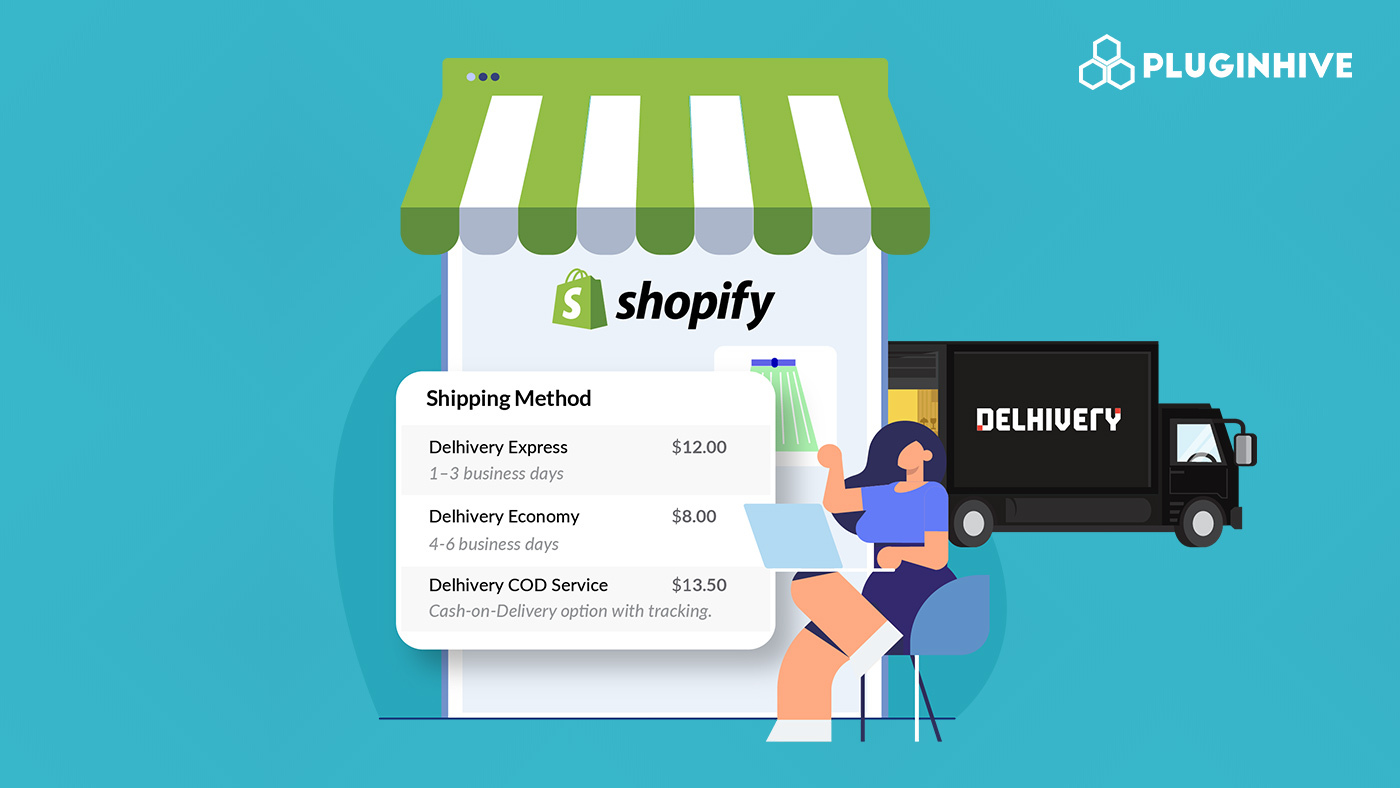
For Shopify store owners shipping across India, showing accurate shipping costs at checkout is not optional; it directly affects whether a customer completes their purchase or abandons their cart. Delhivery, India’s largest integrated logistics platform, serves over 18,900 pin codes and is a primary carrier for thousands of Shopify merchants shipping D2C orders domestically. That’s why displaying accurate Delhivery shipping rates at checkout is essential for improving conversion rates and avoiding unexpected shipping costs.
This article walks you through how Delhivery calculates its shipping rates, what factors influence those costs, and how you can automate live Delhivery shipping rates at your Shopify checkout.
Table of Contents
- Delhivery Shipping Services: What’s Available for Shopify Merchants
- How Delhivery Calculates Shopify Shipping Rates
- Delhivery Shipping Zones For Shopify Explained
- Additional Charges That Affect Delhivery Shipping Rates
- How to Set Up Delhivery Rates on Shopify
- Using the PH MultiCarrier Shipping Label App to Show Delhivery Rates at Shopify Checkout
- Conclusion
- FAQs
Delhivery Shipping Services: What’s Available for Shopify Merchants
Before configuring Delhivery shipping rates at your Shopify checkout, it helps to understand which services are available and what each one offers in terms of speed, cost, and use case.
Express Parcel (Air Mode)
Delhivery’s express parcel service enables you to send business shipments across India for parcels across categories, including heavy goods.
- Transport mode: Air
- Best for: Time-sensitive D2C orders, metro-to-metro shipments
- Delivery time: Typically 1–3 business days depending on zone
Surface Parcel (Road Mode)
The surface mode moves goods via road and covers the same pin code network as express but at a lower cost and longer transit time.
- Transport mode: Road
- Best for: Non-urgent orders, heavier parcels, budget-conscious shipping
- Delivery time: Typically 3–6 business days depending on zone
How Delhivery Calculates Shopify Shipping Rates
Understanding how Delhivery builds its pricing helps you configure your Shopify checkout more accurately. The Delhivery rate card gives the shipping cost for a shipment based on a combination of weight slab, zone, shipment type, and transport mode.
Here is a breakdown of each factor:
- Transport Mode: Delhivery offers two transport modes: Surface, which refers to movement of goods via road, and Express, which refers to movement of goods via air wherever feasible.
- Shipment Type: Delhivery handles three shipment types: Forward (movement from client pickup location to consignee), RTO or Return to Origin (when the customer is not available to receive the courier and it is returned to the origin), and Reverse (movement of courier from consignee to the client).
- Chargeable Weight: Chargeable weight is the dead weight or volumetric weight, whichever is higher.
- Overhead Charges: The pricing table also includes overhead charges. If you are shipping a COD shipment, you will be charged an additional cost for cash handling.
Delhivery Shipping Zones For Shopify Explained
Zone classification is the most direct factor affecting Delhivery shipping rates. Based on the origin and destination pin codes, your shipment is assigned a zone. The zones are structured as follows:
- Zone A — Local within-city pickup and delivery
- Zone B — Regional (origin to destination within 500 km)
- Zone C — Metro to metro
- Zone D — Rest of India
- Zone E — Special Zones (Jammu, Himachal Pradesh, North East excluding Manipur)
- Zone F — Special Zones (Kashmir, Manipur, Ladakh, Andaman & Nicobar)
This zone structure means a shipment from Mumbai to Pune (Zone B) will carry a lower rate than one from Mumbai to Guwahati (Zone E).
Additional Charges That Affect Delhivery Shipping Rates
Beyond the base zone-and-weight pricing, a few additional surcharges can influence the final Delhivery shipping rates your customers see:
- Destination City Surcharge: The destination city surcharge is a small surcharge applied for destination cities for both surface (land) and express (air) mode during shipment manifestation for deliveries. This surcharge varies by city and is applied at the time of booking.
- COD Charges: If your Shopify store offers cash on delivery as a payment method, Delhivery applies a cash handling fee on top of the base shipping rate for those orders.
- Fuel Surcharge: Fuel surcharges are calculated separately and are not included in the destination city surcharge. These are variable and tied to current fuel costs.
How to Set Up Delhivery Rates on Shopify
Step 1: Enable Carrier Calculated Shipping on Shopify
Shopify requires the Carrier Calculated Shipping (CCS) feature to display third-party live rates at checkout. You can access this feature on the Advanced Shopify plan or higher, or request it from Shopify Support.
Step 2: Install the PH MultiCarrier Shipping Label App
Install the app from the Shopify App Store and connect it to your store. You can also refer to the PluginHive Shopify setup guide for a detailed walkthrough.
Step 3: Enter Your Delhivery Account Credentials
To configure your Delhivery account within the app:
- Go to App Settings > Carriers > Delhivery
- Enter your Client Name, Username, and API Key (sent to you by Delhivery via email)
- Enable the Production Key once your credentials are verified
If you need help locating these credentials, refer to the carrier account configuration guide.
Step 4: Configure Shipping Settings
Set your store location as the shipping origin (this happens automatically on install), configure your packaging preferences, and optionally set rate adjustments.
Step 5: Add App Rates to Your Shopify Shipping Profile
- Go to Shopify Admin > Settings > Shipping and Delivery
- Open the relevant Shipping Profile
- Add PluginHive App Rates as a carrier-calculated option
Once you complete the setup, the PH MultiCarrier Shipping Label App displays Delhivery shipping rates at checkout by calculating them in real time based on the customer’s delivery PIN code and cart weight.
Using the PH MultiCarrier Shipping Label App to Show Delhivery Rates at Shopify Checkout
Shopify does not natively connect to Delhivery’s API to fetch live rates. To automate Delhivery shipping rates at checkout, you need a carrier-calculated shipping integration. The PH MultiCarrier Shipping Label App by PluginHive is built exactly for this purpose.
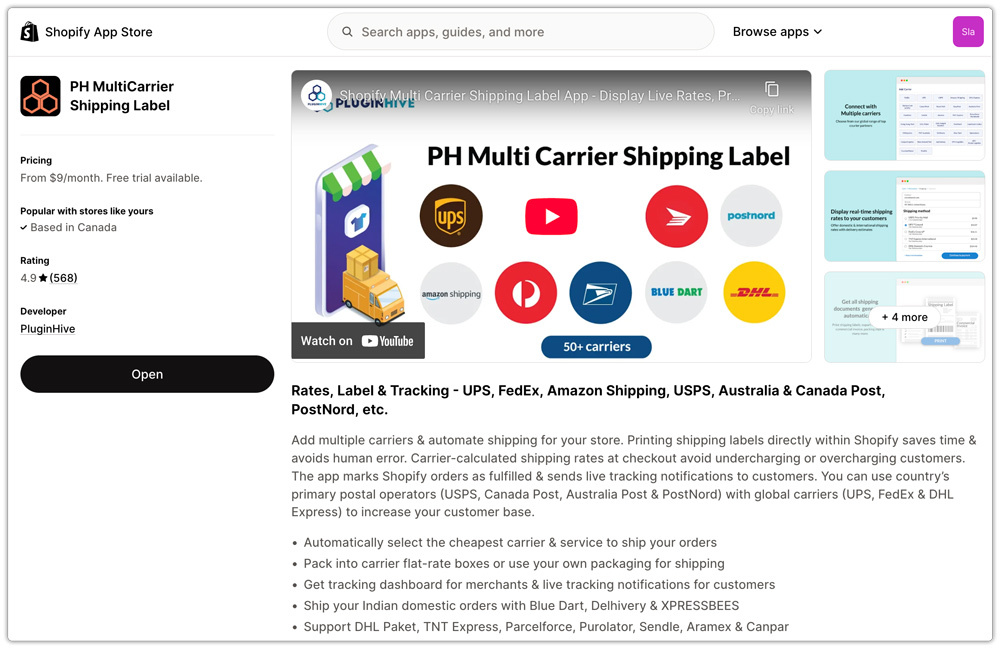
The app connects directly to your Delhivery account and handles the full shipping workflow inside Shopify, from showing live rates at checkout to generating labels and sending tracking updates.
Here is what the app enables for Delhivery on Shopify:
- Live Delhivery shipping rates at checkout: Rates are fetched in real time from Delhivery based on the customer’s PIN code, order weight, and dimensions

- Cheapest service selection: The app can automatically pick the most cost-effective Delhivery service for each order

- Rate adjustment: Configure a percentage-based markup or markdown on Delhivery shipping rates as needed

- Automatic packaging calculation: The app determines how products should be packed based on weight and dimensions before sending the request to Delhivery

The app also supports other Indian domestic carriers such as Xpressbees and Blue Dart within the same interface, which is useful if you want to offer your customers a choice of carriers at checkout rather than locking into a single option. You can read more about Xpressbees and Blue Dart on their respective pages.
Conclusion
Showing live Delhivery shipping rates at your Shopify checkout gives customers accurate shipping costs based on their delivery PIN code, package weight, and destination. This creates a more transparent checkout experience and reduces cart abandonment caused by unexpected or inaccurate shipping charges. The PH MultiCarrier Shipping Label App automates this entire process, connecting your Delhivery account to Shopify in a way that displays real-time rates, selects services automatically, and keeps the checkout experience accurate every time.
FAQs
Q. Does Delhivery support both surface and express shipping for Shopify orders?
Yes. Delhivery offers both surface (road) and express (air) transport modes. Configure the shipping services displayed at checkout using the PH MultiCarrier Shipping Label App.
Q. Can I show Delhivery shipping rates alongside other carriers at checkout?
Yes. The PH MultiCarrier Shipping Label app supports multiple carriers simultaneously, so you can display Delhivery, Xpressbees, and international carriers like DHL Express at the same checkout if needed.
Q. How does Delhivery calculate volumetric weight?
Delhivery calculates volumetric weight by measuring all sides of the parcel in centimetres. The chargeable weight is whichever is higher: actual dead weight or volumetric weight. This means large but lightweight packages may cost more than their actual weight suggests.
