


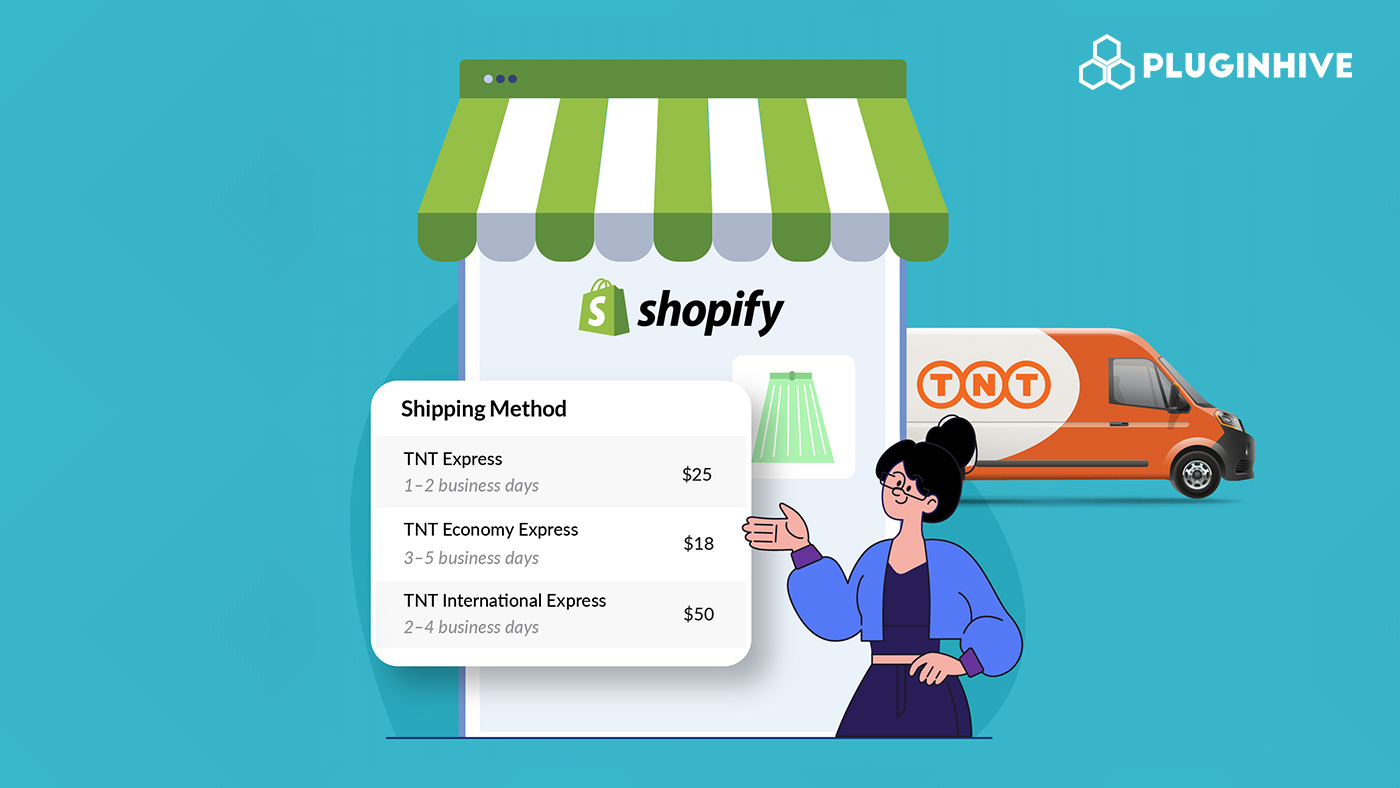
Accurate delivery estimates can make or break a purchase decision in Shopify. When customers reach checkout, one of the first things they look for is a clear answer to “When will this arrive?” A realistic, transparent delivery date builds confidence and removes hesitation, while vague or overly optimistic timelines can lead to abandoned carts and disappointed buyers. Delivery promises directly impact conversions because they shape expectations, and meeting those expectations builds long-term customer trust. This is where TNT services play an important role. With both time-definite and day-definite options, TNT allows merchants to align shipping speed with what they confidently can deliver, whether that’s an urgent next-business-day shipment or a cost-effective option with a defined arrival date. When your checkout reflects accurate transit times, business days, and operational cut-offs, you’re not just shipping efficiently, you’re strengthening your brand’s reliability and creating a smoother buying experience from the very start.
In This Article:
- How TNT Delivery Commitments Work in Shopify
- Weekend Deliveries with TNT Express in Shopify
- Cut-Off Times and Same-Day Dispatch With TNT in Shopify
- Public Holidays and Their Impact on TNT Delivery
- Automating TNT Delivery Estimates in Shopify
- Strategic Use of Delivery Speed in Shopify Checkout
- Conclusion
- FAQ’s
How TNT Delivery Commitments Work in Shopify
TNT Express (09:00, 10:00, 12:00, End of Day)
- These are time-definite services, meaning delivery is guaranteed by a specific time of day, not just a date.
- Ideal for urgent, high-value, or business-critical shipments where timing matters.
- Customers choosing these options expect precision, so your checkout must reflect accurate business-day calculations and cut-off times.
TNT Economy Express
- This is a day-definite service, meaning delivery is guaranteed on a specific business day without a strict time commitment.
- Suitable for non-urgent shipments where cost control is more important than early delivery.
- Helps maintain healthy margins while still offering reliable and predictable delivery timelines.
How Delivery Commitment Affects Checkout Estimates
- Express services require tighter, time-based delivery messaging at checkout.
- Economy services allow broader business-day-based estimates.
The delivery promise shown must match the service level selected to avoid customer dissatisfaction.
Weekend Deliveries with TNT Express in Shopify
Weekend delivery is not automatically included in standard TNT Express or Economy Express services. However, it may be available as an additional service option with an extra charge, depending on the shipment route and local operational availability.
For Shopify merchants, this means weekend delivery should be treated as a premium add-on rather than a default promise.
Key points to understand:
- Weekend delivery is offered as a special service upon request during booking.
- It typically involves an additional surcharge beyond standard shipping rates.
- Availability depends on the origin, destination, and local TNT operations.
- It is not included by default in time-definite or day-definite services.
Best practices for Shopify stores:
- Confirm availability for your shipping lanes before advertising weekend delivery.
- Clearly communicate any additional costs at Shopify checkout.
- Present it as an optional premium upgrade rather than a standard feature.
When you position weekend delivery correctly, you enhance the customer experience, but only if you set clear expectations and factor the costs into your pricing strategy.
Cut-Off Times and Same-Day Dispatch With TNT in Shopify
What Are Shipping Cut-Off Times?
- Shipping cut-off times are the daily deadlines that determine whether an order can be processed and dispatched the same day.
- If an order is placed before the cut-off, it can ship that day.
- If placed after the cut-off, it moves to the next business day.
Operational impact:
- Cut-off times must align with your carrier pickup schedule.
- They must also account for your warehouse processing time (picking, packing, labeling).
- Example:
- Carrier pickup: 4 PM
- Warehouse needs 2 hours to process orders
- Realistic cut-off time: 2 PM
- Setting an unrealistic cut-off can lead to delayed shipments and broken delivery promises.
How Cut-Off Times Affect Estimated Delivery Dates
- Orders placed before the cut-off:
- Count as shipping “today.”
- Transit time starts immediately.
- Faster delivery estimates appear at checkout.
- Orders placed after the cut-off:
- Ship the next business day.
- The estimated delivery date shifts forward by one day.
When cut-off times and processing capacity are properly configured, your delivery estimates remain accurate, and your same-day dispatch promise stays reliable.
Public Holidays and Their Impact on TNT Delivery
TNT operates on business days only.
- If a holiday occurs at the origin, pickup, and export processing are delayed.
- If a holiday occurs at the destination, final delivery is postponed.
- If a shipment moves through a country that has a public holiday, transit and customs clearance may also slow down.
Major Holidays That Affect TNT Deliveries
These widely observed holidays typically suspend or reduce logistics operations across Europe:
- 1 January – New Year’s Day
- Good Friday
- Easter Monday
- 1 May – Labour Day
- Ascension Day
- Whit Monday / Pentecost Monday
- 15 August – Assumption Day in many countries
- 1 November – All Saints’ Day
- 24 December – Christmas Eve
- 25 December – Christmas Day
- 26 December – Boxing Day / St. Stephen’s Day
- 31 December – New Year’s Eve
National holidays (e.g., country-specific independence or unity days) also affect deliveries in that specific country.
Automating TNT Delivery Estimates in Shopify
Manually calculating estimated delivery dates, especially when you factor in cut-off times, weekends, holidays, and international transit, quickly becomes complicated. That’s why automation is critical for growing Shopify stores.
Using PH Multi-Carrier Shipping Label
With the PH Multi-Carrier Shipping Label app, you can bring TNT services directly into your Shopify dashboard and automate the entire shipping workflow.
- Auto-calculating delivery estimates
- Transit time is calculated automatically based on the selected TNT service, which is pulled from the TNT api.
- Business days, service commitments, and shipping rules are reflected in checkout ETAs.
- Reduces the risk of overpromising delivery timelines.

- Label generation and tracking sync
- Generate TNT shipping labels directly from Shopify orders.
- Tracking details are automatically synced back to the order the merchants can access a central dashboard with all the shipment tracking details.

Benefits of Automated Delivery Calculations
- Improved customer trust
- Accurate ETAs build confidence before and after purchase.
- Customers know exactly what to expect
- Reduced support tickets
- Fewer “Where is my order?” inquiries.
- Clear tracking updates lower post-purchase anxiety.
- Scalable international shipping
- Automatically adjusts delivery timelines for cross-border shipments.
- Handles business-day calculations without manual effort.
- Supports growth without increasing operational complexity.
When you automate delivery estimates properly, you turn shipping into a competitive advantage instead of a daily operational headache.
Strategic Use of Delivery Speed in Shopify Checkout
Delivery speed isn’t just an operational setting; it’s a sales tool. The way you present Express and Economy options at checkout can directly influence buying decisions, average order value, and even how your brand is perceived.
When to Offer Express vs Economy
Not every order needs to move at maximum speed. The key is matching the shipping option to the customer’s intent.
- Offer Express for:
- Urgent purchases like gifts, last-minute orders, and business needs.
- High-ticket or premium products where fast delivery reinforces quality.
- Customers who value convenience over cost.
- Offer Economy for:
- Price-sensitive shoppers.
- Non-urgent purchases.
- Heavier shipments where margins matter more than speed.
Using Estimated Delivery Dates as a Conversion Tool
Clear delivery dates can quietly push customers to complete their purchase.
- Showing “Arrives Tomorrow” can create urgency.
- Displaying a specific date (“Arrives by Friday”) builds confidence.
- Comparing options side-by-side (Express vs Economy with different dates) makes the value difference obvious.
Estimated delivery dates reduce uncertainty, and uncertainty is one of the biggest conversion killers in e-commerce. When customers know exactly when their order will arrive, they hesitate less and trust more. In the end, strategic use of delivery speed isn’t about always being the fastest. It’s about giving customers the right options, presenting them clearly, and using delivery promises to strengthen both conversions and brand trust.
Conclusion
Accurate delivery estimates are no longer a “nice to have” in Shopify; they’re a core part of the buying experience. From understanding how TNT’s time-definite and day-definite services work, to factoring in cut-off times, weekends, and public holidays, every detail shapes the promise you make at checkout. And that promise directly impacts trust, conversions, and long-term customer satisfaction.
When your delivery dates reflect real operational capacity, including processing time, carrier commitments, and non-service days, you avoid overpromising and underdelivering. Instead, you create clarity. Customers feel confident placing their order because they know exactly when it will arrive.
By automating TNT delivery estimates inside Shopify, you remove guesswork, reduce manual errors, and scale your shipping operations without adding complexity. More importantly, you turn delivery speed into a strategic advantage rather than a logistical challenge.
FAQ’s
Q. How accurate are TNT delivery estimates in Shopify checkout?
TNT delivery estimates can be highly accurate when properly configured. Accuracy depends on the correct setup of transit times, business days, warehouse processing time, carrier cut-off times, weekends, and public holidays. Using automation tools helps ensure the dates shown at checkout match real operational capacity.
Q. What is the difference between TNT Express and TNT Economy Express?
TNT Express offers time-definite delivery (such as delivery by 9:00, 10:00, 12:00, or end of day), making it ideal for urgent shipments. TNT Express Economy Express guarantees delivery on a specific business day, but it does not commit to a specific delivery time. Express focuses on speed; Economy focuses on cost efficiency.
Q. Does TNT deliver on weekends?
TNT Express does not include weekend delivery by default in its standard services. In some regions, it may be available as a paid add-on, depending on route and local operations. Merchants should confirm availability before offering weekend delivery at checkout.
