



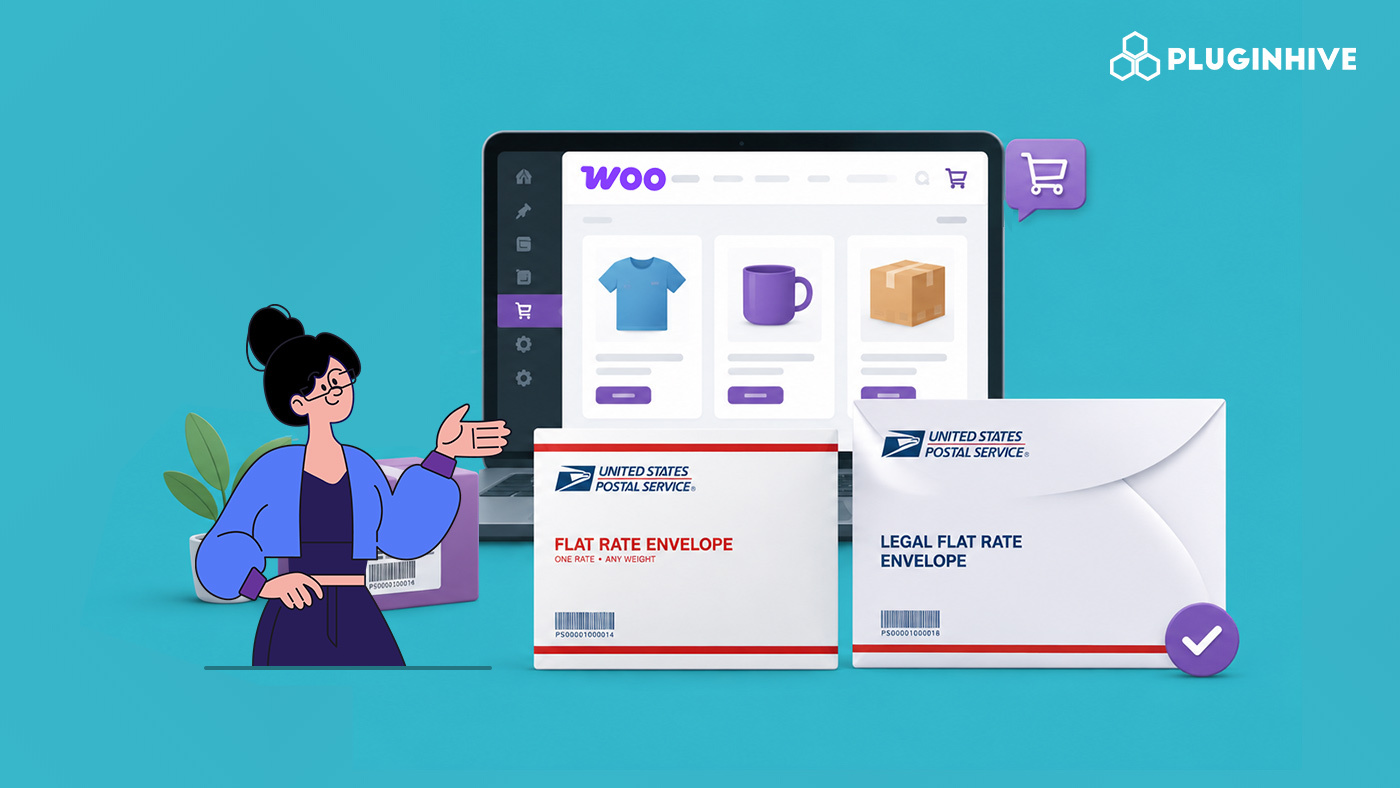
If your WooCommerce store ships flat, lightweight items, documents, small apparel, cards, or thin accessories, USPS flat rate envelopes are one of the most overlooked ways to cut shipping costs. A single flat price regardless of weight or distance, as long as it fits and closes naturally. Most stores default straight to boxes without ever checking whether an envelope would do the job for less.
This guide covers the three USPS flat-rate envelope types, when each one makes sense for a WooCommerce order, and how to set them up correctly using the USPS Shipping Plugin for WooCommerce.
On This Page
- The Three USPS Flat Rate Envelope Types for WooCommerce Sellers
- When a Flat Rate Envelope Makes Sense for a WooCommerce Order
- USPS Flat Rate Envelope Rules Every WooCommerce Seller Should Know
- How to Set Up USPS Flat Rate Envelopes in WooCommerce
- Real-World WooCommerce Use Case
- Conclusion
- FAQs
The Three USPS Flat Rate Envelope Types for WooCommerce Sellers
USPS offers three Priority Mail Flat Rate envelope types, each with the same core deal: one fixed price to any US address, weight up to 70 lbs, 2 to 3 business-day delivery, USPS tracking included, and up to $100 of insurance included at no extra cost.
| Envelope | Dimensions | Retail Price |
|---|---|---|
| Flat Rate Envelope | 12.5″ x 9.5″ | $11.95 |
| Legal Flat Rate Envelope | 15″ x 9.5″ | $12.25 |
| Padded Flat Rate Envelope | 12.5″ x 9.5″ (padded) | $12.95 |
1. Flat Rate Envelope:
The standard option at 12.5″ x 9.5″, big enough for most 8.5″ x 11″ documents with a little room for padding. This is the default choice for anything that fits without needing to be folded awkwardly.
2. Legal Flat Rate Envelope:
At 15″ x 9.5″, this adds 2.5 inches of length over the standard envelope, built for legal-size documents, certificates, or anything else that doesn’t fold cleanly into a standard letter size. USPS sells these in packs of 10 through their online store.
3. Padded Flat Rate Envelope:
Same 12.5″ x 9.5″ outer dimensions as the standard envelope, but with a padded interior lining. The right choice for anything that needs a bit of cushioning but still fits flat: small electronics, accessories, jewellery, thin fragile items that don’t need a full box.
When a Flat Rate Envelope Makes Sense for a WooCommerce Order
Flat rate isn’t automatically the cheapest option; it works best for compact, relatively heavy-for-their-size items travelling longer distances, where weight-based Priority Mail or Ground Advantage would otherwise cost more. For a light item going a short distance, a weight-based service often beats the flat rate.
Flat rate envelopes specifically make sense for WooCommerce orders that are:
- Genuinely flat: documents, printed materials, gift cards, thin apparel that can be folded without damage
- Under the envelope’s usable capacity: the item has to close naturally, without forcing the flap or bulging the envelope out of shape
- Shipping to distant zones: the further the destination, the more a flat rate envelope tends to beat a weight-based service for a comparable item
For anything with real depth or rigidity, most physical products, a flat rate box is the better fit. Envelopes are specifically for flat contents.
USPS Flat Rate Envelope Rules Every WooCommerce Seller Should Know
- Only official USPS-branded flat rate packaging qualifies for flat rate pricing; a lookalike envelope of the same size does not, since USPS scans confirm the packaging template
- Flat rate packaging is free from USPS; order it through the USPS Postal Store or pick it up at any Post Office
- The “if it fits, it ships” rule applies; the envelope must close naturally without being forced shut
- Flat rate envelopes can only be used with Priority Mail Flat Rate service; they can’t be used to ship via Ground Advantage or other services at flat rate pricing
- International Priority Mail Flat Rate follows its own weight limits, which are stricter than the domestic 70 lb cap
How to Set Up USPS Flat Rate Envelopes in WooCommerce
The PH USPS Shipping Plugin for WooCommerce with Print Label supports Priority Mail Flat Rate packaging, including envelope options, directly in the plugin’s settings. You can configure the appropriate envelope type and test the resulting rates at checkout.
To configure the plugin correctly in your store, visit this Set up the USPS Shipping Plugin for WooCommerce guide.
Select Box Packing in the Package Settings. This option lets you add and configure the USPS package type you use for your shipments.

From the package list, select the envelope type that matches your shipment: Flat Rate Envelope, Legal Flat Rate Envelope, or Padded Flat Rate Envelope. You can use the applicable envelope options for both domestic and international shipments.

Make sure your products have accurate dimensions and weights so the plugin can apply the configured packaging correctly. Once you configure the envelope type, the plugin can automatically calculate the applicable USPS shipping rate based on the selected package.

Real-World WooCommerce Use Case
A WooCommerce store selling custom illustrated prints and small art cards was shipping every order in a small box, regardless of how flat the contents actually were. Most orders were one to three unmounted prints, shipped flat between two sheets of cardboard, genuinely envelope-eligible, but boxed out of habit. Weight-based Priority Mail rates on these boxed orders were higher than they needed to be, particularly for orders going to distant zones.
How the Plugin Helped
The store enabled Priority Mail Flat Rate Envelope packaging in the PH USPS Shipping Plugin for WooCommerce and created a shipping class for unmounted prints and cards, assigning the Legal Flat Rate Envelope to larger prints and the standard Flat Rate Envelope to smaller ones. Checkout began showing the flat rate price automatically for qualifying orders, replacing the previous weight-based box rate.
The Result
- Shipping cost on long-distance orders dropped noticeably compared to the previous boxed weight-based rate
- Packaging costs fell slightly since envelopes are free from USPS and require no additional box materials
- Checkout rates became more predictable for customers, since the flat rate didn’t shift based on destination
- Products that genuinely needed a box, larger framed items, continued to ship in boxes with no disruption
Conclusion
USPS flat rate envelopes are easy to overlook, but for genuinely flat WooCommerce products, they can beat a weight-based box rate, especially on longer-distance orders. The USPS Shipping Plugin lets you configure Flat Rate envelopes directly in Package Settings and get the envelope rate at checkout.
Need help setting up flat rate packaging in WooCommerce? The PluginHive support team is here.
FAQs
Q. Can I use my own envelope instead of the official USPS flat rate envelope?
No. Flat rate pricing only applies to official USPS-branded flat rate packaging. USPS scans confirm the packaging template at processing, so a similarly sized non-USPS envelope won’t qualify for flat rate pricing even if the dimensions match.
Q. Can I use USPS Flat Rate Envelopes for international WooCommerce orders?
Yes, the USPS Shipping Plugin supports USPS international services, including applicable Priority Mail Flat Rate packaging. Make sure you select the appropriate USPS international service and package type in the plugin settings.
Q. What if I want to use multiple carriers instead of USPS only?
If you want to offer USPS alongside other carriers such as UPS, FedEx, DHL, or other supported carriers, you can use the WooCommerce Multi-Carrier Shipping Plugin. It lets you configure shipping methods from multiple carriers in one store.
Q. Can I use Table Rate Shipping with USPS Flat Rate Envelopes?
Yes. You can use the WooCommerce Table Rate Shipping Pro Plugin to create custom shipping rules based on factors such as weight, destination, product, shipping class, and cart value. This gives you more control over when and how shipping rates appear at checkout.
Q. Can I use USPS Flat Rate Envelopes in a multi-vendor WooCommerce store?
Yes. The WooCommerce Multi Vendor Shipping Plugin supports USPS shipping for marketplace stores and lets you configure shipping methods for individual vendors. You can use it when different vendors in your store need to manage their own shipping options.
