


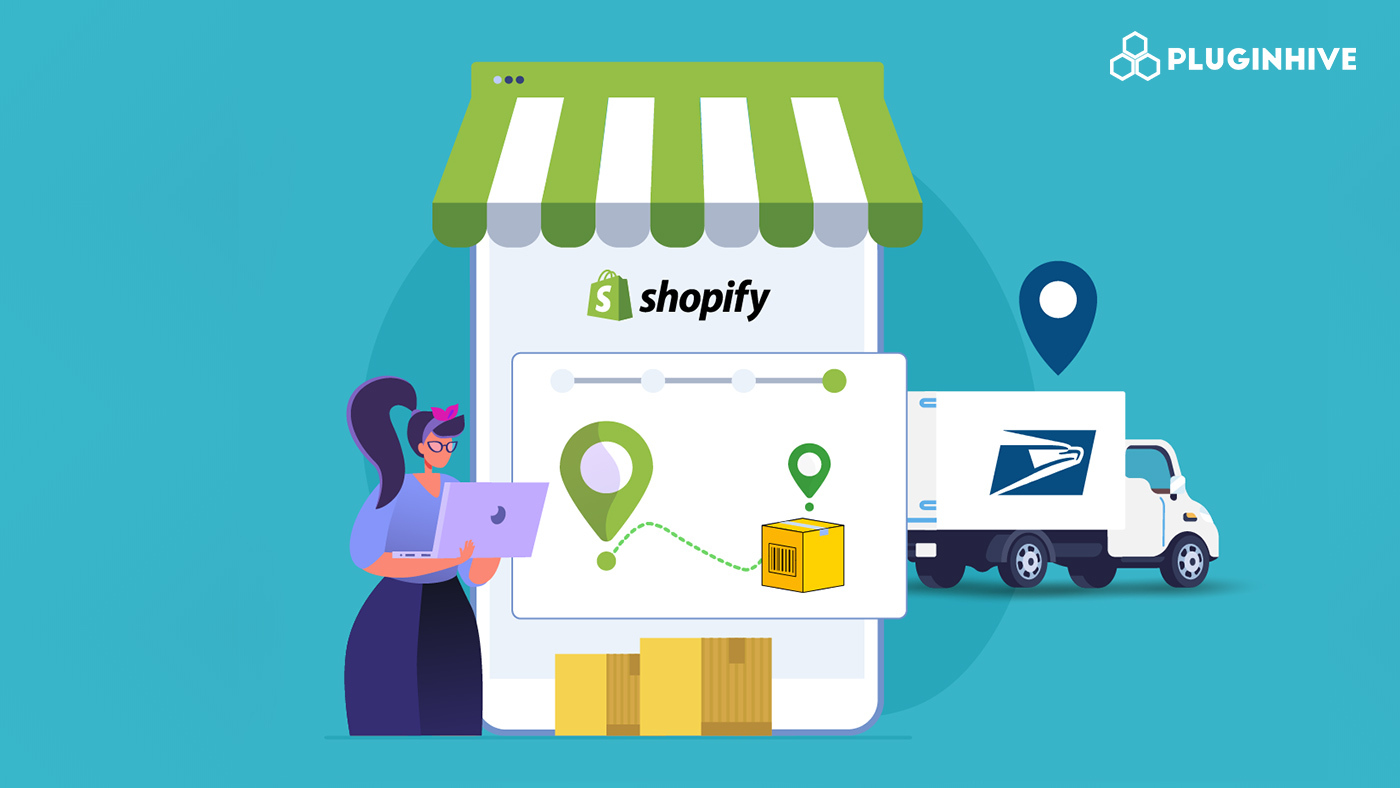
USPS is one of the most widely used carriers for Shopify merchants, particularly those shipping lightweight packages domestically. With services like USPS Ground Advantage delivering in 2–5 days and Priority Mail reaching customers in 1–3 days, it covers a broad range of domestic shipping needs at competitive price points. But choosing USPS as your carrier is only half the equation. The other half is what your customers experience after the order ships. A USPS order tracking number sitting inside a fulfillment email with a link to USPS.com is not a tracking experience. It’s a starting point.
This guide walks through exactly how to add proper USPS tracking to your Shopify orders.
In This Article:
- What Shopify Does with USPS Tracking Numbers by Default
- The Gap Between a Tracking Number and a Tracking Experience
- What Automatic USPS Tracking Looks Like on Shopify
- How PluginHive Shipment Tracking & Notify Handles USPS Tracking
- What Customers See on the Storefront Tracking Page
- Operational Advantages for Shopify Merchants
- Conclusion
- FAQs
What Shopify Does with USPS Tracking Numbers by Default
When you fulfill a Shopify order and add a USPS tracking number, Shopify attaches the tracking information to the order and includes it in the shipping confirmation email sent to the customer. Customers can click the tracking link to view their shipment status on USPS.com.
However, Shopify’s default USPS tracking functionality is relatively basic compared to dedicated shipment tracking platforms. While Shopify does provide standard shipment update notifications, the experience is limited in terms of granularity and control over customer communications.
For smaller stores with lower shipping volume, the built-in tracking experience may be sufficient. But for stores shipping dozens or hundreds of USPS orders each week, merchants often adopt dedicated tracking tools to give customers more visibility and reduce support workload.
The Gap Between a Tracking Number and a Tracking Experience
A tracking number is data. A tracking experience is what happens when that data is connected to timely communication, a clear interface, and a workflow that doesn’t require manual effort from your team.
Here’s where the default Shopify USPS setup falls short in practice:
- Customers don’t get proactive updates. After the initial fulfillment email, customers are on their own. If they want to know whether their package is in transit, out for delivery, or delayed, they have to check manually.
- There’s no tracking page within your store. Customers clicking a tracking link leave your domain and land on USPS.com, a third-party environment where your brand is absent, and their attention can wander.
- Merchants have no centralized shipment view. Without a dashboard, keeping track of active USPS shipments means opening individual orders one at a time. Delivery exceptions, failed delivery attempts, and delays are invisible until a customer reports them.
- Support volume grows with order volume. “Where is my order?” remains the most common post-purchase support query in e-commerce, and without automated tracking updates, every shipping customer is a potential support ticket.
What Automatic USPS Tracking Looks Like on Shopify
A fully automated USPS tracking setup on Shopify has four components working together:
- Live shipment syncing. When you add a USPS tracking number to a Shopify order, the system automatically detects it and starts pulling real-time tracking updates. No additional steps required.
- Event-driven customer notifications. Rather than a single fulfillment email, customers receive automated updates tied to actual USPS scan events, shipped, in transit, out for delivery, and delivered.
- An on-store tracking page. A dedicated page within your Shopify store where customers can enter their order number and email address to check their USPS order tracking status in real time, without leaving your domain.
- A merchant shipment dashboard. A centralized view of all active USPS shipments, organized by status, giving your team live visibility into every order in transit and flagging anything that needs attention.
When these four pieces are in place, USPS tracking becomes a genuine operational system rather than a series of manual lookups and reactive support responses.
How PluginHive Shipment Tracking & Notify Handles USPS Tracking
PluginHive Shipment Tracking & Notify is a Shopify app designed to handle exactly the perfect workflow described above. Here’s how it works with USPS specifically:
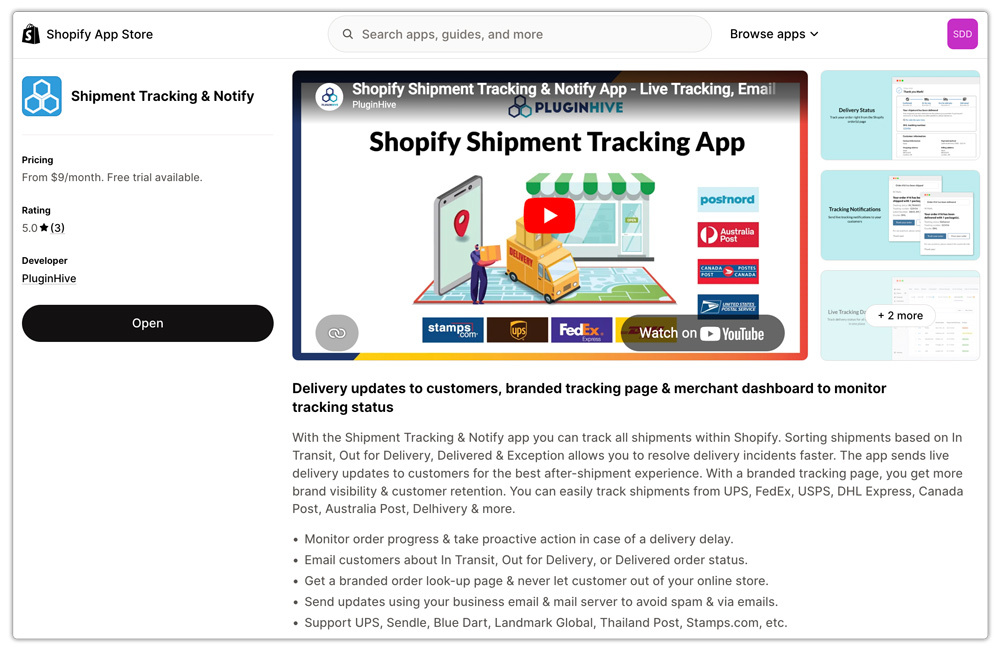
- Connect Your Own USPS Carrier Account. Inside the app, merchants add their USPS carrier account directly. This gives the app authenticated access to your account’s shipment data, ensuring that every tracking update is pulled from your actual USPS shipments.
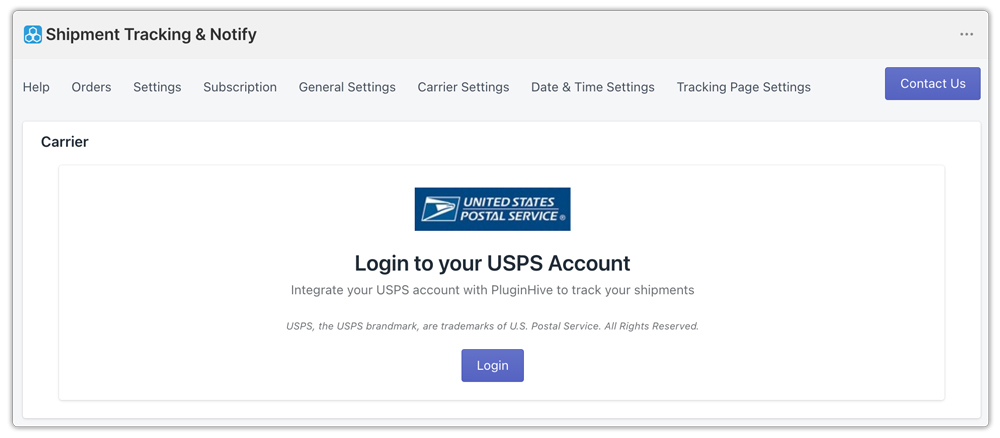
- Real-Time Merchant Visibility. The app’s dashboard shows merchants the live status of every active USPS shipment. Shipments are organized by delivery stage: In Transit, Out for Delivery, Delivered, and Exception, so your team always knows what’s moving and what needs attention.
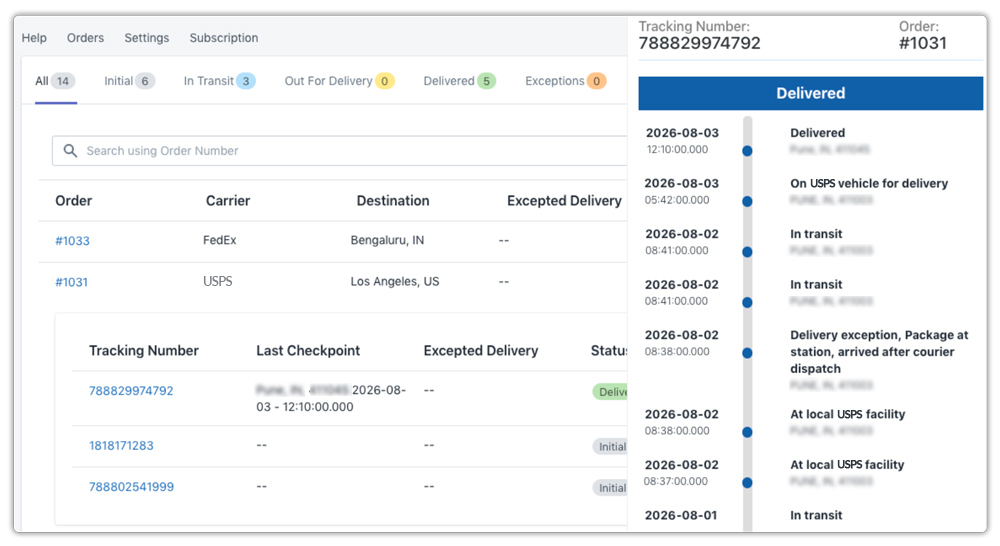
- Automated Customer Email Notifications. As USPS scan events update, the app automatically sends email notifications to customers. These notifications are triggered by real tracking data, not time-based schedules, so customers always receive accurate, event-driven updates.
- Branded Storefront Tracking Page. The app adds a dedicated order tracking page to your Shopify store. Customers visit the page, enter their order number and email, and see their real-time USPS order tracking status without ever leaving your store.

What Customers See on the Storefront Tracking Page
From a customer’s perspective, the experience is simple and clear.
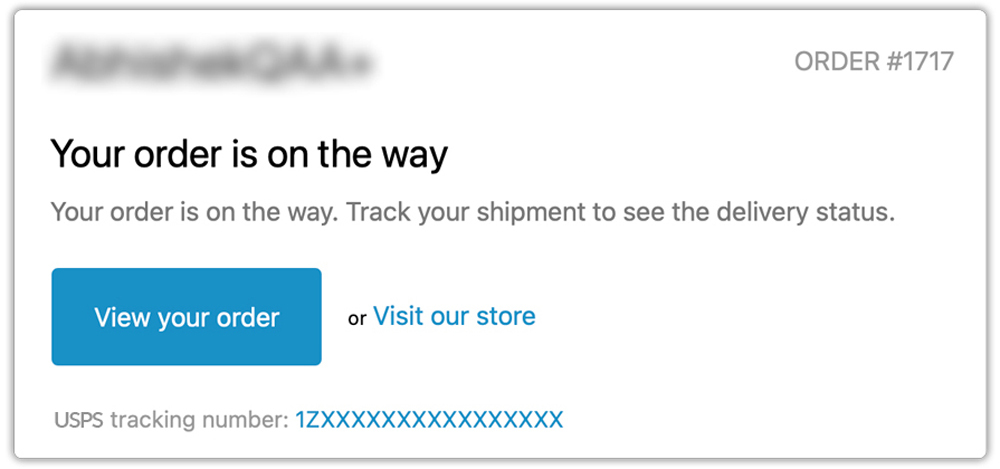
After placing an order, they receive a standard order confirmation. Once the order is fulfilled with a USPS tracking number, they receive a branded shipping notification from your store, not a generic USPS alert.
If they want to check their shipment status at any point, they can visit the tracking page on your store, enter their order number and email address, and immediately see where their package is. USPS pulls the status live and displays it clearly within your store’s design.
They also receive automatic email notifications as the shipment progresses through key milestones. By the time the package arrives, your store has already sent the delivery confirmation, so customers never need to ask for updates.
For customers, this feels attentive and professional. Your store handles everything automatically.
Operational Advantages of USPS Tracking for Shopify Merchants
Beyond improving the customer experience, automated USPS order tracking creates operational benefits:
- Measurable reduction in support volume. When customers receive proactive updates and can self-serve their tracking status, the volume of inbound “where is my order?” inquiries drops significantly. Your support team spends less time on routine tracking questions and more time on issues that actually need human attention.
- Earlier exception detection. USPS delivers to a massive network of addresses and, like any carrier, occasionally encounters delivery exceptions, missed delivery attempts, incorrect address flags, and weather delays. With a live shipment dashboard, your team sees these exceptions as they happen rather than after a customer reports them.
- A stronger post-purchase brand impression. The window between purchase and delivery is one of the highest-engagement periods in the customer relationship. A store that communicates proactively, keeps customers informed, and delivers a smooth tracking experience builds brand trust that carries into repeat purchases.
Conclusion
Adding a USPS tracking number in Shopify is simple, but delivering a smooth tracking experience requires more than a fulfillment email. As order volume grows, customers expect proactive updates, easy access to their shipment status, and a consistent brand experience throughout the delivery process.
While Shopify handles basic USPS tracking well, many merchants eventually need more automation and shipment visibility. Apps like PluginHive Shipment Tracking & Notify help bridge that gap with automated notifications, a branded tracking page, and a live shipment dashboard built directly into Shopify.
FAQs
Q. Does USPS Tracking come included with all USPS shipping services?
Not all of them. Tracking is automatically included with Priority Mail Express, Priority Mail, and USPS Ground Advantage. First-Class Mail does not include tracking by default; you need to add a service like Certified Mail.
Q. Why should I connect my own USPS carrier account instead of using a generic API?
Connecting your own USPS carrier account ensures that the tracking data retrieved is specific to your shipments. It gives the tracking app authenticated, account-level access to your USPS shipment data, which is more reliable than generic API connections that may have rate limits or data gaps.
Q. Can I track orders from other carriers alongside USPS in the same place?
Yes. PluginHive Shipment Tracking & Notify supports multiple carriers in one dashboard, including FedEx, UPS, DHL Express, and many regional carriers. If your store ships with more than one carrier, all shipments are visible from the same interface.
