


If you’re running a Shopify store, shipping plays a huge role in your customer experience, and that’s where USPS shipping truly stands out. Whether you’re sending out small parcels across town or fulfilling international orders, USPS offers a combination of reliability, affordability, and reach that’s hard to beat.
For most Shopify sellers, USPS is a go-to option because it delivers nationwide coverage at budget-friendly rates, without compromising on speed or service quality. You can ship everything from lightweight apparel to subscription boxes using USPS’s wide range of services, and the best part is, Shopify makes it easy to access discounted USPS rates, print labels, and track shipments directly from your dashboard.
In this guide, we’ll break down everything you need to know about USPS shipping in Shopify, from understanding shipping rates and label creation to setting up tracking and scheduling pickups so you can streamline fulfillment and keep your customers happy.
In This Article:
- USPS Shipping Options Available in Shopify
- How to Display USPS Live Rates
- Creating USPS Labels with PluginHive MCSL
- USPS Tracking on Shopify
- Scheduling USPS Pickups for Shopify Orders
- Conclusion
- FAQ’s
USPS Shipping Options Available in Shopify
When it comes to USPS shipping in Shopify, you’ll have access to a variety of USPS services that fit different product types, delivery speeds, and budget needs.
Here’s a quick breakdown of the key USPS services supported in Shopify and when to use each:
1. USPS First-Class Mail
- Delivery Time: 1–5 business days
- Best For: Lightweight shipments up to 13 oz (like jewelry, phone cases, or small apparel items).
- Cost: Starts around $11.05 for a 1 lb package.
- Why Use It: It’s perfect if you run a store selling accessories, stationery, or handmade crafts where weight is minimal and cost-efficiency matters.
2. USPS Priority Mail
- Delivery Time: 2–3 business days
- Best For: Packages up to 70 lbs needing faster delivery.
- Cost: Typically $9.35–$28.80 for 1 lb, depending on the shipping zone.
- Why Use It: Great for eCommerce businesses shipping mid-weight products like apparel, supplements, or beauty items.
3. USPS Priority Mail Express
- Delivery Time: 1–3 business days (with a money-back guarantee for date-certain delivery).
- Cost: Ranges from $31.95–$75.30 for 1 lb, depending on distance.
- Why Use It: Ideal for special-occasion gifts, event merchandise, or any product where on-time delivery is crucial.
4. USPS Ground Advantage
- Delivery Time: 2–5 business days
- Best For: Non-urgent, heavier, or hazardous items that can’t travel by air.
- Cost: Around $13.17–$68.83 for 1 lb based on distance.
- Why Use It: A solid choice for cost-conscious Shopify stores shipping products like household goods, tools, or non-flammable liquids.
USPS Shipping Rates on Shopify
Getting your shipping rates right is one of the easiest ways to build trust with your customers. No one likes surprise costs at checkout, and that’s where real-time USPS rates in Shopify make a big difference.
How Real-Time USPS Rates Work
Shopify calculates USPS shipping rates automatically based on a few key details about each order:
- Package weight and size: The heavier or larger your package, the more it costs to ship.
- Service type: USPS offers several shipping speeds from Ground Advantage to Priority Mail Express, each with its own pricing depending on how fast the customer wants their order.
How to Display USPS Live Rates
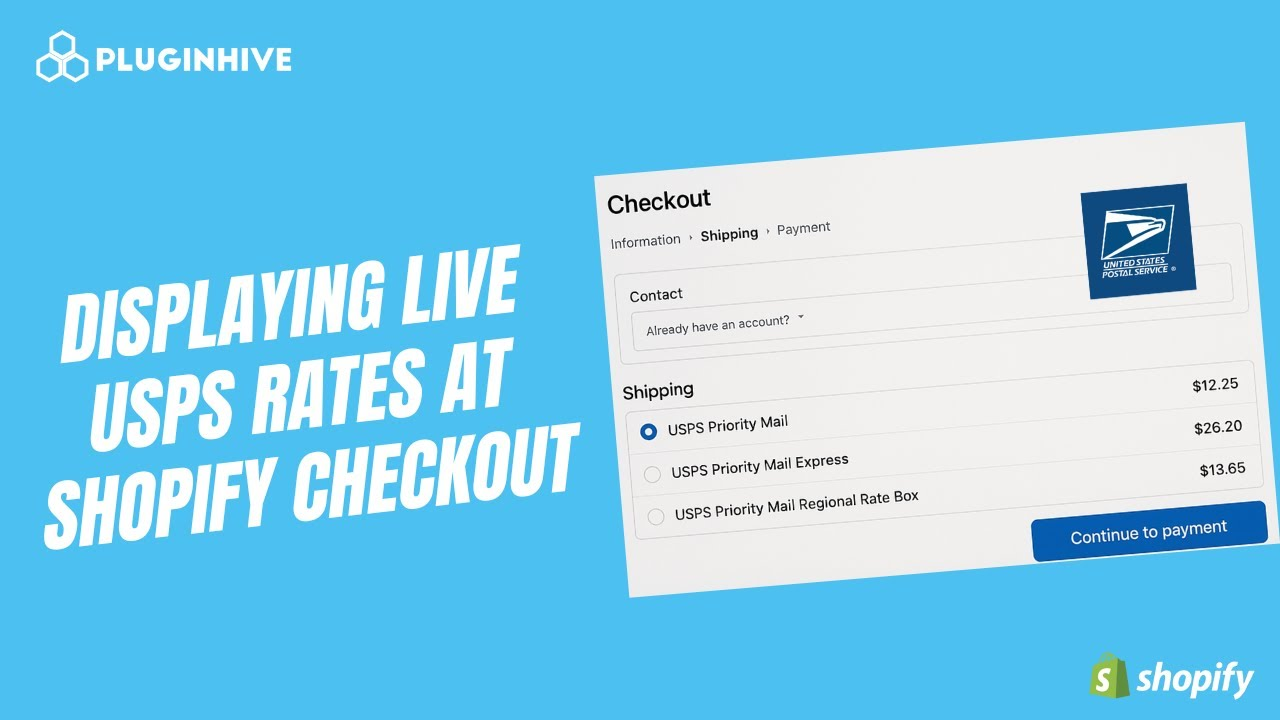
If you want to display USPS live rates at your Shopify store, the PH Multi-Carrier Shipping Label app is the best way to do it.
With PluginHive MCSL, you can:
- Connect your own USPS account to Shopify.
- Display real-time USPS rates at checkout straight from your account.
- Offer customers multiple USPS options like Ground Advantage, Priority Mail, or Express so they can pick what works best.

It’s a great way to give your customers accurate pricing and faster service while keeping your fulfillment process simple and automated.
A detailed tutorial on displaying live USPS rates can be found in the video below:
USPS Shipping Labels on Shopify
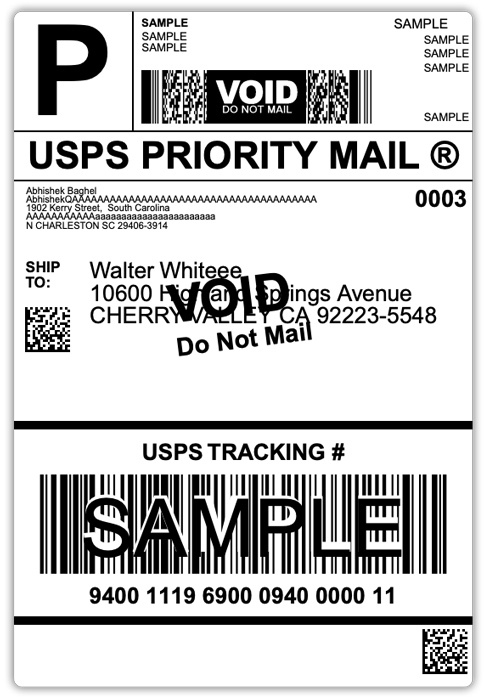
USPS shipping labels are essential for getting your Shopify orders out efficiently. Each label includes your customer’s address, return address, tracking barcode, and USPS service type, everything USPS needs to deliver the package correctly.
Why USPS Labels Matter
- Save time: No need to write addresses manually.
- Reduce mistakes: Details are pulled directly from your Shopify orders.
- Enable tracking: Each label comes with a USPS tracking number.
Creating USPS Labels with PluginHive MCSL
The PH Multi-Carrier Shipping Label app makes label generation quick and simple:
- Open your orders in the PluginHive MCSL app.
- Select one or more orders.
- Click “Generate Labels.”
The app automatically fetches order details, calculates rates, and generates ready-to-print USPS labels.
Bulk Label Generation
If you handle multiple daily orders:
- Select all pending orders in the app.
- Generate and print USPS labels in bulk.
- Stick them on your packages and schedule pickup.
This setup keeps your Shopify fulfillment process fast, accurate, and stress-free.
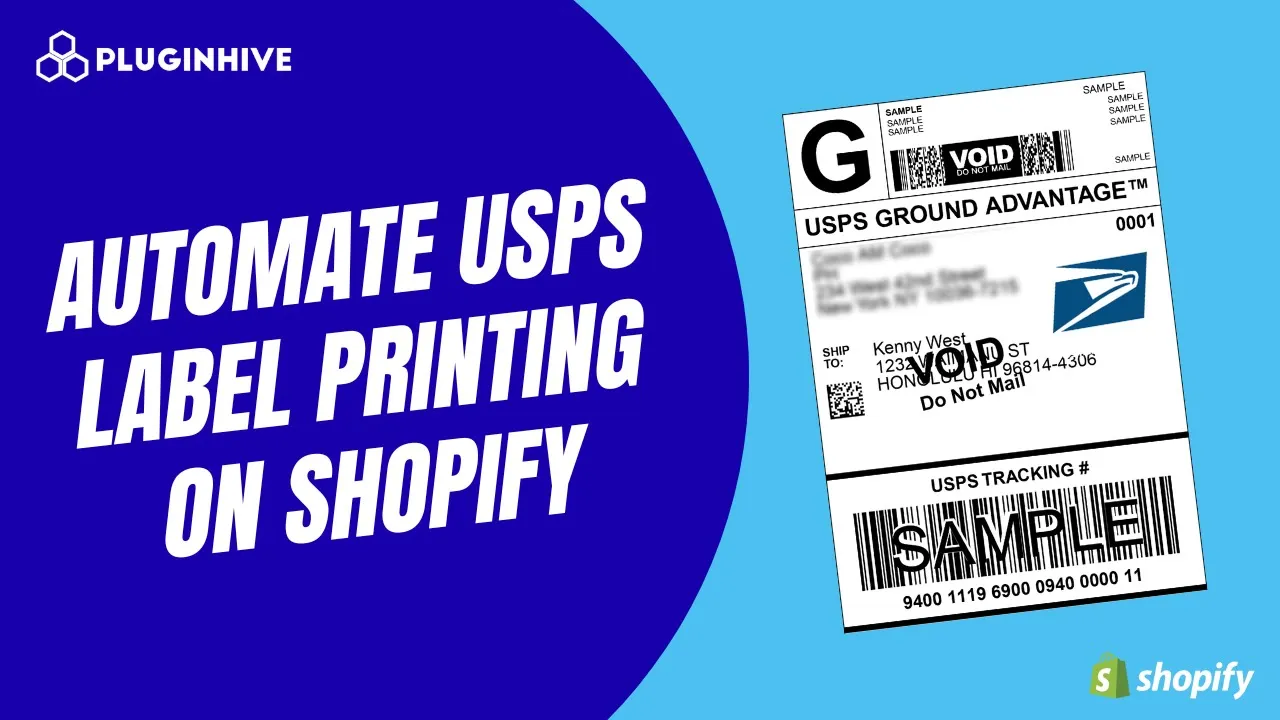
You can refer to the video below to learn how to automate label printing in Shopify via USPS properly:
USPS Tracking on Shopify
USPS tracking lets you and your customers see exactly where a package is at every step from pickup to delivery. It’s automatically included with most USPS services and helps build trust by keeping buyers informed about their order’s progress.
Why USPS Tracking Is Useful
- Transparency: Customers can track their orders anytime.
- Fewer support requests: No more “Where’s my package?” emails.
Tracking with PluginHive MCSL
You can track your USPS Shopify orders using the PH Multi-Carrier and Shipping Label app. As soon as the order is marked as fulfilled, it is manifested in the tracking tab of the app.
- Each order has its own tracking dashboard, showing live USPS updates.
- You can see every shipment stage from “Label Created” to “In Transit” to “Delivered.”
- It’s all centralized in one place, so you don’t need to check USPS.com for updates
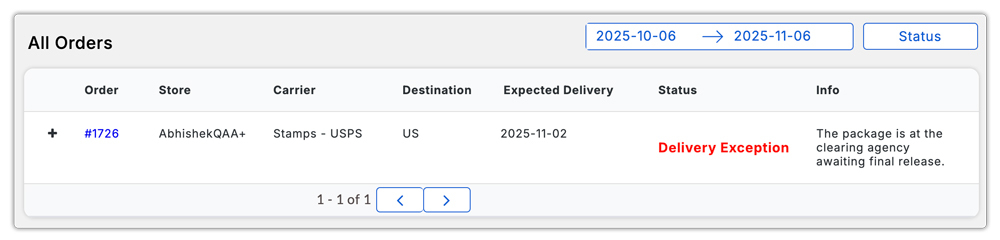
With automatic updates and a clear view of every shipment, USPS tracking through PluginHive keeps both you and your customers fully informed.
Dedicated Tracking Dashboard
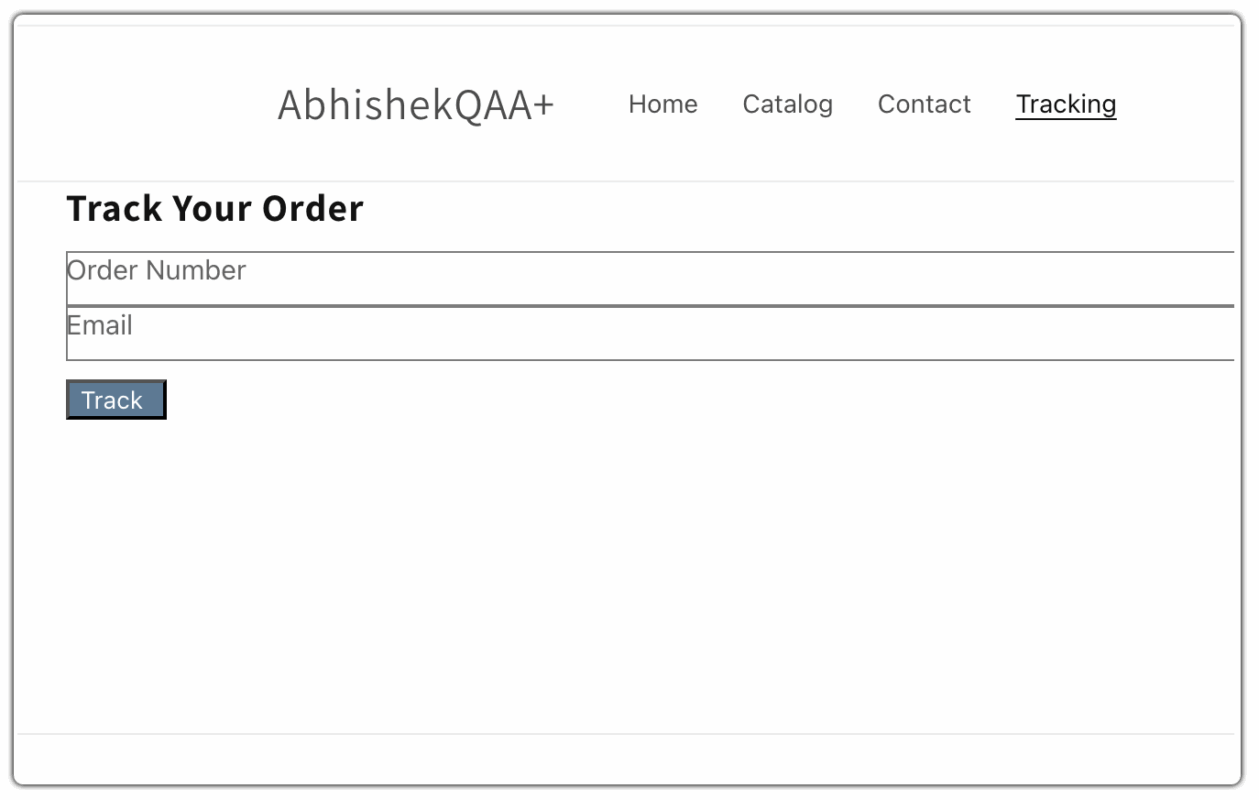
If you want a dedicated tracking dashboard for your customers that you can display right on your Shopify store frontend, consider using the Shipment Tracking and Notify app by PluginHive. It lets you showcase real-time USPS tracking updates directly on your storefront, enhancing transparency and improving the post-purchase experience.
Scheduling USPS Pickups for Shopify Orders
A USPS pickup lets you schedule the postal carrier to collect your outgoing packages right from your store, office, or home; no need to drop them off at the post office. It’s a huge time-saver, especially if you’re fulfilling multiple Shopify orders every day.
Types of USPS Pickups
- One-Time Pickup:
Schedule a single pickup for the day you need it. Perfect for small or irregular shipping volumes. - Recurring Pickup:
Set up regular daily or weekly pickups so USPS automatically collects your packages on specific days. Ideal if you have steady order volumes or run a busy fulfillment schedule.
Pickup Requirements
To qualify for a USPS pickup:
- Your packages must have USPS shipping labels already attached.
- You need to be using a USPS service such as Priority Mail, Priority Mail Express, or Ground Advantage.
- Packages should be ready before your scheduled pickup time, and safely placed for easy carrier access.
Scheduling Pickups via PluginHive MCSL App
The PH Multi-Carrier Shipping Label app makes scheduling USPS pickups simple.
- Once your orders are labeled and fulfilled, you can request a pickup directly from the app.

- Choose a fitting pickup schedule.
- USPS will automatically be notified, and your carrier will collect the packages at the chosen time.
- It also gives you the option to configure the company’s open and close times, which ensures the packages are collected during the duration your store is open.

It’s a seamless way to manage pickups without ever leaving Shopify, keeping your fulfillment workflow fast and hands-free.
Conclusion
USPS remains one of the most reliable and cost-effective shipping options for Shopify sellers, whether you’re sending small local orders or fulfilling international deliveries.
And when paired with the PH Multi-Carrier Shipping Label app, USPS shipping becomes even more powerful. You can show real-time rates, generate labels in bulk, track every shipment, and schedule pickups all without leaving Shopify.
By integrating USPS with your store, you’re not just simplifying fulfillment; you’re improving delivery reliability, customer satisfaction, and overall operational efficiency. In short, USPS and PluginHive together make Shopify shipping fast, automated, and worry-free.
FAQ’s
- Can I use my own USPS account with Shopify?
Yes. You can connect your own USPS account to Shopify using the PH Multi-Carrier Shipping Label app. This allows you to access your contracted USPS rates, display live shipping options at checkout, and manage labels, tracking, and pickups directly from your Shopify dashboard.
- Does USPS offer free pickups for Shopify orders?
Yes, USPS offers free package pickups for services like Priority Mail, Priority Mail Express, and Ground Advantage. You can schedule either one-time or recurring pickups from your home or warehouse.
- How do I provide USPS tracking details to my customers?
When you generate USPS shipping labels using the PH Multi-Carrier Shipping Label app, a tracking number is automatically created and synced to your Shopify order. Your customers will receive the tracking link via their order confirmation or shipping email, allowing them to monitor their delivery status in real time.
