



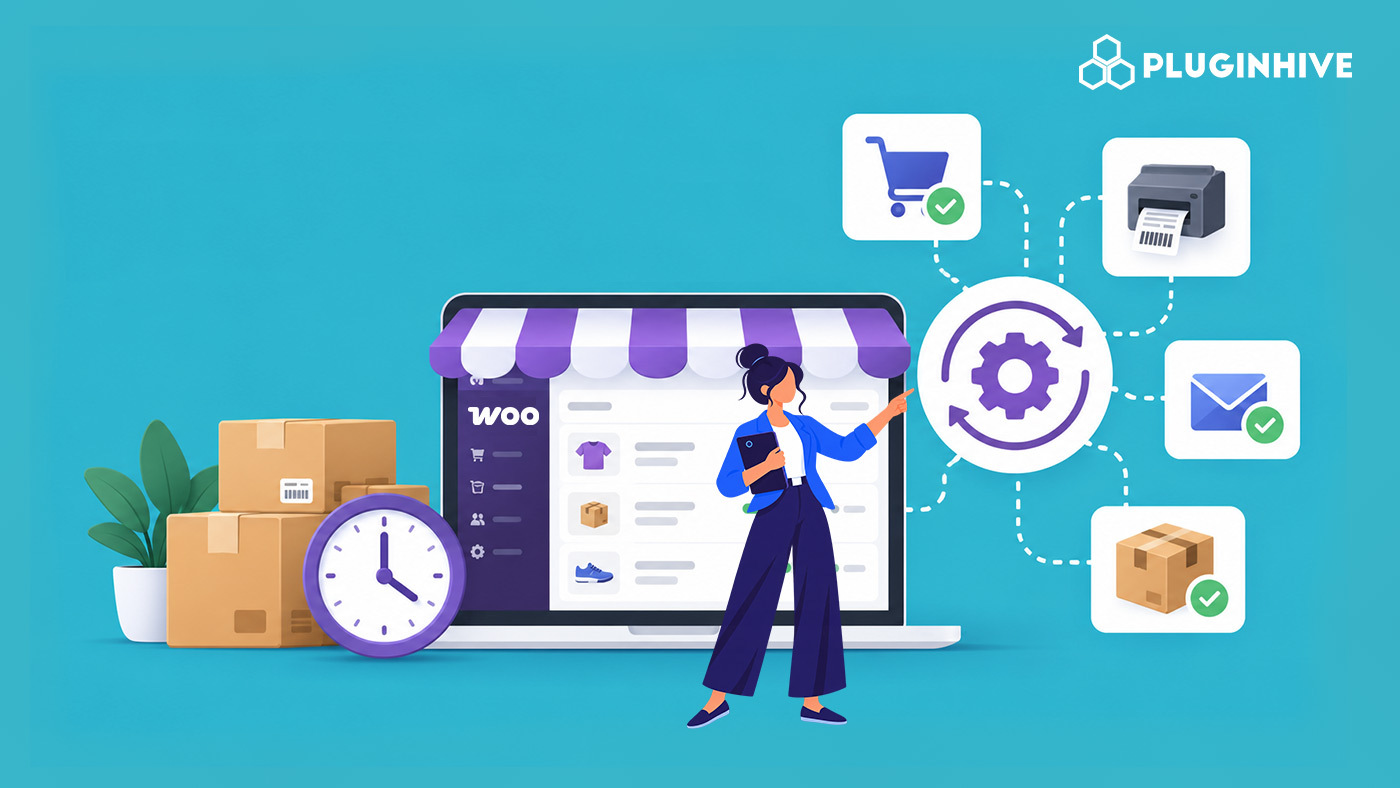
Every WooCommerce order touches a handful of repetitive steps: checking a shipping rate, generating a label, emailing a tracking number, confirming a booking slot. None of them is hard on their own, but at ten orders a day they’re a minor chore, and at two hundred they’re most of someone’s job. This guide covers the WooCommerce automation tools and workflows that are most worth automating, and the plugins that handle each one, from shipping rates and labels to bookings and checkout rules.
On This Page
- Why WooCommerce Automation Matters as Your Store Grows
- Automating Shipping Rates, Labels, and Tracking
- Automating Multi-Carrier Shipping Decisions
- Automating Delivery Estimates and Customer Communication
- Automating Checkout Rules and Rate Logic
- Automating Bookings, Appointments, and Add-On Sales
- Manual vs Automated WooCommerce Workflows
- Real-World WooCommerce Use Case
- Conclusion
- FAQs
Why WooCommerce Automation Matters as Your Store Grows
Manual workflows scale in direct proportion to order volume. Twice the orders means roughly twice the time spent on rate lookups, label printing, and status emails. Staff capacity doesn’t scale the same way, which is why the gap between order volume and available hours tends to show up first in shipping and fulfillment, the part of the store with the most repetitive, identical steps.
The workflows worth automating first are the ones that repeat the same way on every order: looking up a rate, printing a label, sending a tracking number, checking whether a time slot is free. None of these requires judgment; they’re ideal candidates for a plugin to handle instead of a person.
Automating Shipping Rates, Labels, and Tracking
There are some carrier-specific plugins, such as:
- UPS Shipping Plugin for WooCommerce with Print Label
- FedEx Shipping Plugin for WooCommerce with Print Label
- PH USPS Shipping Plugin for WooCommerce with Print Label
- PH India Post Shipping Plugin for WooCommerce with Print Label
Each connects a single carrier account directly to your store, so rates at checkout reflect your own negotiated pricing instead of a flat estimate. Labels can be generated individually or in bulk straight from the WooCommerce orders page.
For orders shipped outside these connected carriers, or for stores adding tracking numbers manually today, the Shipment Tracking Pro for WooCommerce automates the customer-facing side of fulfillment. It adds tracking numbers to order emails and the account dashboard via bulk CSV import or automatic carrier matching, instead of someone copying numbers into emails one at a time.
Automating Multi-Carrier Shipping Decisions
Stores shipping through more than one carrier face a decision most orders don’t actually need a person for: which carrier is cheapest or fastest for this destination and weight. The Multi-Carrier Shipping Plugin for WooCommerce connects several carrier accounts at once and applies that decision automatically. It shows or selects the most suitable service by zone and weight rather than leaving staff to compare rates order by order.
Automating Delivery Estimates and Customer Communication
A large share of post-purchase support tickets are some version of “Where is my order?” The Estimated Delivery Date Plugin for WooCommerce answers that question before it’s asked by automatically showing an expected delivery window on the product page, cart, and checkout. Paired with live tracking from a connected carrier plugin, customers get status updates without a staff member checking in on their behalf.
Automating Checkout Rules and Rate Logic
Pricing and visibility rules that would otherwise need a manual judgment call on each order can be automated at checkout. The PH Table Rate Shipping Pro Plugin for WooCommerce applies custom rates automatically based on weight, destination, quantity, price, or shipping class. Meanwhile, the PH Hide Shipping Methods & Rate Adjustment for WooCommerce automatically hides or adjusts specific methods based on conditions like product, category, destination, or cart value. These rules eliminate the need for someone to manually override orders after the fact.
Automating Bookings, Appointments, and Add-On Sales
For stores selling services or rentals alongside products, the Bookings and Appointment Plugin for WooCommerce automates availability, blocks double-booked slots, applies buffer times between appointments, and syncs with Google or Outlook calendars. This means availability doesn’t depend on someone checking a calendar manually.
For orders needing partial payment, a deposits plugin like PH Deposits for WooCommerce automates collecting the remaining balance with scheduled reminder emails instead of manual follow-up.
Manual vs Automated WooCommerce Workflows
Let’s see how WooCommerce automation tools can save time, reduce manual work, simplify bulk edits, and help you handle holiday orders with less stress.
| Workflow | Manual Approach | Automated With a Plugin |
|---|---|---|
| Shipping Rate Lookup | Staff checks the carrier’s site per order | Live rates shown automatically at checkout |
| Label Printing | Staff creates each label individually on the carrier portal | Labels generated in bulk or automatically on order status change |
| Order Tracking Updates | Staff checks the carrier site, then emails the customer | Tracking numbers and status emails sent automatically |
| Carrier Selection | Staff compares carriers manually per order | Cheapest or fastest service selected by rule automatically |
| Booking Availability | Staff manually checks a calendar for conflicts | Unavailable slots blocked automatically |
Real-World WooCommerce Use Case
A WooCommerce store selling fitness equipment, such as dumbbells, resistance bands, and yoga mats, also offered personal training sessions. The store handled shipping and bookings manually. Staff spent considerable time checking carrier rates, generating shipping labels, confirming training sessions, and resolving scheduling conflicts.
How the Plugins Helped
The store used shipping plugins to retrieve carrier rates and generate shipping labels for fitness equipment orders. The Multi-Carrier Shipping Plugin helped display rates from multiple carriers. The Bookings and Appointment Plugin helped manage personal training sessions, appointment availability, and calendar synchronisation.
The Result
- Less time spent on shipping: Automated rate retrieval and label generation reduced repetitive manual work.
- Fewer booking conflicts: Automated availability management helped prevent overlapping personal training sessions.
- Reduced support queries: Customers received shipment tracking details and booking confirmations automatically.
- Simpler daily operations: The store could manage more fitness equipment orders and training bookings without increasing staff workload.
Conclusion
WooCommerce automation tools help you spend less time on repetitive tasks and more time growing your store. From shipping rates and bulk label printing to tracking updates, checkout rules, and appointment scheduling, the right tools can simplify daily operations, reduce support queries, and help you manage busy periods with less stress. Start with the workflows that take up the most time and automate them as your store grows.
Need help choosing the right solution for your store? Contact PluginHive Support for assistance with your WooCommerce automation requirements.
FAQs
Q. Which WooCommerce tasks should I automate first?
Start with repetitive tasks that take the most time, such as order processing, shipping updates, inventory management, and customer notifications.
Q. Can I automate which shipping method is shown based on weight or destination?
Yes. The PH Table Rate Shipping Pro Plugin for WooCommerce and the Multi-Carrier Shipping Plugin’s rule-based service selection both automate this without manual intervention per order.
Q. How does automation help WooCommerce stores during peak seasons?
Automation reduces manual work during busy periods, helping stores process more orders, minimise delays, and keep customers informed without overwhelming staff.
Q. Can WooCommerce automation tools help reduce operating costs?
Yes. Automating repetitive tasks reduces the time spent on manual work, minimises avoidable errors, and allows staff to focus on customer service and business growth.
Q. Can automation improve the customer experience in a WooCommerce store?
Yes. Timely order updates, faster processing, accurate information, and fewer booking errors help create a smoother shopping experience.
Q. How can small WooCommerce stores benefit from automation?
Small stores can automate repetitive tasks to save time, manage growing order volumes, reduce administrative work, and operate efficiently without immediately hiring additional staff.
Q. Does automation replace the need for shipping and support staff entirely?
No. It removes repetitive, identical steps such as rate lookups, label creation, and status emails, allowing staff to focus on exceptions, customer service, and decisions that genuinely need a person.
Q. Will these automation plugins work together, or conflict with each other?
PluginHive’s shipping and booking plugins are built to work alongside each other, since they integrate with the same WooCommerce shipping zone and order framework rather than overriding it independently.
