



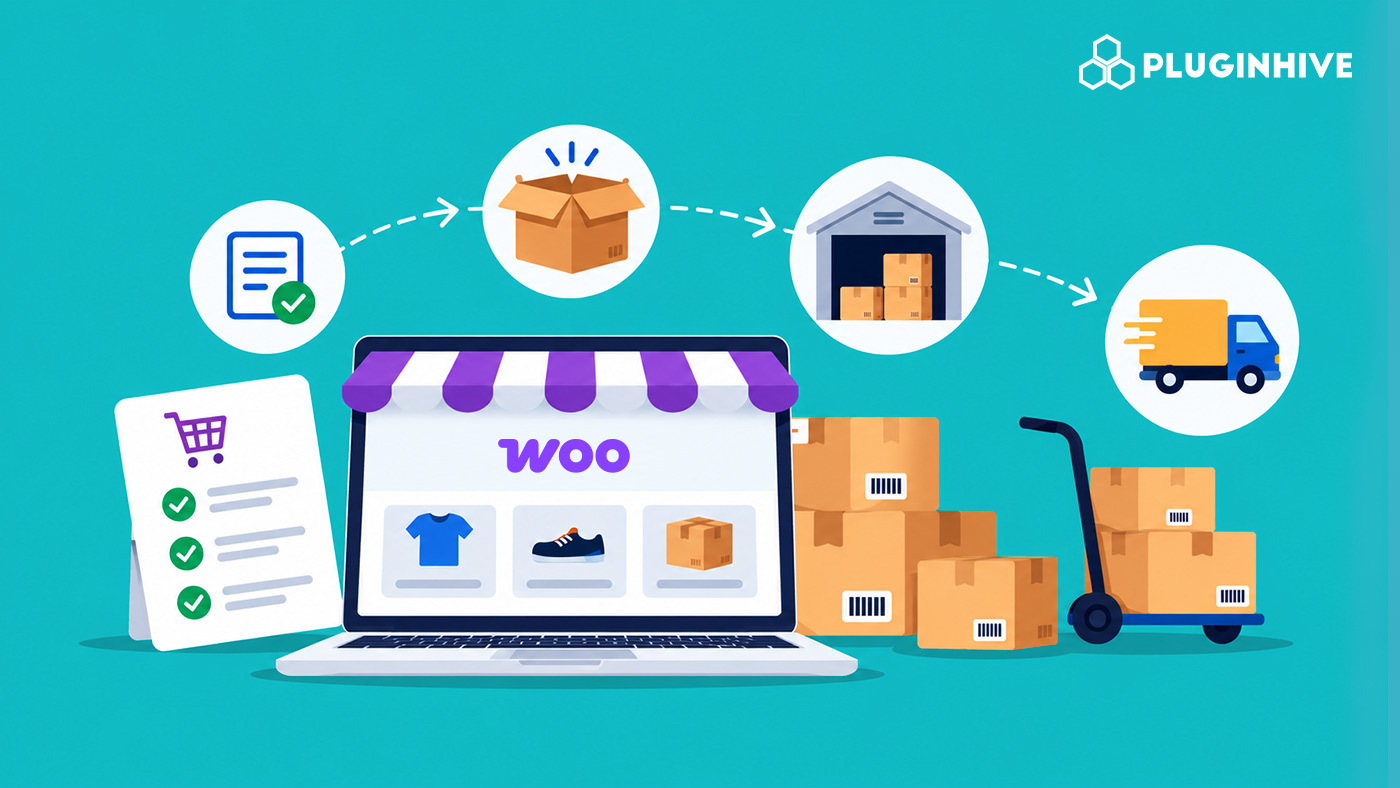
Order fulfillment is everything that happens between a customer clicking ‘Place order’ and the package arriving at their door: confirming the order, picking the items, packing them, shipping, tracking, and handling returns. WooCommerce manages the order itself well, but the shipping steps are where most new stores lose time. This guide explains the order fulfillment process in WooCommerce, the choices you’ll need to make, and how to automate rates, labels, and tracking.
On This Page
- What Order Fulfillment Means in WooCommerce
- The WooCommerce Order Fulfillment Process From Order to Delivery
- Self-Fulfillment vs Third-Party Fulfillment for WooCommerce Stores
- How to Automate WooCommerce Order Fulfillment
- Tips for Automating WooCommerce Order Fulfillment
- Real-World WooCommerce Use Case
- Conclusion
- FAQs
What Order Fulfillment Means in WooCommerce
In WooCommerce, an order moves through statuses as you work on it. A paid order lands in Processing, which means payment has been received and the order is waiting for you to fulfill it. Once the items have shipped, you mark it as Completed.
Everything in between is up to your setup. WooCommerce doesn’t connect to carrier accounts on its own, so quoting shipping, creating labels, and sending tracking numbers are manual jobs until you add a shipping plugin. That gap is what a fulfillment workflow fills.
The WooCommerce Order Fulfillment Process From Order to Delivery
The order fulfillment process includes several stages, from receiving an order to delivering it to the customer.
- Receiving and Confirming the Order: When a customer places an order, it appears in WooCommerce > Orders. Check the shipping address, ordered products, payment status, and selected shipping method.
- Picking and Packing: Picking means collecting the ordered items, while packing means placing them in suitable packaging. Record accurate package weight and dimensions, as these can affect shipping costs.
- Shipping the Order: Choose a suitable carrier and shipping service, generate the shipping label, and attach it to the parcel. Shipping integrations can help automate label generation and reduce manual data entry.
- Tracking and Closing the Order: Share the tracking number with the customer so they can follow the shipment. Update the order status as it moves through fulfillment, and mark it as Completed when the order has been fulfilled.
- Handling Returns: Establish a clear return process, including return eligibility, shipping costs, and label generation. Depending on the carrier and shipping solution, you may be able to generate return labels directly from the WooCommerce order page.
Self-Fulfillment vs Third-Party Fulfillment for WooCommerce Stores
WooCommerce store owners can fulfill orders themselves or outsource fulfillment to a third-party company. The right choice depends on the store’s order volume, budget, storage space, and operational needs.
- Self-Fulfillment: Self-fulfillment means you or your team pick, pack, and ship orders from your own space. It gives you greater control over inventory, packaging, and shipping.
- Third-Party Fulfillment: Third-party fulfillment means a fulfillment company stores your inventory, processes orders, and ships them to customers. This saves time and reduces day-to-day warehouse work, but gives you less control over packaging and handling.
The right approach depends on your order volume, budget, available storage, and how much of the fulfillment process you want to manage yourself.
How to Automate WooCommerce Order Fulfillment
As your store grows, manually processing every order can take up a significant amount of time. Shipping plugins and fulfillment tools can help automate repetitive tasks, reduce manual data entry, and keep customers informed throughout delivery.
Here are some common fulfillment tasks you can streamline:
| Fulfillment Task | How Plugins Can Help |
|---|---|
| Shipping rates at checkout | Display live shipping rates from carrier accounts so customers can choose suitable shipping options. |
| Managing multiple carriers | Connect multiple shipping carriers and manage their rates and shipping services in one place. |
| Applying shipping rules | Set custom rates based on order weight, price, destination, or other conditions. Hide or adjust shipping methods when needed. |
| Generating shipping labels | Generate shipping labels directly from WooCommerce orders instead of manually entering shipment details on carrier websites. Some solutions also support return labels. |
| Tracking shipments | Import tracking numbers in bulk, display tracking information on your store, and send customers shipping updates. |
| Showing delivery estimates | Display estimated delivery dates on product pages, in the cart, and at checkout. |
WooCommerce Plugins for Different Fulfillment Needs
You can choose plugins based on the tasks you want to automate. The following solutions cover different stages of the fulfillment process.
1. Carrier-Specific Shipping Rates, Labels, and Tracking
For stores working with a single carrier, carrier-specific plugins can display live shipping rates, generate shipping labels, and provide tracking updates from WooCommerce.
Options include:
- UPS Shipping Plugin for WooCommerce with Print Label
- FedEx Shipping Plugin for WooCommerce with Print Label
- PH USPS Shipping Plugin for WooCommerce with Print Label
- Canada Post Shipping Plugin for WooCommerce with Print Label
- PH NZ Post Shipping Plugin for WooCommerce with Print Label
- PH India Post Shipping Plugin for WooCommerce with Print Label
- PH Australia Post MyPost Business Shipping for WooCommerce
2. Managing Multiple Shipping Carriers
If you ship through different carriers, the Multi-Carrier Shipping Plugin for WooCommerce helps manage shipping rates from multiple supported carriers in one plugin.
Another option is WooCommerce Shipping Services, which supports multiple shipping carriers and helps automate rates, label generation, and shipment tracking.
3. Configuring Custom Shipping Rates and Rules
Stores that need more control over shipping costs can use:
- PH Table Rate Shipping Pro Plugin for WooCommerce to configure shipping rates based on conditions such as weight, price, quantity, and destination.
- PH Hide Shipping Methods & Rate Adjustment for WooCommerce to hide shipping methods or adjust rates based on configured conditions.
4. Automating Tracking and Customer Notifications
Shipment Tracking Pro for WooCommerce helps manage shipment tracking details, import tracking information in bulk through CSV, FTP, or SFTP, and send tracking notifications to customers.
5. Displaying Estimated Delivery Dates
The Estimated Delivery Date Plugin for WooCommerce displays delivery estimates on product pages, the cart, and checkout to help customers understand when their orders may arrive.
6. Managing Bulky and Freight Shipments
Stores shipping heavy or oversized goods can explore freight-specific solutions such as:
- PH TForce Freight Shipping Plugin for WooCommerce with Print Label
- PH ODFL Freight Shipping Plugin for WooCommerce with Print Label
You don’t need every tool to automate your fulfillment process. Start by identifying the most time-consuming task in your current workflow, then choose a plugin that addresses that specific need.
Tips for Automating WooCommerce Order Fulfillment
Automate in the order your time is being lost:
- If you retype addresses into carrier websites, add your carrier’s plugin first so labels print from the order page.
- If customers email asking about their parcels, add tracking and delivery estimates next.
- If you use several carriers, bring them into one plugin before you add more manual comparison work.
- If your shipping charges don’t match your costs, add table rates or hide methods that don’t suit certain products.
Real-World WooCommerce Use Case
Consider a WooCommerce store that receives orders every day and ships through multiple carriers. Initially, the team manually checks each order, enters shipment details on carrier websites, creates labels, and sends tracking information to customers.
As order volume grows, these tasks take more time and increase the chance of manual errors. The store can streamline its workflow by displaying shipping rates at checkout, generating labels directly from WooCommerce, and automating tracking updates. Shipping rules can also help the team apply suitable rates based on order details.
By automating the tasks that consume the most time, the store can reduce repetitive work and manage fulfillment more efficiently.
Conclusion
WooCommerce order fulfillment involves more than shipping a package. It requires accurate order processing, proper packing, reliable shipping, timely tracking updates, and a clear returns process.
As your store grows, reviewing each step can help you identify delays and reduce manual work. You can also use shipping and fulfillment plugins to automate repetitive tasks, manage shipments more efficiently, and improve the customer experience.
If you need help with shipping setup or order fulfillment, reach out to the PluginHive Support team.
FAQs
Q. Can I fulfill many orders at once?
Yes. Several carrier plugins support bulk label printing from the orders list, and Shipment Tracking Pro can import tracking numbers for many orders at once by CSV, FTP, or SFTP.
Q. How long does WooCommerce order fulfillment take?
Fulfillment time depends on product availability, order volume, packing requirements, and shipping arrangements. Processing orders promptly and setting clear handling times can help avoid delays.
Q. What is the difference between order processing and order fulfillment?
Order processing covers receiving and verifying an order, including payment and customer details. Order fulfillment includes picking, packing, shipping, tracking, and handling returns.
Q. How can I reduce order fulfillment errors?
Verify shipping addresses, maintain accurate inventory records, use consistent packing procedures, and check package weights and dimensions before shipping. Standardizing these tasks can reduce mistakes.
Q. How can I manage high order volumes in WooCommerce?
Organize picking and packing, prepare frequently used packaging materials, process orders in batches where practical, and automate repetitive shipping tasks. Review your workflow regularly to identify bottlenecks.
Q. What should a WooCommerce store include in its return process?
Define return eligibility, the return window, refund conditions, return shipping costs, and instructions for sending products back. Make this information easy for customers to find before they place an order.
