



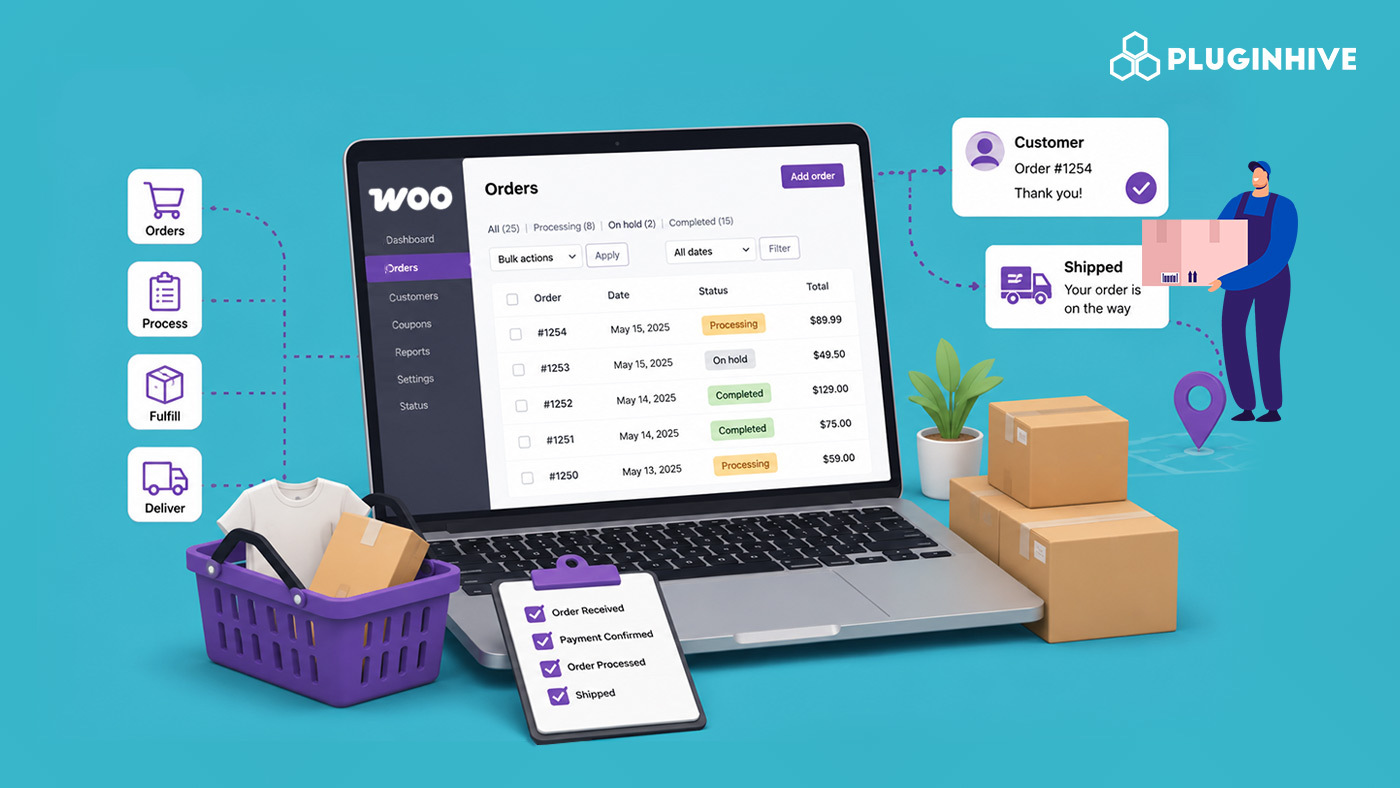
Every order that comes through a WooCommerce store moves through a series of stages between the moment a customer clicks Buy and the moment the package lands on their doorstep. Order management is the process of controlling that journey, tracking where every order sits, what needs to happen next, and making sure nothing falls through the cracks as volume grows.
This guide explains what order management actually covers in WooCommerce, the stages every order moves through, where stores typically start losing control as they scale, and what to put in place to keep the process running smoothly.
On This Page
- What Order Management Actually Means in WooCommerce
- The Core Stages of WooCommerce Order Management
- Where Order Management Breaks Down as a WooCommerce Store Scales
- How to Improve Order Management in Your WooCommerce Store
- Real-World WooCommerce Use Case
- Conclusion
- FAQs
What Order Management Actually Means in WooCommerce
Order management covers everything that happens to an order after checkout, payment confirmation, inventory allocation, packing, shipping label generation, dispatch, tracking, and finally delivery confirmation or closing out the sale. It also covers what happens when things don’t go to plan: cancellations, refunds, returns, and partial fulfillments.
In WooCommerce specifically, order management is built around order statuses. Every order sits in exactly one status at a time: Pending Payment, Processing, On Hold, Completed, Cancelled, Refunded, or Failed, and that status is what tells your team, your plugins, and your customer where things stand. Good order management is really the discipline of making sure orders move through these statuses accurately and on time, without manual guesswork at every step.
The Core Stages of WooCommerce Order Management
1. Order Placed and Payment Confirmed
An order enters as Pending Payment until the payment gateway confirms the transaction, at which point WooCommerce automatically moves it to Processing. This is the starting point of order management — everything downstream depends on this status change happening reliably.
2. Processing and Fulfillment
Processing is where the actual work happens: picking, packing, and preparing the shipment. This is also the stage where shipping rates get calculated, labels get generated, and the order gets physically handed to a carrier. For most WooCommerce stores, this is the single busiest stage to manage well, since it’s where manual bottlenecks show up first as order volume increases.
3. Shipped and Tracking
Once a label is generated and the order is dispatched, the order typically needs its tracking number attached, and the customer notified. Some stores use a custom “Shipped” status for this, while others move straight to Completed once dispatch happens — the right choice depends on how much visibility you want into in-transit orders specifically.
4. Completed, Cancelled, or Refunded
Completed marks the order as fully fulfilled. Cancelled and Refunded cover orders that didn’t go through as planned — a customer changing their mind, a payment dispute, or a product issue. On Hold is used for orders awaiting manual review, commonly for payment methods like bank transfer where confirmation isn’t automatic.
Where Order Management Breaks Down as a Store Scales
Order management that works fine at ten orders a day usually starts cracking well before a hundred. The most common breaking points:
- Labels generated one order at a time, with someone manually opening each order to process it
- Tracking numbers copied and pasted into spreadsheets or emails instead of being attached to the order automatically
- Order status not updating automatically after a label is printed, leaving orders stuck in Processing long after they’ve actually shipped
- No clear view of which orders are overdue for fulfillment, since everything lives in the same undifferentiated Orders list
- Shipping rate mistakes going unnoticed because rates were never checked against what the carrier is actually charging
None of these are WooCommerce limitations exactly — WooCommerce’s order system is capable of handling real volume. They’re gaps in how the store’s shipping and fulfillment tools are set up around it.
How to Improve Order Management in Your WooCommerce Store
Most of the order management bottlenecks above come from shipping plugin configuration and inefficient workflows, not from WooCommerce’s order system. You can streamline order management and reduce repetitive fulfillment tasks with the following approaches:
Automate Label Generation
Carrier plugins like the FedEx Shipping Plugin for WooCommerce with Print Label, WooCommerce UPS Shipping Plugin with Print Label, and PH USPS Shipping Plugin for WooCommerce with Print Label can automatically generate shipping labels when an order reaches a defined status. This removes the need to open each order and create the label manually.

Generate Labels in Bulk
When several orders are ready for fulfillment, these carrier plugins let you select multiple Processing orders from the WooCommerce Orders page and generate their shipping labels together. This helps fulfillment teams process larger order volumes without repeating the same action for every order.

Attach Tracking Automatically
Tracking numbers are saved to the order automatically when a label is printed through a carrier plugin. For live tracking links in order emails and the customer’s My Account page across different carriers, the Shipment Tracking Pro for WooCommerce plugin manages tracking centrally rather than requiring separate tracking workflows for each carrier.

Compare and Manage Multiple Carriers From One Place
Stores shipping with more than one carrier can manage live rates through the Multi-Carrier Shipping Plugin for WooCommerce instead of juggling separate plugins and workflows for each carrier.

Together, these workflows can make WooCommerce order management faster and more consistent. Automating labels, processing orders in batches, keeping tracking updates in sync, and managing multiple carriers from one place reduces repetitive work and gives your fulfillment team more time to focus on getting orders out accurately and on time.
Real-World WooCommerce Use Case
A WooCommerce store selling pet accessories had grown from around 15 orders a day to over 100 within a year, but the order management process hadn’t changed at all. Staff opened each order individually to generate a shipping label. They manually entered tracking numbers into a spreadsheet and then copied them into customer emails. They also updated order statuses by hand at the end of each day. As a result, orders that shipped in the morning remained in Processing until the evening, which generated a steady stream of “Has my order shipped?” enquiries.
How the Store Fixed It
The store installed the PH USPS Shipping Plugin for WooCommerce with Print Label and switched to bulk label printing, processing Processing orders in batches twice a day instead of one at a time. They enabled automatic order status updates after label creation and added Shipment Tracking Pro for WooCommerce to attach live tracking links to order emails automatically.
The Result
- Label processing time dropped from several hours a day to well under an hour.
- Order status reflected reality within minutes of a label being generated, instead of hours later.
- “Has my order shipped” support enquiries dropped substantially once tracking reached customers automatically.
- The fulfillment team could see, for the first time, a genuinely accurate Processing queue instead of one padded with orders that had actually already shipped.
Conclusion
Order management in WooCommerce isn’t a separate system you bolt on — it’s the discipline of keeping order status, shipping, and tracking accurate and moving without manual intervention at every step. WooCommerce’s built-in order statuses can handle real volume on their own; what usually breaks down is the shipping and fulfillment tooling around them. Automating shipping tasks automatically closes most of the gap between a store that manages orders well and one that’s constantly playing catch-up.
Need help setting up your WooCommerce order and fulfillment workflow? The PluginHive support team is here.
FAQs
Q. What are the default order statuses in WooCommerce?
WooCommerce’s default order statuses are Pending Payment, Processing, On Hold, Completed, Cancelled, Refunded, and Failed. Some payment gateways and plugins add custom statuses on top of these — a “Shipped” status is a common addition for stores that want a distinct stage between Processing and Completed.
Q. Does WooCommerce have built-in order management, or do I need a separate plugin?
WooCommerce includes order management natively — order statuses, an Orders list, filtering, and manual status changes are all built in. What WooCommerce doesn’t include natively is live carrier rate calculation, label printing, or automatic tracking, which is where dedicated shipping plugins come in to complete the workflow.
Q. Can WooCommerce marketplaces manage orders across multiple vendors?
Yes. The PH Multi-Vendor Shipping Plugin for WooCommerce calculates shipping separately for each vendor. It also manages split orders within the same WooCommerce order status system when a single customer order contains products from multiple vendors.
