


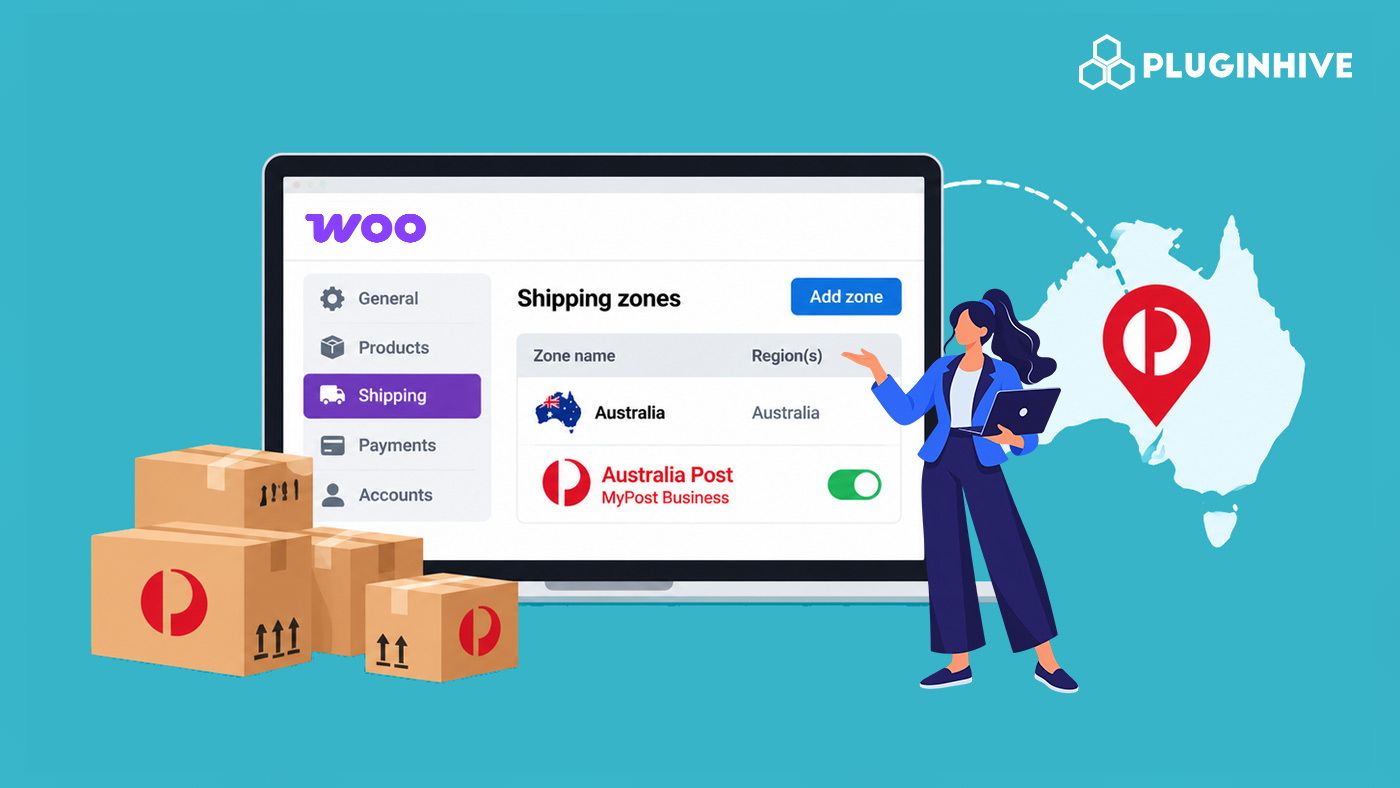
MyPost Business is Australia Post‘s rate tier for registered businesses, and it splits cleanly into domestic and international services with very different pricing and transit expectations. For WooCommerce stores, the shipping zone configuration, not a single global rate, decides which services a customer sees and what they pay.
This guide explains why zone-based configuration matters for MyPost Business, how zone-level service selection actually works, and how to set it up in your store.
On This Page
- Why Shipping Zones Matter for Australia Post MyPost Business
- WooCommerce Shipping Zones vs a Single Global MyPost Business Rate
- How to Configure WooCommerce Shipping Zones for Australia Post MyPost Business
- Real-World WooCommerce Use Case
- Conclusion
- FAQs
Why Shipping Zones Matter for Australia Post MyPost Business
MyPost Business offers two domestic services, Parcel Post + Signature and Express Post + Signature, and two international services, Intl Parcels Standard and Intl Parcels Express. Without zone-based configuration, a store risks showing international options to domestic customers, or domestic-only services to customers overseas, since WooCommerce has no way to tell which services make sense for which destination unless zones tell it.
Australia Post‘s pricing is already distance- and zone-based, so aligning your WooCommerce shipping zones to that structure, rather than using one shared configuration for the entire store, keeps checkout showing the right services at the right price for each customer’s location.
Shipping Zones vs a Single Global MyPost Business Rate
Using MyPost Business as a single global shipping method is simpler to set up, but every destination may see the same services and rate adjustments, regardless of whether the shipment is domestic or international. The PH Australia Post MyPost Business Shipping for WooCommerce plugin lets you configure shipping methods by zone, giving you more control over the services and rates available to customers in different regions.
| Feature | Single Global Rate | Zone-Based Setup |
|---|---|---|
| Domestic vs. International Services | The same configured services may appear for all destinations. | Only the services configured for each zone are available. |
| Rate Adjustments | The same rate adjustment applies across destinations. | Rate adjustments can vary by zone. |
| Checkout Experience | Customers may see services that are unsuitable for their destination. | Customers see shipping options configured for their destination. |
For stores shipping to both domestic and international destinations, a zone-based setup offers greater flexibility. It helps you tailor shipping services and rate adjustments to each region instead of relying on a single configuration for the entire store.
How to Configure WooCommerce Shipping Zones for Australia Post MyPost Business
The PH Australia Post MyPost Business Shipping Plugin for WooCommerce includes built-in WooCommerce shipping zone integration. To configure the plugin in your store, refer to the Setting Up Guide for Australia Post MyPost Business Plugin.
This plugin lets you create new zones or use the ones your store already has, and assign MyPost Business as a shipping method to each one independently.

For each zone, you can select your preferred services for a particular area, depending on what that zone covers.

Pull live rates from your own negotiated MyPost Business account for every zone, rather than published retail rates.

Real-World WooCommerce Use Case
A WooCommerce store selling home decor shipped domestically across Australia and to a smaller base of international customers, but ran MyPost Business as a single shared shipping method for the entire store. The store had no way to show different options by region without manually filtering orders.
How the Plugin Helped
The store started using the Australia Post MyPost Business Shipping Plugin and created separate WooCommerce shipping zones for Australian destinations and international destinations, added Australia Post MyPost Business as its own method within each zone, and selected only the relevant services for specific zones.
The Result
- Different shipping rates could be configured for different destinations.
- Customers saw more appropriate shipping options at checkout.
- The store no longer needed to manually review orders to determine which services applied to each destination.
Conclusion
A well-structured setup gives you greater control over the services available to customers, keeps shipping costs relevant to each destination, and helps avoid confusion at checkout. Reviewing your shipping zones regularly also helps ensure that your shipping methods remain aligned with your store’s delivery needs as your business grows. By organizing your shipping settings effectively, you can simplify shipping management and provide customers with a smoother checkout experience.
If you need assistance with your shipping configuration, contact PluginHive support for guidance.
FAQs
Q. Can I show different MyPost Business services in different WooCommerce shipping zones?
Yes. Australia Post MyPost Business can be added as its own shipping method within each zone, and the services available in that method are selected independently per zone.
Q. What happens if a customer’s address doesn’t match any configured zone?
WooCommerce falls back to the store’s catch-all zone (“Locations not covered by your other zones”) if one is configured. Within a matched zone, the plugin’s own fallback rate also keeps checkout working if live MyPost Business rates don’t return a result.
Q. How can I hide a specific MyPost Business service for one zone without restructuring my zones?
The PH Hide Shipping Methods & Rate Adjustment for WooCommerce plugin lets you conditionally hide specific shipping methods based on products, destinations, cart value, and other conditions, without changing your zone setup.
Q. Can I combine MyPost Business zones with free or flat-rate shipping in other zones?
Yes. Zones are independent of each other, so one zone can use live MyPost Business rates while another uses WooCommerce’s built-in free shipping or flat rate methods.
Q. Can I show different delivery estimates for each MyPost Business zone?
Yes. The Estimated Delivery Date Plugin for WooCommerce supports setting different estimated delivery dates per shipping zone, so domestic and international customers see timeframes relevant to their own destination.
