


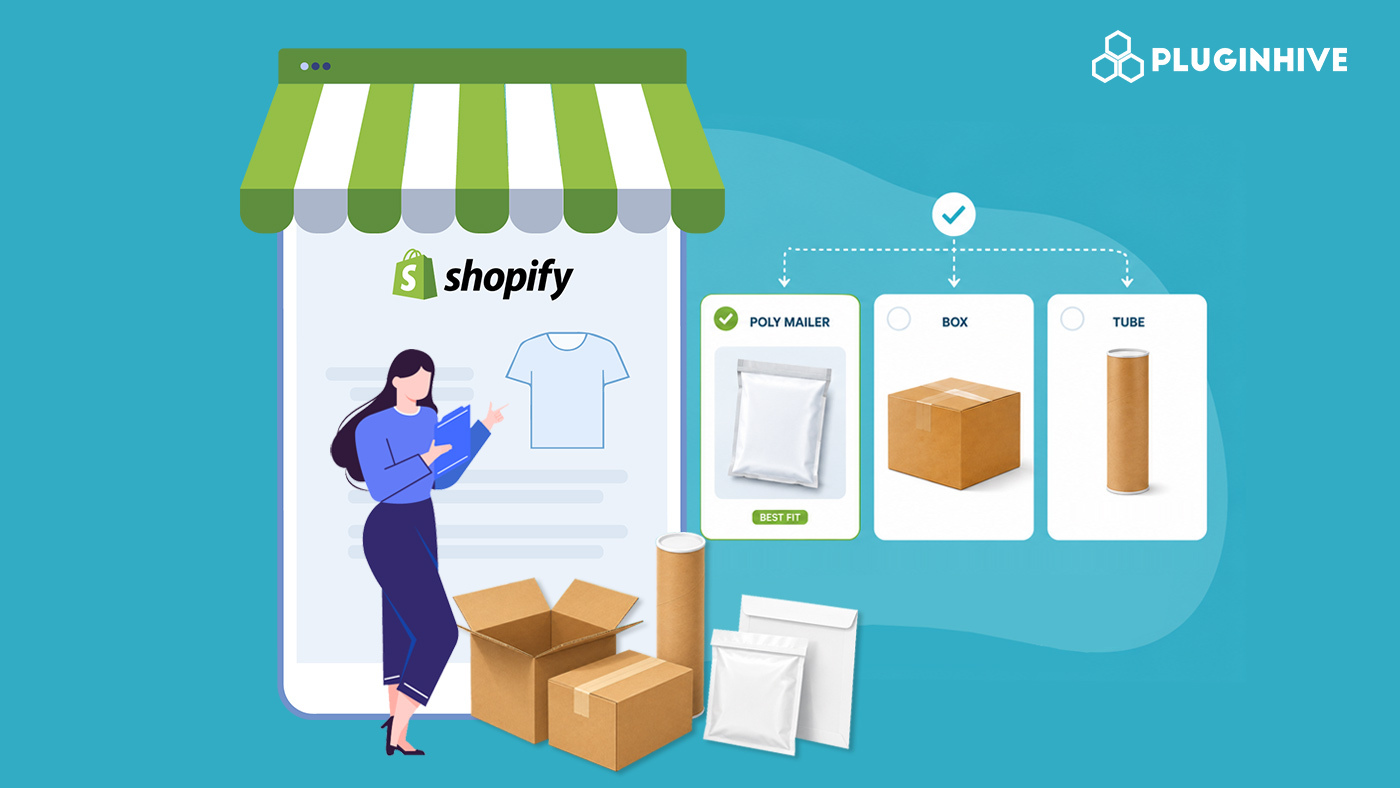
Choosing the right FedEx packaging might not be the first thing on your mind when you’re running a Shopify store, but it directly affects your shipping costs, damage rates, and even customer experience. Pick the wrong box, and you’re either paying more than you should in dimensional weight charges, or your product arrives dented, and your customer is unhappy. Pick the right one and everything runs smoother from fulfillment to delivery.
This guide walks you through the official FedEx packaging options: envelopes, boxes, and tubes, along with the core packing principles FedEx recommends, and how the PH Ship, Rate & Track for FedEx app makes it easier to apply the right packaging to the right shipment directly inside Shopify.
In This Article:
- FedEx Packaging Options in Shopify: Overview
- FedEx Envelopes and Paks in Shopify: What to Use Them For
- FedEx Boxes in Shopify: Small, Medium, Large, and Extra Large
- FedEx Tubes in Shopify: For Rolled and Long-Format Items
- Using Your Own Packaging in Shopify: What FedEx Requires
- FedEx Packing Methods in Shopify
- How PH Ship, Rate & Track for FedEx Simplifies Packaging on Shopify
- Conclusion
- FAQs
FedEx Packaging Options in Shopify: Overview
FedEx offers two broad categories of packaging.
- FedEx offers complimentary branded packaging when you use FedEx expedited services. If you’re shipping with expedited FedEx services, envelopes, paks, poly bags, boxes, and tubes are complimentary.
- The second is your own packaging, where FedEx has specific rules about box quality, cushioning, and sealing.
Complimentary FedEx packaging is only available for shipments using FedEx expedited, FedEx Express Saver, and select FedEx standard International services.
FedEx Envelopes and Paks in Shopify: What to Use Them For
FedEx envelopes and paks are the right choice for documents, lightweight flat items, and soft goods that don’t require rigid protection.
- FedEx Envelope: The standard envelope is best suited for letters, contracts, invoices, certificates, and other flat paperwork. For express shipments smaller than 7″ x 4″ x 2″, use a FedEx Express packaging option like the envelope where appropriate.
- FedEx Pak: A step up from the envelope, the Pak is suited for slightly bulkier documents or flexible non-fragile items. It comes in Standard and Large sizes. If you overstuff a FedEx Envelope or FedEx Pak so that the maximum cubic volume, weight, or thickness exceeds its packaging type limits, the shipment will be rated as a FedEx One Rate box based on the package’s overall cubic volume.
What not to ship in envelopes: Polybags and paper envelopes are unacceptable outer containers for biological substances or dangerous goods. For fragile items, electronics, or anything that requires cushioning, always move to a box.
FedEx Boxes in Shopify: Small, Medium, Large, and Extra Large
Boxes are the workhorse of e-commerce shipping and the most versatile FedEx packaging option for Shopify stores. FedEx offers branded boxes in multiple sizes, each designed for specific product categories and weight ranges.
- FedEx Small Box: (inside dimensions 12.25″ x 10.9″ x 1.5″) to ship a single reel of magnetic tape and small documents.
- FedEx Medium Box: The Medium Box has inside dimensions of 13.25″ x 11.5″ x 2.38″. It’s a popular choice for mid-sized product categories, such as apparel folded flat, stationery bundles, or small electronics.
- FedEx Large Box: The Large Box has inside dimensions of 17.88″ x 12.38″ x 3″. Use this for larger flat products, bundled orders, or anything that’s too wide for the medium.
- FedEx Extra Large Box: For heavier or bulkier shipments that still qualify under FedEx Express services. This box offers the most internal volume among standard FedEx-branded options while keeping you within the One Rate program.
FedEx Tubes in Shopify: For Rolled and Long-Format Items
The company designed the triangular FedEx Tube specifically for items that you can’t fold or pack flat in a box.
- The FedEx Tube has inside dimensions of 38″ x 6″ x 6″ x 6″ with a maximum weight allowed of 20 lbs. FedEx designed this triangular box for plans, posters, fabric rolls, charts, and blueprints.
- Place rolled goods inside a FedEx Tube, triangular tube, corrugated fiberboard box, or crate. Additionally, tightly wrap rolled goods using several layers of heavy-duty plastic film and wrap with plastic packing tape before placing the rolled goods into a FedEx tube or corrugated fiberboard box.
The tube qualifies for FedEx One Rate just like boxes and paks, making it a cost-effective FedEx packaging option for Shopify merchants who regularly ship posters, art prints, fabric swatches, technical drawings, or similar long-format products.
Using Your Own Packaging in Shopify: What FedEx Requires
Not every Shopify merchant ships in FedEx-branded packaging, and that’s completely fine. FedEx has clear guidelines for using your own boxes and mailers.
You may use your own packaging if the boxes are sturdy and undamaged, with all flaps intact. Pack chipboard boxes, such as gift or shoe boxes, inside a corrugated fiberboard outer box. Use double-wall boxes for heavier items.
Your outer container should be corrugated fiberboard. The outer container should be made out of corrugated fiberboard materials. Other rigid containers, such as plastic cases, wooden crates, and metal totes, can be used, but are subject to additional handling surcharges.
A few other things to keep in mind:
- Remove all old address labels from reused boxes before shipping, and make sure there are no holes, tears, or corner dents in the outer box.
- Place items that might be damaged by normal handling, such as soiling, marking, or application of adhesive labels, in a protective outer box.
- Enclose an extra label, business card, or letterhead with the shipper’s address and phone number and the recipient’s address and phone number inside the package before sealing it.
FedEx Packing Methods in Shopify
Once you’ve chosen the right FedEx packaging, how you pack the contents matters just as much. FedEx recommends two primary packing methods depending on what you’re shipping.
Single-Box Method
- This works for most everyday Shopify orders of non-fragile products in standard corrugated boxes.
- Ship nonfragile products like soft goods inside a sturdy outer box. Use fillers like crumpled newspaper, loose-fill peanuts, or air-cellular cushioning material to fill void spaces and prevent movement of goods inside the box during shipping.
- Protect goods from dirt, water, and wet conditions by placing them inside a plastic bag.
Box-in-Box Method
- For fragile products, such as glassware, ceramics, or small electronics, the box-in-box method provides serious protection.
- Wrap products individually with at least 2″ thickness of air-cellular cushioning or foam material to fit snugly inside a corrugated fiberboard box. Use a second box that is at least 6″ longer, wider, and deeper than the inner box.
- Ship fragile products individually, wrapping them in a minimum 3″ thickness of air-cellular cushioning material. Wrap the inner box with 3″ thickness of air-cellular cushioning material or use at least 3″ of loosefill peanuts or other cushioning material to fill the spaces between the inner and outer boxes on the top, bottom, and all sides.
How PH Ship, Rate & Track for FedEx Simplifies Packaging on Shopify
Understanding FedEx packaging guidelines is one thing. Applying them across hundreds of Shopify orders efficiently is another. This is where the PH Ship, Rate & Track for FedEx app comes in.

The app integrates directly with your Shopify store and FedEx account, so you can control how each order gets packaged and shipped without leaving your Shopify dashboard.
Here’s what the app helps you manage from a packaging standpoint:
- Configure custom box types: by adding your own box dimensions (or FedEx-branded sizes) directly in the app to calculate accurate rates at checkout.

- Automatic packing logic: The app uses item dimensions and weight to figure out the most efficient way to pack orders into your configured boxes, tubes, or envelopes.

- Real-time rate calculation: Once packaging is configured, customers see accurate FedEx shipping rates at checkout based on the actual package size, not estimates.

- Label generation: Generate FedEx shipping labels tied to the correct packaging type directly from the order page in Shopify.

The result is a packaging workflow that matches FedEx’s guidelines, keeps rates accurate, and takes the manual guesswork out of a process that can easily become a daily time sink for growing Shopify stores.
Conclusion
Choosing the right FedEx packaging helps Shopify merchants reduce shipping costs, prevent product damage, and improve the delivery experience. Whether you’re using FedEx Envelopes, Boxes, or Tubes, selecting the correct packaging and following FedEx packing guidelines can make your fulfillment process far more efficient.
As order volume grows, managing packaging manually becomes difficult. The PH Ship, Rate & Track for FedEx app helps automate packaging selection, configure custom box sizes, display accurate FedEx shipping rates at checkout, and generate labels directly within Shopify.
With the right FedEx packaging strategy and shipping setup, Shopify merchants can streamline fulfillment, lower shipping costs, and deliver a better customer experience.
FAQs
Q. What is the H taping method?
The H taping method means applying tape down the center seam and across both ends of the box flaps, forming an H shape. FedEx recommends this for both the top and bottom of every box.
Q. Can I use a FedEx Tube for fragile items?
Use the FedEx Tube to ship rolled goods like posters, blueprints, and fabric rolls. Fragile items generally need a box with cushioning rather than a tube.
Q. What is dimensional weight, and how do I reduce it?
DIM weight is calculated by multiplying the package’s length × width × height in inches, then dividing by 139. If the result is greater than the actual weight, FedEx charges based on DIM weight. You can reduce it by using right-sized packaging and minimizing empty space inside boxes.
