



UPS is one of the most trusted carriers for Shopify merchants. It offers reliable delivery, competitive rates, and a global network. For Shopify businesses, speed and accuracy matter. UPS delivers on both.
Many online sellers choose UPS for its wide service options. From local ground shipping to fast international delivery, UPS covers it all. Customers know and trust the UPS brand, which helps build confidence in your store.
In this guide, we’ll cover the essentials of using UPS in Shopify. You’ll learn about UPS rates, how to print shipping labels, and how to track packages.
In This Article
- Setting Up UPS in Shopify
- UPS Shipping Rates in Shopify
- Printing UPS Shipping Labels in Shopify
- Order Tracking with UPS on Shopify
- When to Use Shopify Shipping UPS vs. PH Multi-Carrier Shipping Label
- Conclusion
- FAQ’s
Setting Up UPS in Shopify
Shopify lets you ship with UPS in two ways. You can use Shopify’s built-in UPS integration or connect through the PH Multi-Carrier Shipping Label app.
Features: When connecting through Shopify shipping
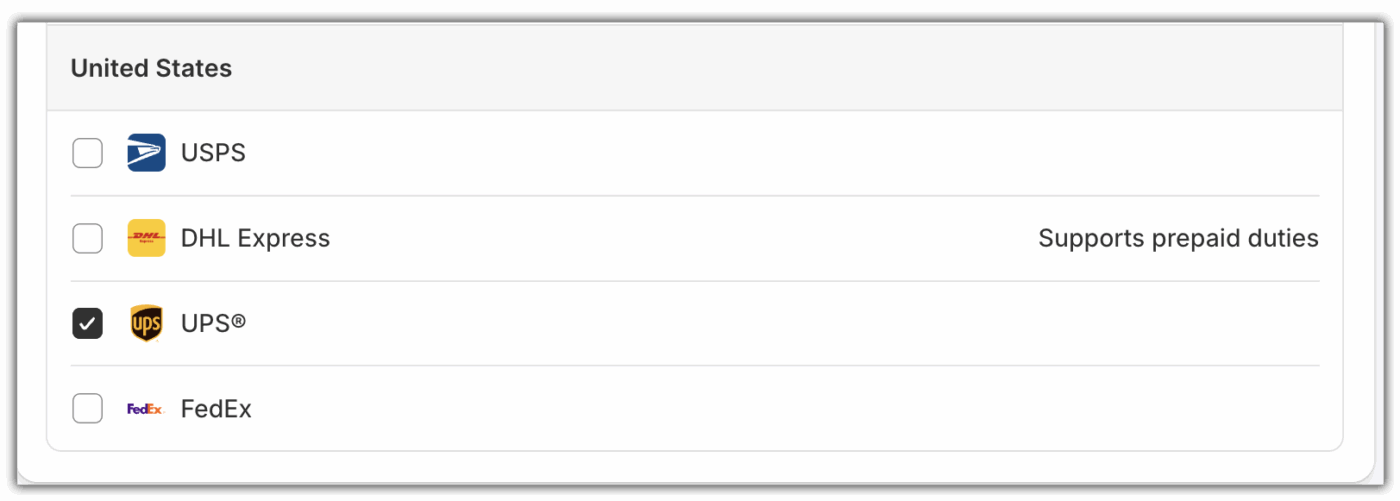
- Use Shopify’s built-in UPS account – Everything is ready to go. No extra setup needed.
- Perfect for small merchants – Great for stores with a low to medium number of orders.
- Show real-time UPS rates at checkout – Customers see accurate shipping costs at checkout based on weight, destination, and delivery speed.
- Buy and print labels directly from Shopify – No extra apps or tools required.
Features: When connecting with PluginHive MCSL
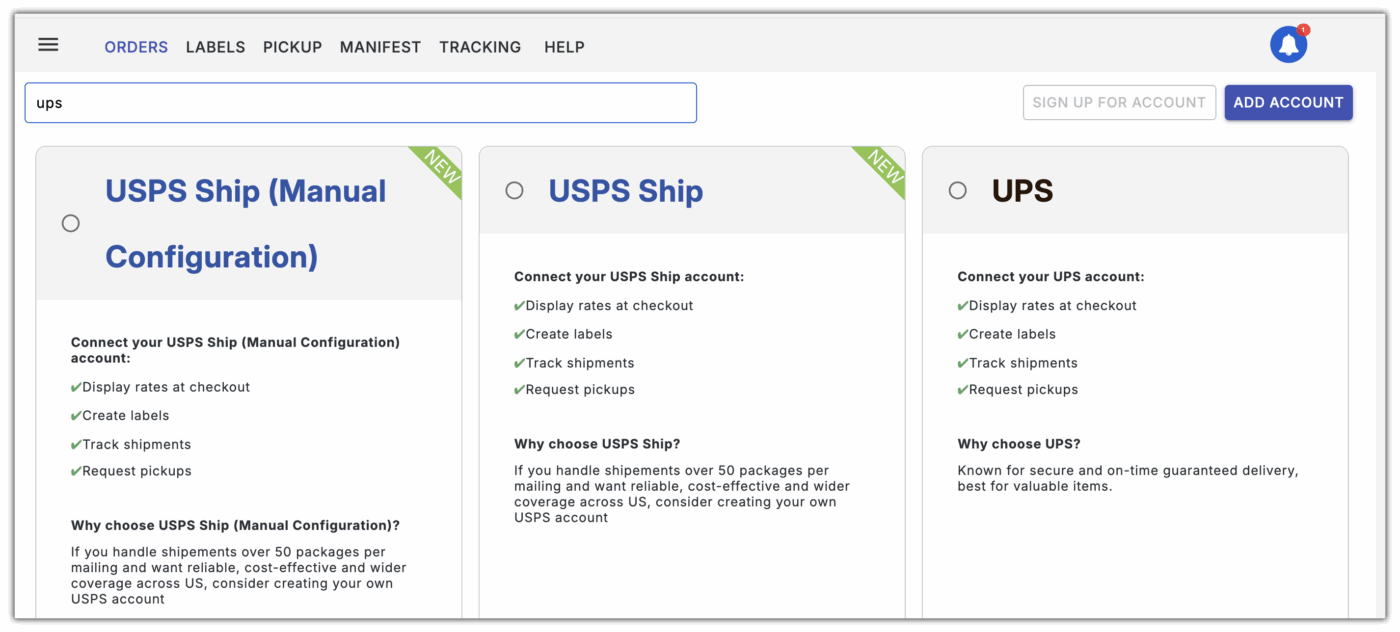
- Link your own UPS account easily – Connect your UPS account straight to Shopify using the PH Multi-Carrier Shipping Label app.
- Show real-time UPS rates at checkout – Customers see accurate shipping costs based on weight, size, and destination.
- Print UPS labels in bulk – Save time when shipping multiple orders at once.
- Schedule UPS pickups – Set up one-time or recurring pickups without leaving Shopify.
- Track all shipments in one place – Keep UPS tracking updates organized for you and your customers.
- Multi-Carrier & Full UPS Access: Connect UPS along with top carriers like FedEx, USPS, DHL, and more. Access every UPS service, including special services like Surepost(Ground Saver), international shipping documents, and negotiated rates, all from a single dashboard.
- Customizable Shipping Control: Automate shipping based on custom rules, select the best service for each order, customize rates, generate shipping documents, and streamline tracking, giving you full control over cost, speed, and customer experience.
UPS Shipping Rates in Shopify
UPS shipping rates can vary depending on several factors. Understanding how they are calculated helps you offer accurate costs to your customers.
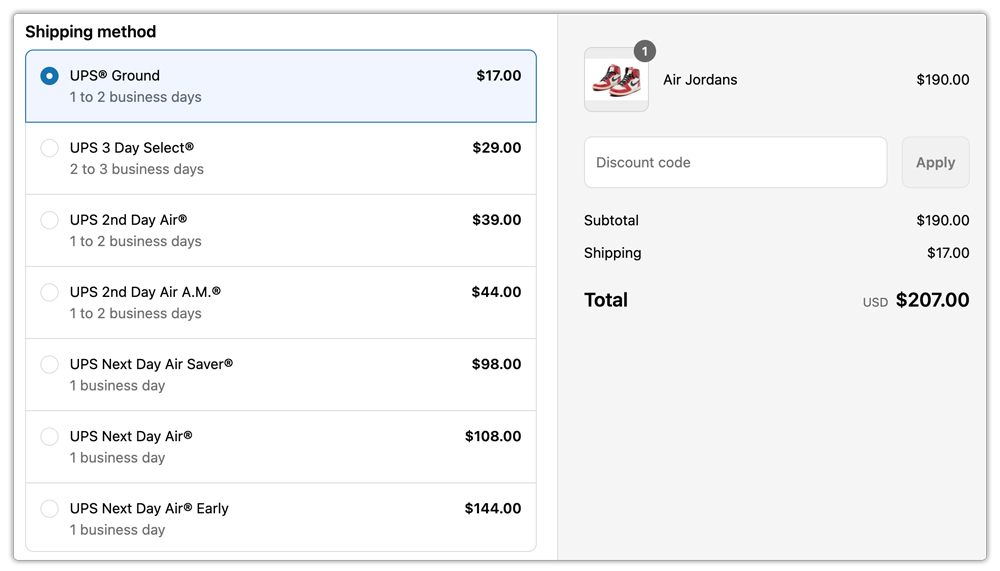
- UPS Shipping Rates in Shopify: UPS shipping rates can vary depending on several factors. Using Shopify alone or connecting through PH Multi-Carrier Shipping Label affects how rates are displayed.
- How UPS Rates Are Calculated: UPS rates are determined by several key factors. The weight and dimensions of the package are important. Shipping distance and zones also affect the cost. The speed of delivery, like Ground or Next Day Air, changes the price. Using MCSL, you can ensure all rates are accurate and reflect your UPS account discounts.
- Displaying Real-Time UPS Rates at Checkout: Shopify can show live UPS rates to customers. This lets them see the exact cost before completing an order. MCSL can enhance this by showing additional UPS services not available in Shopify’s default setup.
Printing UPS Shipping Labels in Shopify
Printing UPS labels through Shopify is quick and straightforward. Whether you’re handling just a few orders or running a high-volume store, there are simple ways to make the process more efficient.
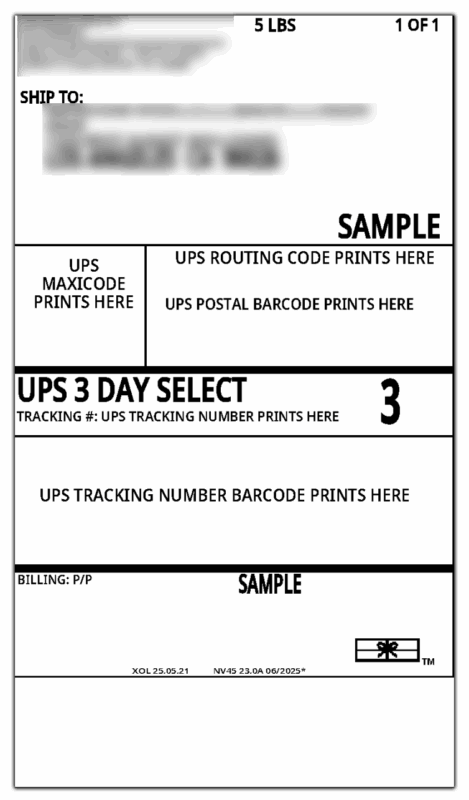
- Generate Labels from the Dashboard: Create UPS shipping labels directly in your Shopify dashboard using PH MCSL. This keeps everything in one place and speeds up order fulfillment.
- Bulk document printing: If you ship in large volumes, generate multiple UPS labels, commercial invoices, COD labels, and return labels in one go instead of individually. This saves time and effort.
- App Integration for Automation: Tools like PH Multi-Carrier Shipping Label let you automate label creation, apply custom shipping rules, and sync tracking numbers automatically.
- Cost-Saving Tips: Use Shopify-UPS discounted rates, compare available UPS services, and pack efficiently to lower shipping costs.
Order Tracking with UPS on Shopify
UPS tracking is easy to manage directly in Shopify, especially when using apps like PH Multi-Carrier Shipping Label. Once orders are fulfilled, tracking information flows smoothly into your store and keeps customers updated.
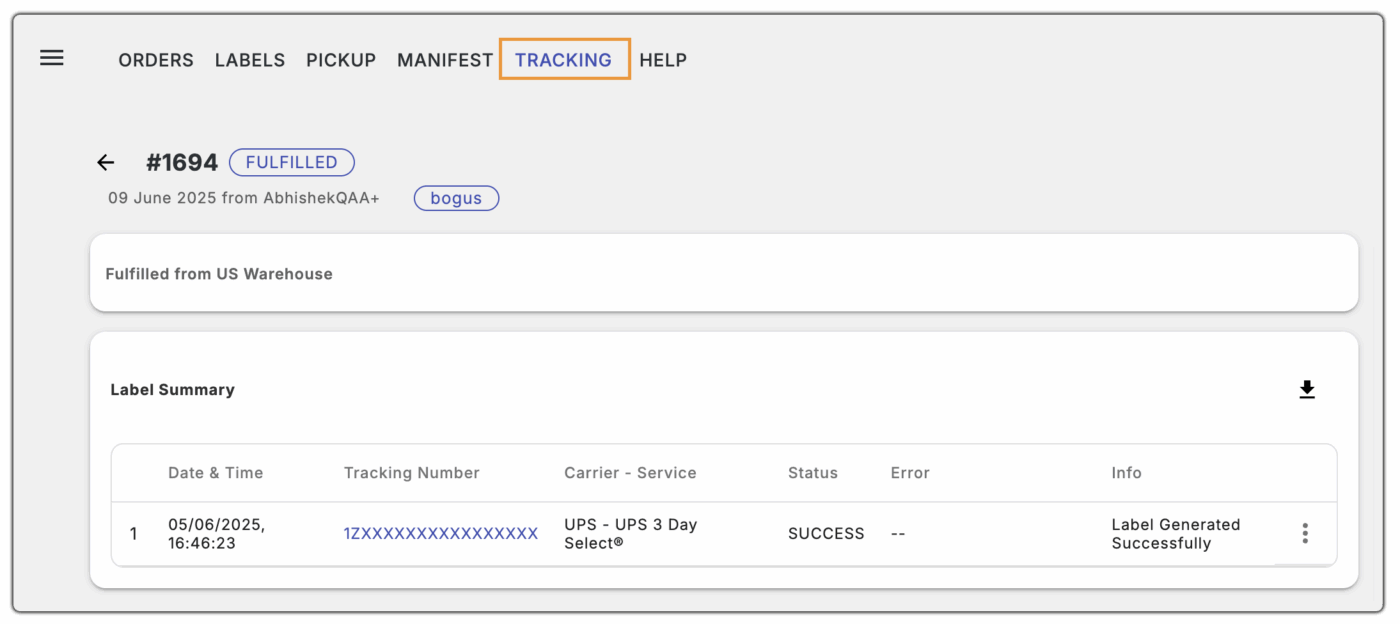
- How Tracking Works: UPS tracking is automatically generated when you generate the label using the PH MCSL app. Customers can view real-time updates without leaving your store.
- Real-Time Updates: After you mark an order as fulfilled, the tracking number is instantly synced, and customers can follow their shipment every step of the way.
- Tracking Notifications: Shopify can send automated tracking emails so buyers know when their package has shipped and when to expect delivery.
- Centralized Tracking: Both you and your customers benefit from a single place to track shipments. All UPS updates appear in one dashboard, removing the need to check multiple sites.
When to Use Shopify Shipping UPS vs. PH Multi-Carrier Shipping Label
Choosing the right method for UPS shipping in Shopify depends on your store’s needs and order volume. Both Shopify Shipping, UPS, and PH Multi-Carrier Shipping Label offer label creation and tracking, but they shine in different scenarios.
- Use Shopify Shipping UPS When:
- You have a small to medium-sized store with fewer daily orders.
- You want a simple, built-in solution without installing extra apps.
- You mainly ship with standard UPS services and don’t need advanced automation.
- You prefer basic label printing directly from the Shopify dashboard.
- Use the PH Multi-Carrier Shipping Label When:
- You run a high-volume store and need bulk label printing.
- Automate shipping to save time, reduce errors, keep customers updated, and ensure every order uses the best service.
- You ship with multiple carriers or require special UPS services like UPS Surepost(Ground Saver), HAZMAT shipping, custom pickup type, and pickup service.
- You need a centralized dashboard to manage all shipments, track updates, and send notifications automatically.
By understanding your store’s workflow, you can choose the method that saves time, reduces errors, and keeps customers informed.
Conclusion
UPS is a reliable and trusted shipping partner for Shopify sellers, offering a range of services that make order fulfillment smoother and more predictable. By leveraging UPS rates, printing labels efficiently, and providing real-time tracking updates, merchants can save time, reduce errors, and enhance the customer experience.
For faster and more streamlined operations, integrating the PH Multi-Carrier Shipping Label in Shopify is highly recommended. This setup helps automate label generation, manage bulk orders, and centralize tracking, allowing your store to fulfill orders quickly while keeping customers informed every step of the way.
FAQ’s
- How do I calculate UPS package size?
Measure the length, width, and height of your package in inches. Multiply these dimensions and divide by 139 to get the dimensional weight. UPS charges based on the higher of the actual weight or dimensional weight.
- Does UPS charge by weight or size?
UPS charges based on either the actual weight or the dimensional weight of a package, whichever is greater. This ensures that both heavy and large, lightweight packages are priced fairly.
- What size is a UPS 25 kg box?
A UPS 25 kg box can hold shipments up to 25 kg (55 pounds). Its dimensions are 19″ × 17″ × 14″ in.
