


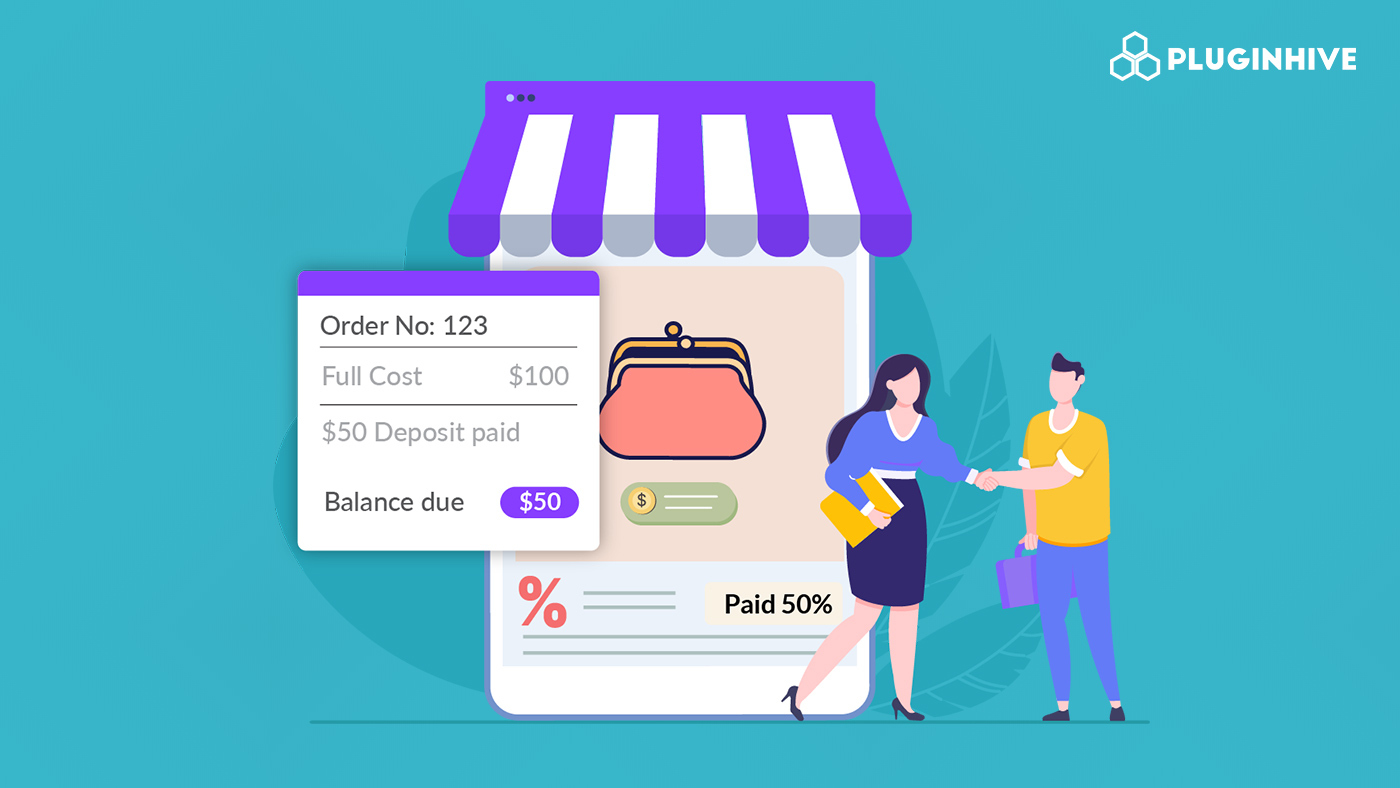
Order cancellations are a common challenge for WooCommerce store owners, especially for businesses that sell custom products, accept bookings, or manage limited inventory. When customers cancel after placing an order, it can lead to wasted time, blocked stock, and lost revenue. Over time, frequent cancellations also make it harder to plan operations and maintain a steady cash flow.
Using deposits instead of requiring full payment up front is a practical way to reduce these issues. Deposits don’t prevent every cancellation, but they help filter out uncertain buyers early and secure commitment from customers who are serious about completing their order. This guide explains how using deposits in WooCommerce can reduce cancellations and create more reliable orders.
Table of Contents
- Common Reasons Customers Cancel Orders in WooCommerce
- How WooCommerce Deposits Help Reduce Order Cancellations
- Implementing Deposits in a WooCommerce Store
- Real-World Use Cases for Deposits in WooCommerce
- Best Practices for Using WooCommerce Deposits Effectively
- Conclusion
- FAQs
Common Reasons Customers Cancel Orders in WooCommerce
Order cancellations happen more often than you might think, and they usually stem from customer hesitation. Even after checkout, customers may second-guess their decision. Understanding these patterns helps you address problems before they turn into lost orders.
Several key factors consistently contribute to cancelled orders:
- Buyer’s Remorse: Customers sometimes regret a large or impulsive purchase, especially when they have to pay the full amount up front.
- Payment Shock: Seeing a single substantial charge can trigger financial worry, prompting them to cancel to free up funds.
- Unclear Process: For custom-made-to-order or pre-order products, vague timelines for production or delivery can make customers hesitant.
- Competitive Shopping: The period between order and shipment gives customers time to look for a better price or faster shipping elsewhere.
- Easy Reversal: WooCommerce makes cancellations simple, so backing out requires little effort.
When these factors combine, cancellations become more likely, even if your customers initially intended to make a purchase. Addressing hesitation before an order moves forward is crucial. Deposits help shift that hesitation to an earlier stage, preventing low-intent orders from reaching checkout and reducing cancellations that happen after time, inventory, or effort has already been committed.
How WooCommerce Deposits Help Reduce Order Cancellations
You might wonder how a small change in how you take payments can affect day-to-day operations. When you introduce WooCommerce Deposits, you’re not just adjusting pricing. You’re guiding customers to treat their order as a real commitment rather than a casual decision.
Here’s how deposits work in your favour:
- Lower the initial barrier: A smaller upfront payment feels less risky and reduces payment shock, making it easier for customers to move forward.
- Encourage follow-through: Once customers pay part of the total, they are more likely to complete the order rather than walk away from their initial payment.
- Set clear expectations: A deposit signals that the order is confirmed and that preparation, production, or reservation has begun.
- Build commitment over time: Paying the remaining balance later reinforces the customer’s decision and keeps them engaged until completion.
- Attract more serious buyers: Customers willing to pay a deposit are usually more confident in their decision, which helps filter out low-intent orders.
By turning a tentative order into a confirmed commitment, deposits help create a more stable and predictable sales process.
Implement Deposits and Partial Payments in Your WooCommerce Store
Adding deposits to your WooCommerce store doesn’t have to be complicated. With the PH WooCommerce Deposits plugin, you can set up partial payments in a way that fits naturally into your existing checkout process.
With this plugin, you can:
- Offer flexible payment options such as fixed deposits, percentage-based deposits, or payment plans.

- Apply deposits where they make sense, whether that’s for high-value items, custom products, or your entire store.

- Keep checkout clear and transparent so customers know exactly what they’re paying now and what’s due later.

- Automate balance payments with reminder emails, reducing manual follow-ups and missed payments.

- Manage all deposit and balance orders from your WooCommerce dashboard, making it easy to track payments and generate balance invoices when needed.

The PH WooCommerce Deposits plugin helps you add structure to payments without adding friction to the buying experience. To get started, follow the setup guide and implement deposits in your WooCommerce store.
Real-World Use Cases for Deposits in WooCommerce
Understanding how deposits work in real situations helps you decide where they make the most sense for your store. The table below outlines common scenarios where deposits help reduce cancellations and improve order commitment.
| Use Case / Scenario | How Deposits Help |
|---|---|
| Custom or made-to-order products | Deposits secure partial payment before production begins, reducing the risk of unpaid work if the order is cancelled. |
| Bookings and appointments | Deposits confirm customer intent, helping reduce no-shows and protect time-based availability. |
| High-value products | A smaller upfront payment lowers hesitation while ensuring the customer remains committed to completing the order. |
| Pre-orders and product launches | Deposits confirm genuine demand and discourage cancellations once the product becomes available. |
| Event services or equipment rentals | Deposits reserve inventory or dates and help offset losses caused by last-minute cancellations. |
| Bulk or wholesale B2B orders | A deposit turns a big quote into a real order. It shows the client is serious, helps you pay for materials, and locks in the sale so you can start production. |
When used in these situations, deposits reduce cancellations without complicating checkout or discouraging genuine buyers.
For more details on how deposits are used across different industries, see this guide: Top Industries Benefiting from WooCommerce Deposits.
Best Practices for Using WooCommerce Deposits Effectively
Using deposits works best when your customers clearly understand what they’re committing to and what to expect next. These best practices help you use WooCommerce deposits in a way that feels fair to customers and practical for your store.
- Set a meaningful deposit amount: Choose a fixed amount or percentage that creates real commitment. The deposit should feel manageable upfront, but high enough that customers think twice before cancelling.
- Make customers acknowledge key terms before checkout: Transparency prevents disputes. Clearly state your deposit rules, balance due dates, and cancellation policies. You can reinforce this by using a PH WooCommerce Product Add-on plugin to add a simple “I agree to the terms” checkbox, ensuring customers confirm these details before their order is placed.
- Show clear delivery or service timelines upfront: Customers feel more confident when they know when to expect their order or service. Using the PH WooCommerce Deposits plugin, alongside an Estimated Delivery Dates plugin, removes uncertainty and sets solid expectations after the deposit is paid.
- Handle Refunds Gracefully: Offer full deposit refunds within a short window (e.g., 24 hours) for buyer’s remorse, but charge fees for later cancellations to discourage flakes.
By following these steps, you increase order commitment and protect your business from avoidable cancellations.
Conclusion
Deposits can make a real difference in how your WooCommerce store handles order commitment. By asking customers to pay a portion upfront, you reduce last-minute changes and create a clearer path from checkout to fulfillment. This approach helps you protect your time, inventory, and planning while still giving customers a flexible way to complete their purchase.
If you want to set up the PH WooCommerce Deposits plugin in your store and need help getting everything configured correctly, you can reach out to PluginHive support for guidance.
FAQs
Q. Is the PH WooCommerce Deposits plugin free?
No. The PH WooCommerce Deposits plugin is a paid plugin priced at $99 per year. It includes a 30-day money-back guarantee, so you can test it in your store and decide if it fits your needs.
Q. How much do order cancellations usually drop when using deposits?
reductions of 30% to 70%. Results vary based on how you structure your payment plans and the type of products you sell.
Q. Are WooCommerce deposits suitable for service-based businesses?
Yes. Deposits work well for services like appointments, rentals, and consultations. When used with a WooCommerce Booking and Appointments plugin, deposits help secure time slots, reduce no-shows, and ensure customers commit before a service is scheduled.
Q. Can customers still cancel after paying a deposit in WooCommerce?
Yes, unless your store policy restricts it. Deposits reduce cancellations, but you should clearly explain what happens to the deposit if a customer cancels.
Q. How much should I charge as a deposit in WooCommerce?
There’s no fixed amount. Many stores use 20% to 50% of the order value or a reasonable fixed fee. The goal is to create commitment without making checkout difficult.
