


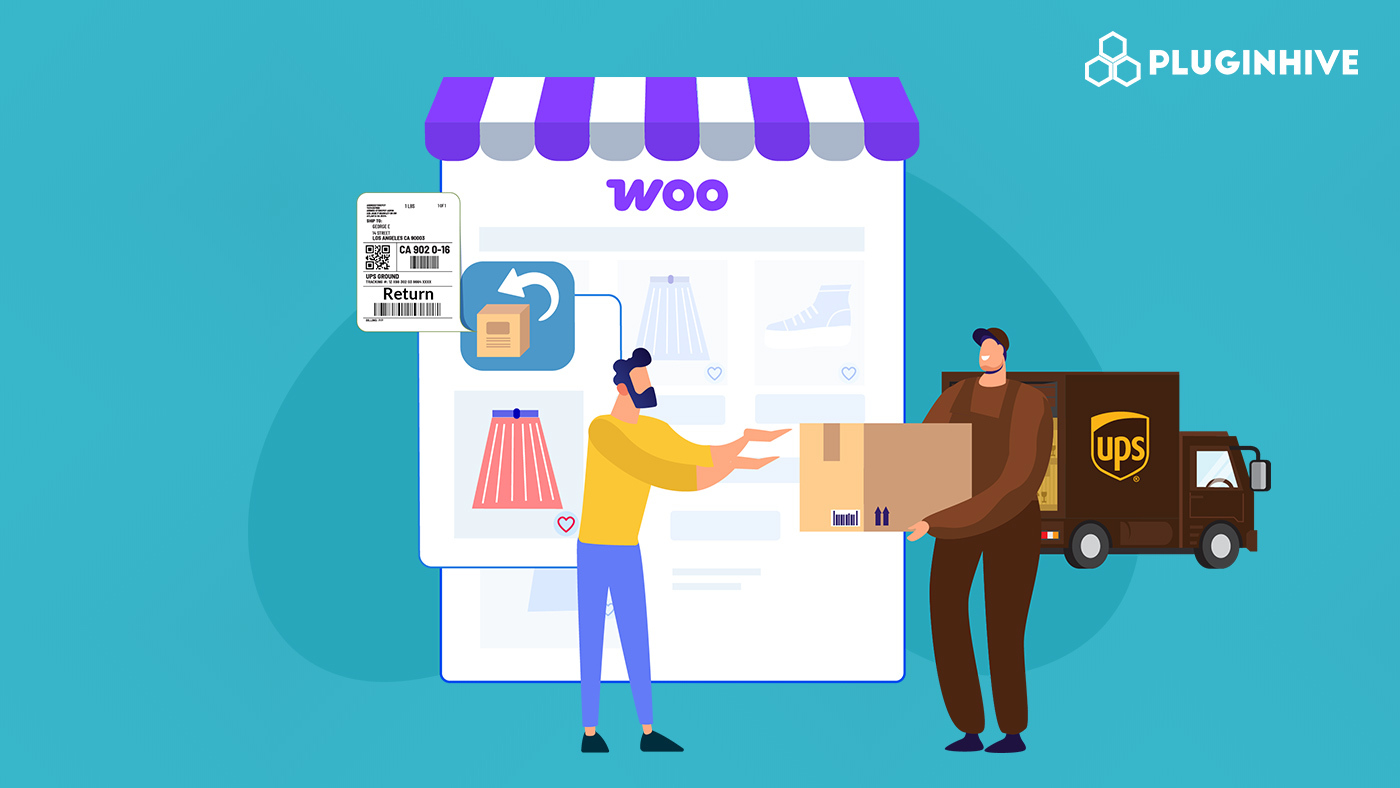
Efficient returns are essential for any WooCommerce store, boosting customer satisfaction and trust. Integrating carriers like UPS can simplify the process further by generating return labels and supporting the RMA workflow. For WooCommerce returns with UPS, using return labels ensures a smooth, hassle-free experience for both merchants and customers.
This guide shows how to manage returns with UPS in WooCommerce and use UPS return labels to streamline the process.
On This Page
- Understanding Returns in WooCommerce
- RMA Workflow in WooCommerce
- Setting Up WooCommerce Returns with UPS
- Best Practices for Managing WooCommerce Returns with UPS
- Real-World Use Case
- Conclusion
- FAQs
Understanding Returns in WooCommerce
Returns are an unavoidable part of online retail, and how your WooCommerce store handles them can greatly impact customer satisfaction and brand reputation. WooCommerce provides a flexible foundation for managing returns, allowing store owners to process refund requests, track returned products, and communicate clearly with customers throughout the process.
However, the default WooCommerce setup doesn’t include a dedicated return or RMA system. That’s where extensions and shipping integrations come in, helping merchants automate return requests, generate return labels, and manage product replacements or refunds efficiently.
RMA Workflow in WooCommerce
The RMA (Return Merchandise Authorization) workflow in WooCommerce helps store owners manage return requests in an organized and traceable way. Instead of handling returns through scattered emails or manual communication, an RMA system allows both customers and store administrators to follow a structured process from start to finish.
Here’s how a typical WooCommerce RMA workflow works:
- Customer Initiates a Return Request – The customer submits a return request for the item they wish to return.
- Store Owner Reviews the Request – The admin reviews the return reason, checks product eligibility based on the return policy, and approves or declines the request.
- RMA Number Generation – Once approved, the system generates a unique RMA number to track the return through every stage.
- Return Label Issued – A return shipping label (e.g., via UPS or another carrier) is generated and shared with the customer for sending the product back.
- Product Returned and Inspected – The store receives the returned item, verifies its condition, and updates the RMA status accordingly.
- Refund or Replacement Processed – Based on the outcome of the inspection, the store either issues a refund, sends a replacement product, or credits the customer’s account.
By automating this workflow using WooCommerce extensions, store owners can reduce manual handling and provide customers with a transparent return experience. Integrating UPS further enhances this process by simplifying label generation and shipment tracking.
Let’s see how you can automate WooCommerce returns with UPS.
Setting Up WooCommerce Returns with UPS
Handling product returns can often be time-consuming, but the WooCommerce UPS Shipping Plugin with Print Label makes it easy to manage the entire process efficiently.
For a full setup walkthrough, refer to the PluginHive UPS Shipping Guide for WooCommerce.
Once the plugin is installed and configured, you can generate UPS return labels by selecting your preferred UPS service.

You can print the UPS return labels directly from the WooCommerce order page and share them with customers, either by email, including them with the forward shipment, or by allowing customers to download them from their My Account page.

Each return shipment automatically generates a UPS tracking number, enabling both store owners and customers to track the return’s progress in real-time.

Once the returned product is received and verified based on your store’s return policy, you can process the refund directly from the WooCommerce order page.
Best Practices for Managing WooCommerce Returns with UPS
While WooCommerce return requests become smoother with UPS integration, following some best practices can make the process even more efficient:
- Clearly Define Your Return Policy: Outline time limits, product eligibility, and conditions for returns on your store. Display it prominently to avoid confusion.
- Offer Easy-to-Use Return Labels: With UPS integration, you can provide prepaid return labels. Customers can download them from their account, receive them via email, or include them in forward shipments.
- Enable Real-Time Tracking: Each UPS return shipment generates a tracking number. Share it with customers to increase transparency and reduce support inquiries.
- Inspect and Process Returns Promptly: Once items are returned, verify their condition and process refunds or replacements quickly to maintain customer satisfaction.
- Monitor Return Trends: Analyze returned items to identify recurring issues, optimize product descriptions, and reduce future returns.
By following these practices, WooCommerce store owners can create a hassle-free, transparent returns experience for customers, while minimizing manual work with UPS.
Real-World Use Case: WooCommerce Store Handling Returns with UPS
A WooCommerce store selling premium fashion accessories across the U.S. wanted to streamline its returns process while providing a smooth experience for customers.
Challenges:
- Managing return requests, generating RMA numbers, and approving returns manually were time-consuming.
- Sending return labels and tracking shipments for multiple customers increased the risk of errors.
- Coordinating returned items and processing refunds or replacements added extra operational complexity.
Solution:
The store integrated the WooCommerce UPS Shipping Plugin with Print Label, which allowed them to:
- Generate and email UPS return labels directly from the WooCommerce order page, giving customers a convenient way to return items.
- Track each return shipment in real-time using UPS tracking numbers, increasing transparency for both store owners and customers.
- Reduce manual effort and eliminate errors by managing the entire return process within WooCommerce.
After implementing this solution, the store was able to offer a hassle-free return process, ensuring the smooth handling of all returned orders.
To see a step-by-step demonstration of managing WooCommerce returns with UPS, check out this video.
Conclusion
Efficient returns are essential for any WooCommerce store. Utilizing WooCommerce tools and UPS return labels streamlines the RMA workflow, ensuring a seamless customer experience. From generating return labels to processing refunds or replacements, everything can be managed within WooCommerce.
Combining WooCommerce with the WooCommerce UPS Shipping Plugin makes returns with UPS simple, error-free, and hassle-free, building trust and enhancing the overall shopping experience.
FAQs
- Can I show UPS live rates in WooCommerce with this plugin?
Yes, you can display real-time UPS shipping rates at checkout with the plugin. This ensures accurate shipping costs for the shipments. Check out more info on displaying UPS live rates in WooCommerce.
- How do I print UPS shipping labels for WooCommerce orders?
With the UPS Shipping Plugin, you can generate and print shipping labels directly from the order page, including return labels for customers. Check out more info on printing UPS shipping labels in WooCommerce.
- How can I track UPS shipments for WooCommerce orders?
The plugin automatically generates UPS tracking numbers for each shipment, which can be shared with customers or tracked within WooCommerce. Check out more info on UPS tracking for WooCommerce orders.
